
How do I reset my password?
.avif)
Table of contents

Share:


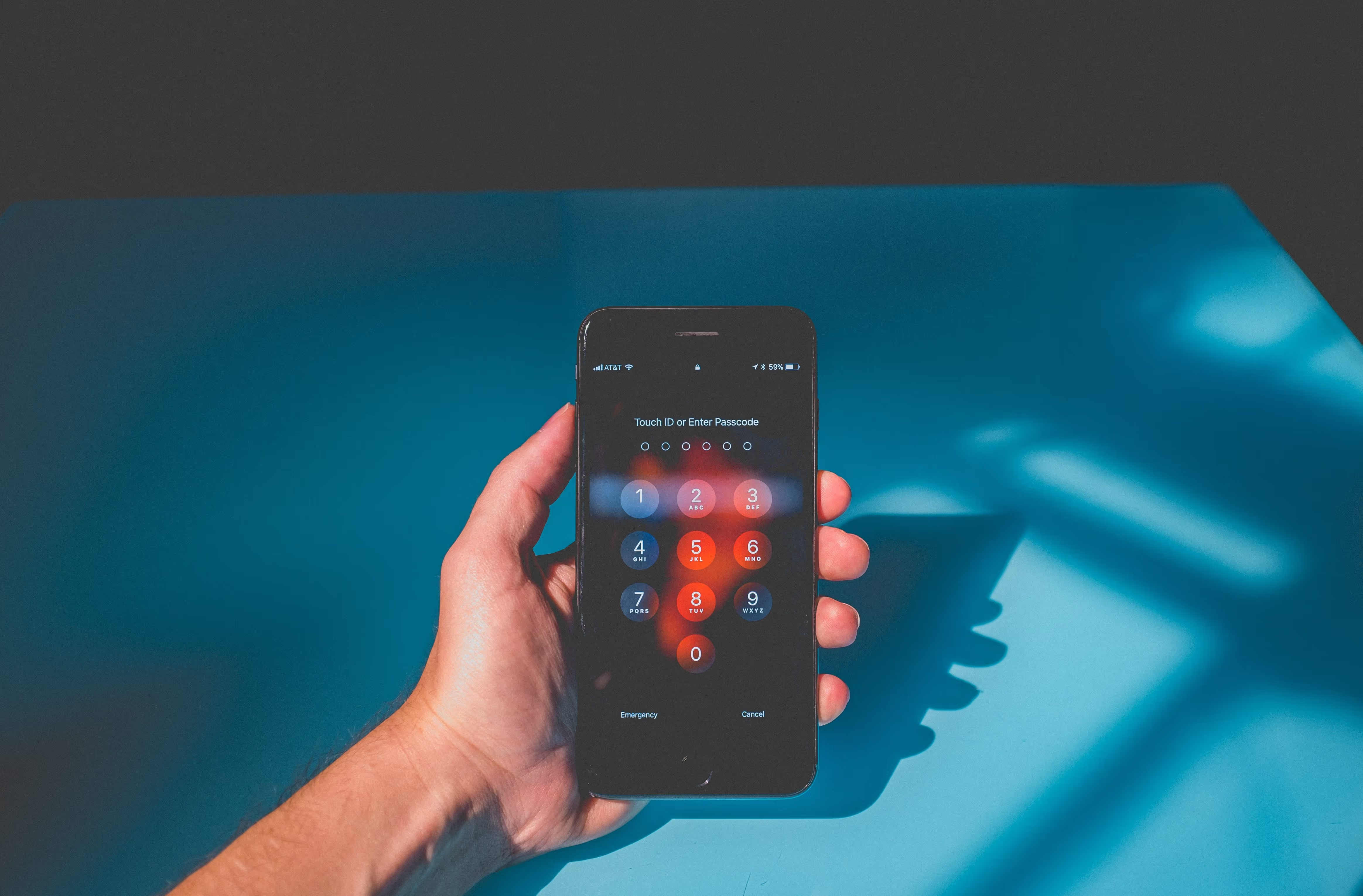
This is in draft right now! Need to add numbering and screenshots, as well as the "setup" and links to other posts. - SNIf you are unable to access the app because of your password, click on the "Login" button in the top right corner of the screen, and the dialog box comes up asking you to login. Click on the "Forgot Password" link and provide the email that you used to register for the app. You should receive an email with a link to reset your password. We recommend using Chrome as your browser, not Microsoft Edge, to perform this reset. When you receive the email, either click on the link or copy it into your browser and you should be asked to enter a new password twice. Once the two match, click on "Submit" and you will be prompted to login again.If you do not receive the email, or you are unable to reset your password, please speak with your administrator. Weever Apps cannot perform password resets due to security reasons.

Don’t miss what’s next
Stay updated with the latest insights, deep dives, and expert perspectives.



Spend Less Time on Admin. More Time Improving Operations.
See how Weever automates data entry, reporting, and action items so you can focus on improvement not admin.