
Autonomous Maintenance Step 1: How to Run the Initial Cleaning
Table of contents

Share:


Most machines on a production line haven't been properly clean in years. They get wiped down at changeovers and washed during sanitation, but the drive side behind the guard, the underside of the conveyor and the inside of the electrical cabinet door haven't been seen by anyone in a long time.
That's where the problems are hiding: the oil weep that's been there since spring, the cracked bracket, the bolt that's already half backed out. Step 1 finds them. Run it well and you start the program knowing the real condition of your equipment, with a list of defects to fix and operators who have seen their machine down to the frame. Run it as a one-day clean-up and you'll have a shiny machine, no record of what you found, and the same failures three months later.
Step 1 is where every program built on the 7 steps of autonomous maintenance starts. This guide covers what the initial clean is for, what to look for, how to tag what you find, how to run it safely, and how to know when you're ready for step 2.
What is step 1 of Autonomous Maintenance?
Step 1 is the initial cleaning: a thorough, hands-on clean of the equipment by a small team of operators working alongside a maintenance technician. The goal is to bring the machine back to its basic condition, reaching the places routine cleaning never gets to, and to record every defect the team finds along the way.
The phrase that sums it up is cleaning is inspection. The team isn't cleaning so the machine looks good. They're cleaning because dirt, product build-up and old grease hide the faults that cause breakdowns, and wiping every surface by hand puts their eyes and hands on every part of the machine.
Why autonomous maintenance starts with cleaning
It can feel like an odd place to start an equipment reliability program. There are four good reasons it comes first.
You can't inspect what you can't see. Every later step depends on operators spotting abnormal conditions. On a machine covered in residue, they can't.
It sets the baseline. The clean shows the real condition of the equipment, and the defect list it produces becomes the starting point for step 2 (eliminating contamination sources) and step 3 (writing CIL standards).
Operators learn the machine. Someone who has cleaned a filler from the frame up knows where its lube points are, what its guards hide and what it looks like when it's right. That knowledge is the foundation of every inspection they'll do later.
It builds the partnership. Operators and technicians working side by side on the same machine is often the first time the two groups have done maintenance together. It sets the tone for the rest of the program.
What to look for during the clean
Give the team a short list of what counts as a defect before they start. Most programs use seven types.
How to tag what you find
Every defect gets a tag, hung on the machine at the spot where it was found and recorded in a log. The tag is a visible promise: this has been seen, and someone will fix it.
Most plants use two tag colours, split by who fixes the problem: one colour for issues operators can fix themselves, another for issues that need maintenance. Red for maintenance and blue or white for operators is a common choice. Some plants colour tags by type instead, such as red for safety. Either works, as long as the whole plant uses the same system.
Whatever the colour, each tag needs the same information: where it is, what's wrong, who found it and when, how serious it is, and who owns the fix. A photo turns a vague note ("leak, drive side") into something a technician can act on without walking to the line. The tag comes off only when the fix is confirmed.
How to run the initial clean
Before the clean. Pick one machine on your pilot line, not the whole line. Agree a downtime window with production, long enough to do the job properly. Brief the team on safety, the seven defect types and the tagging system. Get the right cleaning materials for each surface, and take "before" photos.
During the clean. A team of a few operators plus a technician works through the machine section by section. The technician removes guards and covers that operators aren't authorized to open, and explains what each component does as it's exposed. Everyone tags as they go, rather than trying to remember defects at the end.
After the clean. Log every tag the same day. Sort them into operator fixes and maintenance fixes, close the quick ones on the spot, and give every maintenance tag an owner and a due date. Pull out the contamination sources and hard-to-reach points as the starting list for step 2. Take "after" photos, and record how long the clean took: that's the baseline step 2 will try to beat.
Safety comes first
The initial clean puts people inside machines they usually only run, so it needs more safety planning than a routine shift.
- Lockout/tagout on every energy source before anyone reaches in, verified by the technician.
- Guards and covers removed only by authorized people, and refitted before restart.
- Cleaning materials matched to surfaces. Some solvents damage seals, painted surfaces or electrical parts, and compressed air can blow debris into bearings.
- PPE for the job: gloves, eye protection, and anything your chemical safety data sheets require.
- A clear restart check, so nothing is left inside the machine and every guard is back in place.
Initial cleaning in food and beverage plants
In a food plant, the deep clean runs into product-contact surfaces, approved chemicals, allergen control and validated sanitation procedures. Step 1 is still the right first step; it just can't be run the way it would be in a fabrication shop.
Plan it with your sanitation lead and QA. Agree which surfaces the AM team cleans and which stay with sanitation, which chemicals are approved, and how the machine is released back to production. Keep the AM record separate from sanitation records: one is about equipment condition, the other is food safety evidence. The hub guide to what autonomous maintenance looks like in a food or beverage plant covers this in more detail.
Where step 1 goes wrong
- It's treated as a one-off clean-up day. The machine looks great, nobody records what was found, and there's nothing to work from in step 2.
- Tags go up and never come down. If defects aren't fixed, operators learn that tagging changes nothing. Close the easy ones that week, and make progress on the rest visible.
- Operators clean alone. Without a technician, guards stay on, nobody explains what's being exposed, and the learning that makes step 1 worthwhile doesn't happen.
- Too much at once. Cleaning every machine on the line in one shutdown spreads the team thin and floods maintenance with tags. Start with one machine, then the next.
- No baseline. Without before photos and a cleaning time, you can't show anyone what changed.
When is step 1 done?
Step 1 is done when every machine on the pilot line has been deep cleaned, each defect found is tagged and logged, the operator tags are closed, and every maintenance tag has an owner and a date. You should also have a list of contamination sources and hard-to-access areas, and a baseline cleaning time for each machine.
How Weever helps with step 1
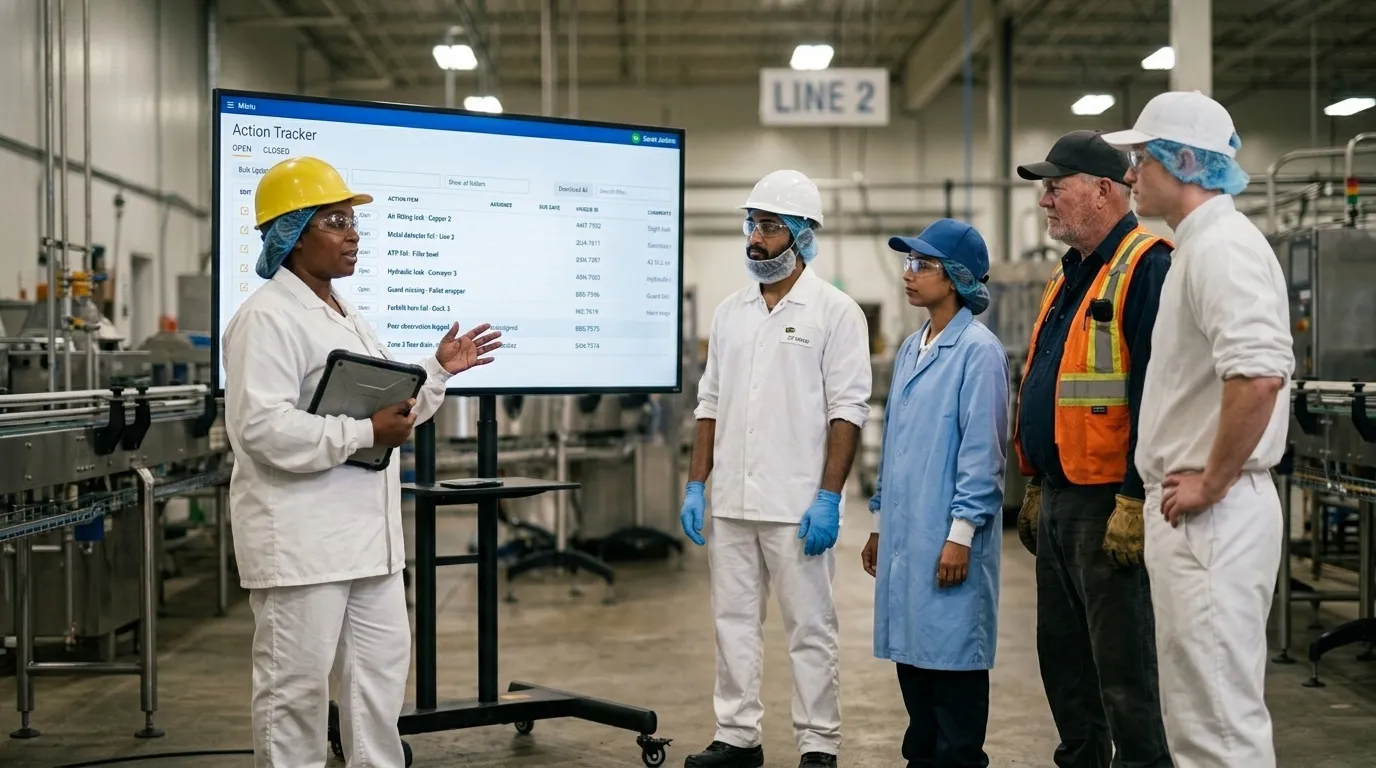
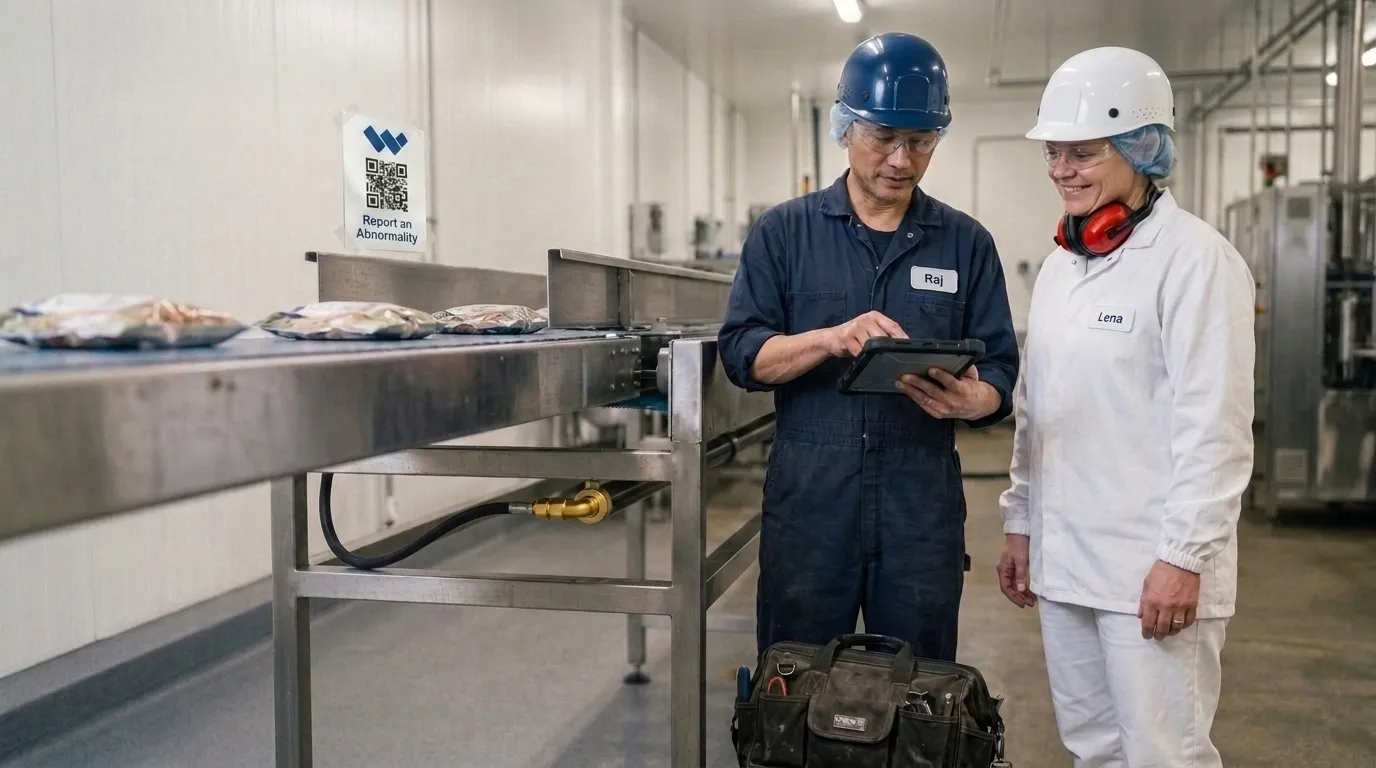
In Weever, each tag becomes a digital record with its photo, location, severity and owner, raised in seconds from a shared device at the machine, with no app to install and no login. Maintenance tags route to the right person automatically, and anyone can see how many are open, by machine and by age. That visibility is what keeps tags from going stale.
It's the problem Royal Canin's Lebanon, Tennessee factory faced: a backlog of over 300 unresolved issues under its legacy system. After moving to Weever, the factory captured nearly 3,000 abnormalities with a 95% close rate by late 2024.
Next: stop the mess at its source
Once the machine is clean, the next question is why it got dirty. That's step 2: eliminating sources of contamination.
Spend Less Time on Admin. More Time Improving Operations.
See how Weever automates data entry, reporting, and action items so you can focus on improvement not admin.