
How Connected Worker Software Integrates With ERP, CMMS, Historians, and BI Tools
Table of contents

Share:


Integration is where connected worker projects get slowed down rather than stopped. Operations wants the platform, IT wants to know what it connects to and who maintains the connection, and the conversation stalls somewhere between a demo and a security review.
This article covers what actually needs to connect, what each connection is for, what can safely wait until phase two, and the questions worth asking before you sign anything.
What does connected worker software need to connect to?
Five things, and only one of them is usually urgent at go-live.
| System | What the connection is for | Urgency |
|---|---|---|
| SSO / identity | Getting operators in without another password | At go-live. This is an adoption factor, not an IT preference. |
| CMMS | Escalating an operator-found abnormality into a work order | High value, often phase two |
| BI (Power BI, Tableau) | Getting frontline data into reports leadership already reads | Phase two, usually |
| ERP | Production context: which order, which product, which line | Phase two or three |
| Historian / SCADA | Pairing machine data with human observation | Later. Highest ceiling, highest effort. |
The framing that matters: the goal of integration here is removing duplicate entry, not replacing your stack. A connected worker platform is not trying to become your system of record for production, maintenance, or quality. It is trying to stop a supervisor retyping the same finding into a second system.
That distinction is worth stating explicitly in an IT conversation, because "another system that wants to own our data" is the default assumption and it is the wrong one.
Why this is not just a convenience question
Integration used to be a nice-to-have that got deferred indefinitely. The data argument has changed that.
In Weever's 2026 State of Data Capture in Manufacturing research, a survey of 167 manufacturing leaders at companies with more than 500 employees, 81% agreed that disconnected systems limit the effectiveness of AI across their operations. And when asked to name the single biggest factor hurting frontline data quality, 26% named disconnected systems, second only to manual and paper-based processes at 36%.
Single biggest factor hurting frontline data quality
Manual and paper-based processes
36%
Disconnected systems
26%
81% agreed that disconnected systems limit the effectiveness of AI across their operations.
Source: Weever, State of Data Capture in Manufacturing, 2026. Survey of 167 manufacturing leaders at companies with more than 500 employees.
Put those together and the picture is a plant that digitized program by program, in different tools, and now cannot answer a question that spans two of them. Each tool works. The estate does not.
Which is why the integration question to ask is not only "does it connect to my CMMS" but "can my frontline data leave this system in a usable form." Portability is the requirement people notice last and regret most.
SSO and identity: the connection that affects adoption
Start here, because it is the cheapest connection and the one with the most direct effect on whether the program works.
Every additional password is a reason not to complete a check. On a shared tablet, a full login before every task is worse than that: it is thirty seconds of friction repeated forty times a shift, and it is one of the most reliable ways to lose a rollout.
What to ask for:
- SAML or OIDC support against your identity provider.
- How attribution works on a shared device without a full authentication event per task. There should be a lightweight identification step that still produces an attributable record.
- Whether deprovisioning is automatic when someone leaves. If it is manual, that is an access control gap your auditor may eventually find.
This is usually a day or two of IT work and it should be in scope at go-live rather than deferred.
CMMS: the highest-value connection in most plants
This is the integration that pays for itself, and it exists because of a specific handoff.
An operator on a CIL round finds an abnormality. If it is something they can fix, it closes in the connected worker platform and never touches maintenance. If it needs a technician, a part, or a scheduled window, it belongs in the CMMS.
Without an integration, a supervisor reads the finding and retypes it as a work order, losing the photo and most of the context on the way. With one, the work order arrives with the observation, the evidence, the asset, and the timestamp already attached.
What to specify:
- Direction. Usually one-way out to the CMMS at first. Two-way, where the work order status flows back so the operator can see it was completed, is more valuable and more work. It also closes the loop for the person who reported, which matters more than it sounds.
- Trigger. Automatic on certain finding types, or a supervisor decision. Most plants start with the second and move to the first.
- Field mapping. Asset ID is the one that causes trouble. If your asset naming differs between systems, that reconciliation is the actual project.
Common targets: IBM Maximo, Fiix, Limble, eMaint, MaintainX, SAP PM. Ask for a reference customer running the same pairing rather than a capability statement.
More on where the boundary between these two systems falls: connected worker software vs MES, CMMS, eQMS, and EHS.
BI tools: getting frontline data into reports people already read
The test for this connection is specific. Can frontline completion and closure data appear in the same weekly deck as production and quality numbers, without someone rebuilding it by hand every Monday?
If the answer is no, leadership will not look at it. Not because they do not care, but because opening one more system to check one more number does not survive a busy week.
Three mechanisms, in increasing order of effort:
Scheduled export. A CSV or Excel file to a location on a schedule. Unglamorous, works, and is enough for many plants.
Direct connector. A live connection into Power BI or Tableau. Best experience, and worth asking whether it is a genuine connector or a documented API someone on your team will have to build against.
API. Most flexible, requires someone to own it. Fine if you have a data team, a liability if you do not.
One question that reveals a lot: ask what the data model looks like on the way out. Structured records with consistent fields across programs are usable. A flat export where every program has its own shape is a reporting project rather than a connection.
ERP: production context
Lower urgency, real value once the basics are working.
What flows in from the ERP is context: which order is running, which product, which line, which shift. That turns a quality check from "a check was performed at 10:00" into "a check was performed on order 44812 running product X," which is what makes the record useful in a customer investigation.
What flows out is usually less. Some plants push completion or hold status back, but the connected worker platform is not trying to be the production record.
The realistic advice: most plants should not attempt this at go-live. It adds scope, it involves stakeholders who are not invested in the rollout, and it is not what determines whether the floor adopts the tool. Get one program live, prove it, then come back for the ERP connection with a working system behind you.
Historians and SCADA: the highest ceiling
Most plants have far better machine data than human data, which produces a familiar situation: you can prove the line stopped at 03:14 and you cannot prove whether the CIL round was completed on the shift before.
Pairing the two is where root cause analysis actually improves. The sensor tells you what happened. The operator record tells you why. Neither is sufficient alone, and almost nobody has them in the same place.
This is also the connection with the most effort and the fewest plants doing it well, so treat it as a maturity goal rather than a requirement. If a vendor is leading with this in the first meeting, be a little cautious. It suggests they are selling the ceiling rather than the floor.
APIs, webhooks, and exports in plain language
For the non-technical buyer who has to evaluate technical answers:
A pre-built connector means the vendor maintains the connection. You configure it. This is what you want where it exists.
An API means the vendor provides the door and you build what goes through it. Fine if you have capacity, a hidden cost if you do not. Ask whether it is documented, versioned, and rate-limited in a way that suits your volume.
A webhook pushes an event out when something happens, so another system can react in near real time rather than polling on a schedule. Useful for escalations.
A flat-file export is a scheduled file drop. Least elegant, most reliable, and genuinely sufficient for a lot of reporting needs.
The trap to avoid: "we have an open API" answering the question "do you integrate with our CMMS." Those are different answers. The first one means you integrate with your CMMS.
What integration questions to ask before you buy
Give this list to whoever owns IT for the project.
Identity and access
Questions 1 to 3
- 1
Which identity providers do you support, and via SAML or OIDC?
- 2
How does attribution work on a shared tablet without a full login per task?
- 3
Is deprovisioning automatic when someone leaves our directory?
Connections
Questions 4 to 7
- 4
Which of our systems do you have a pre-built connector for, as opposed to an API we would build against?
- 5
Do you have a reference customer running the same CMMS pairing we need?
- 6
Is the CMMS connection one-way or two-way, and does work order status flow back to the person who reported?
- 7
What happens to the connection when the other vendor changes their API?
Data and portability
Questions 8 to 10
- 8
Can we export all of our data, including the audit trail, in a structured format, at any time, without asking you?
- 9
Do all programs share one data model, or does each program export in its own shape?
- 10
What is the retention limit on the plan you are quoting us, not your top plan?
Effort and ownership
Questions 11 to 13
- 11
How many days of our IT team's time, specifically, for go-live?
- 12
Who maintains each integration after go-live, you or us?
- 13
What does adding a connection in year two cost?
Question 8 is the most important one on the list. A vendor whose answer is unqualified yes is offering a materially different relationship from one who needs to check.
What to do at go-live and what to defer
At go-live
SSO
That is genuinely it for most plants. Everything else can follow.
Phase two
CMMS escalation and BI
Once one program is live and adopted: the CMMS escalation and a BI connection or scheduled export.
Phase three
ERP and historian
ERP context, and historian pairing if you have the maturity for it.
Sequencing this way keeps the first rollout small enough to succeed. The most common integration mistake is not choosing the wrong connection, it is attempting all of them before anything is live, which turns a weeks-long rollout into a quarters-long project and loses the momentum that made it possible.
If a vendor requires sustained IT development just to configure a checklist, treat that as a finding rather than a detail. It means your forms will drift out of date, because nobody raises a ticket to change a form.
Connect what you need, keep what is yours
Weever connects to identity providers for SSO, escalates findings into CMMS systems as work orders with evidence attached, and exports structured data into BI tools including Power BI. All programs share one data model, so a finding logged on a quality check is comparable with the same finding logged on a safety observation. Your data is exportable at any time.
Want to walk your specific stack through this? Book a demo and bring your systems list.
Related reading: the complete guide to connected worker software, 7 factors to evaluate connected worker software, AI and the connected worker, and connected worker software vs MES, CMMS, eQMS, and EHS.
Frequently Asked Questions
What systems does connected worker software integrate with?
Typically identity providers for single sign-on, CMMS systems for escalating findings into work orders, BI tools such as Power BI for reporting, ERP for production context, and historians or SCADA for pairing machine data with human observation. Only SSO is usually needed at go-live.
Which integration should we prioritize?
SSO at go-live, because it directly affects adoption. Then the CMMS escalation, which is the highest-value connection in most plants. ERP and historian connections can wait until one program is live and working.
How much IT involvement does implementation require?
Usually a handful of days for SSO and device policy. If a vendor needs sustained IT development to configure a checklist, that is a warning sign, because it means forms will not be maintained as processes change.
Does connected worker software replace our ERP or CMMS?
No. It removes duplicate entry between systems rather than replacing them. The connected worker platform is the record for frontline task execution and the corrective actions it generates. Production, maintenance, and quality records stay where they are.
Can we get our data out?
Ask directly, and specifically whether you can export everything including the audit trail, in a structured format, at any time, without vendor involvement. Portability is the requirement buyers notice last and regret most, and answers vary considerably.
What is the difference between a connector and an API?
A pre-built connector means the vendor maintains the integration and you configure it. An API means the vendor provides access and you build against it. "We have an open API" is not an answer to "do you integrate with our CMMS."
Why does integration matter for AI readiness?
Because disconnected systems describe the same failure differently depending on which tool caught it. In Weever's 2026 research, 81% of leaders agreed disconnected systems limit AI effectiveness across their operations, and 26% named it the single biggest factor hurting frontline data quality.
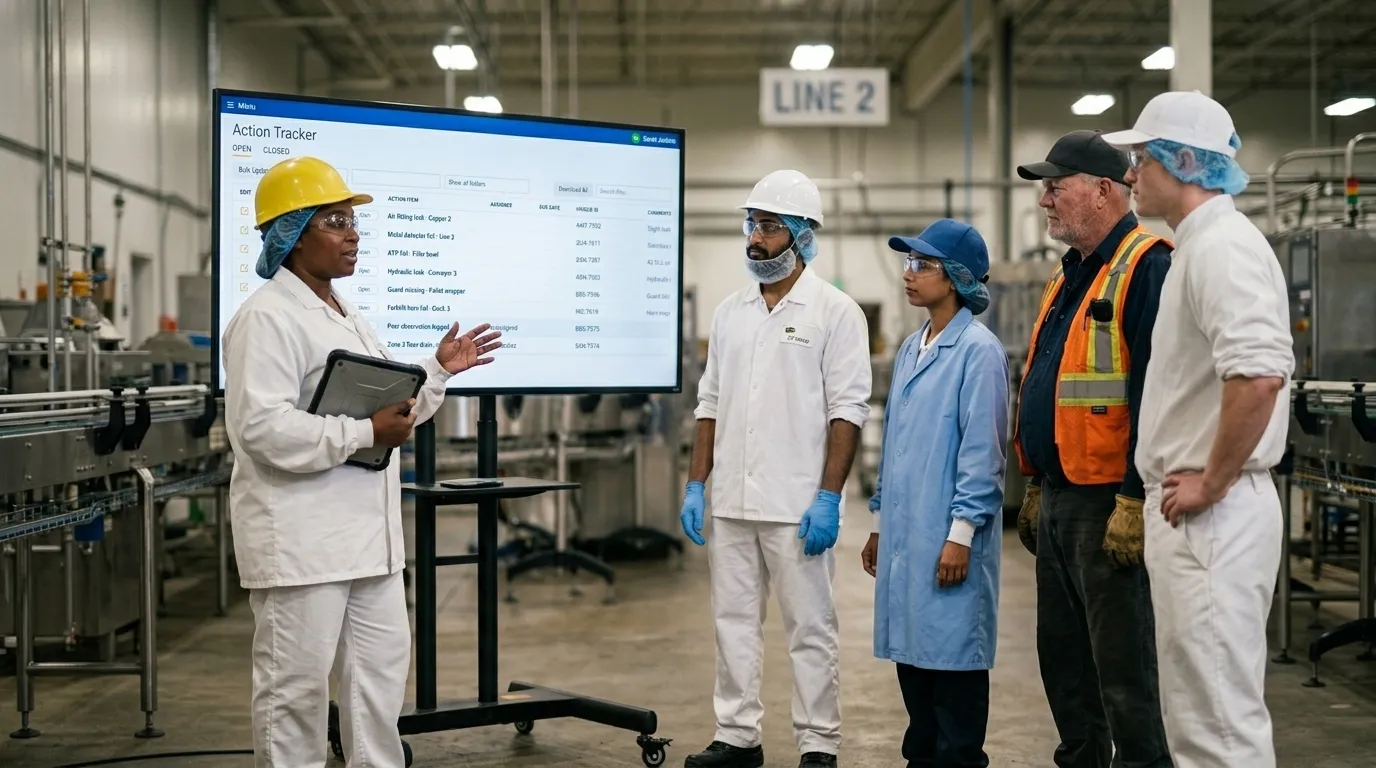

Spend Less Time on Admin. More Time Improving Operations.
See how Weever automates data entry, reporting, and action items so you can focus on improvement not admin.