
Autonomous Maintenance Step 4: How to Run General Inspection
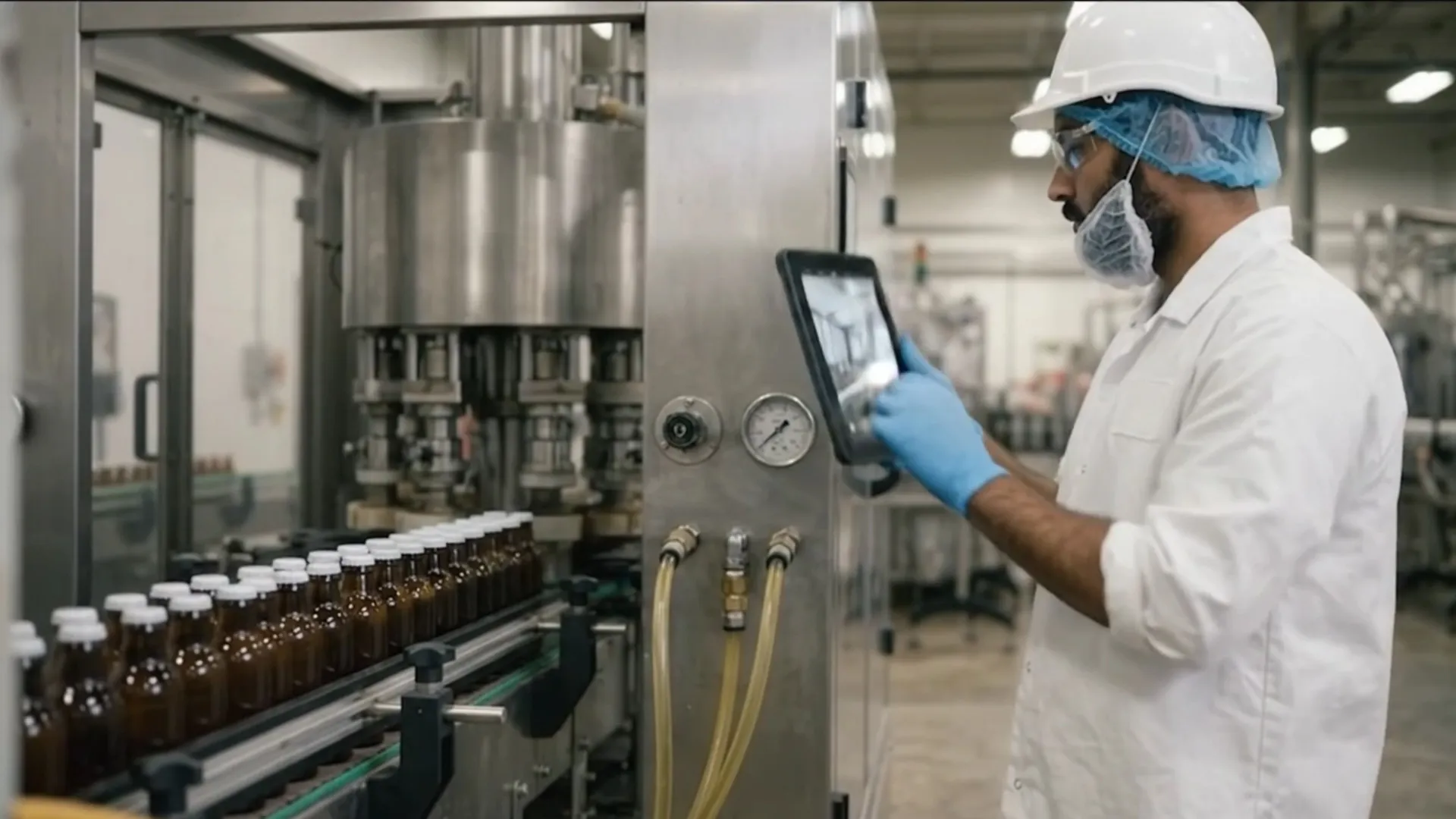
Table of contents

Share:


By step 4, your operators are cleaning to a standard and ticking off CIL checks every shift. Here's the uncomfortable question: do they know what they're looking at?
A checklist that says "inspect drive belt" only works if the operator knows what a worn belt looks like, what a glazed one sounds like, and what to do about it. Train that knowledge and operators catch failures weeks early. Skip it and the checklist comes back 100% complete while the belt snaps on Thursday.
Step 4 of the 7 steps of autonomous maintenance is where operators learn how their equipment works, system by system, and how it fails. This guide covers the inspection categories, how to train them, the visual cues that make inspection fast, and what happens when an operator finds something.
What is step 4 of autonomous maintenance?
Step 4 is general inspection. Operators are trained on the structure and function of their equipment, one subsystem at a time, then inspect each subsystem as part of their routine. It builds on the CIL standards from step 3: the standard says what to check, and step 4 teaches why and how to judge it.
The goal is to catch the slow deterioration that turns into breakdowns, quality defects and speed losses, all of which drag down OEE.
The six inspection categories
Most programs train general inspection in six categories, usually one at a time over several weeks.
How to train general inspection
Use relay teaching. Maintenance trains team leaders on one category, and team leaders train their operators at the machine. The knowledge passes down with the people who'll use it, and team leaders learn it better by teaching it.
Write it on one page. One Point Lessons (OPLs) and "know-why" sheets explain how a component works and how it fails, with photos. A fault library (photos of real leaks, worn seals and cracked belts from your own equipment) helps operators recognize problems fast.
Train at the machine, not in a classroom. Short sessions on the actual equipment stick. Check understanding by watching operators inspect, not by a written test.
Include safety first. Lockout/tagout, guarding and what operators must never open come before any hands-on inspection.
Inspect with all five senses
Make inspection fast with visual controls
The less an operator has to remember, the faster and more accurate the check. Common visual controls are green and red zones on pressure and temperature gauges, match marks on critical bolts, flow indicators on lube and coolant lines, numbered inspection-point tags, and QR codes that open the current OPL or checklist. Every one turns a judgement call into a glance. For more ideas, see how to design an autonomous maintenance board.
Decide what happens when an operator finds something
An inspection only prevents a breakdown if the finding goes somewhere. Agree a simple severity scale before step 4 starts.
Where step 4 goes wrong
- Training all six categories at once. Operators retain little. Train one category, inspect it for a few weeks, then add the next.
- No response to findings. If yellow and red reports sit in a queue, operators stop reporting.
- Inspection without a standard. Step 4 depends on step 3. Without a written "what good looks like," every operator judges differently.
How Weever helps with step 4
Inspections run on a schedule with reminders, and missed checks are flagged. Operators open the OPL, photos or video for each check point at the machine on a shared device, with no app and no login. Findings are logged with a photo and severity, then routed to maintenance and tracked to closure. Mars Fort Smith, a Mars site we worked with, reached an 89% abnormality close rate after moving its AM program onto Weever.
Next: hand over autonomous inspection
Step 4 is done when operators can explain how each key component works and what failure looks like, and can inspect safely. Then they're ready for step 5, autonomous inspection. Back to step 3: establishing CIL standards.
Spend Less Time on Admin. More Time Improving Operations.
See how Weever automates data entry, reporting, and action items so you can focus on improvement not admin.