
-%20smaller.webp)
.webp)
Explore More Blogs

5 things you need to know to effectively digitize inspection schedules.
Webinar
Inspection Schedules
5 things you need to know to effectively manage Inspections Schedules.
Digitizing your inspection schedule allows you to efficiently manage and hold your team accountable. Ensuring compliance to enhance simplicity, efficiency and accountability and ensure compliance.
If you're planning to digitize a paper-forms-and-spreadsheet-based program, or update a legacy scheduling system that's not working, you should consider these best practices before moving forward.
- Keep it Simple
- Don't do everything at once
- Avoid common scheduling software pitfalls
- Automate Accountability
- Manage everything in one place
Watch this 12 minute webinar video to learn about best practices and common pitfalls to avoid in setting up your Inspection Schedules.
Presenters

Steve McBride
CEO & Co-Founder
Weever

Andy Pritchard
Director of Strategy & Marketing
Weever
About Weever
Weever is Workflow Management Software that helps organizations enhance efficiency, foster employee engagement and ensure regulatory compliance in safety, quality, production and maintenance. Get in touch today and we'll show you why leading manufacturers are digitizing their procedures with Weever to improve visibility, accountability and process efficiency across the organization.
Millions of jobs completed worldwide.

"This software is extremely easy and simple… The ease of use made it easy to transition and immediately integrate in our plant."
Nicki V, CI Engineer | Food Production, 10,001+ employees
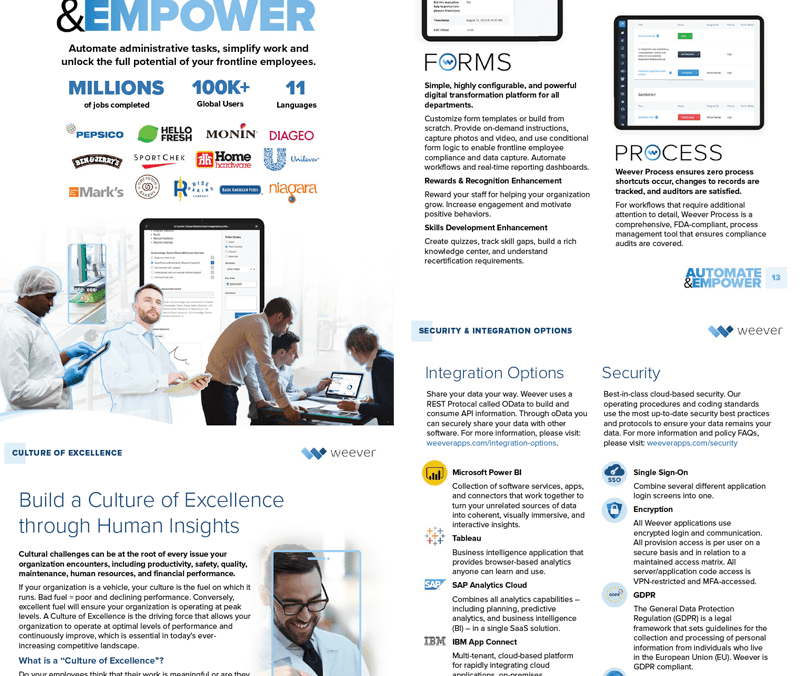
Learn about the Platform.
Download the brochure to get all the details about how Weever works.

Take a Guided Tour.
Explore the Platform
Announcing a new collaboration between Fiix and Weever
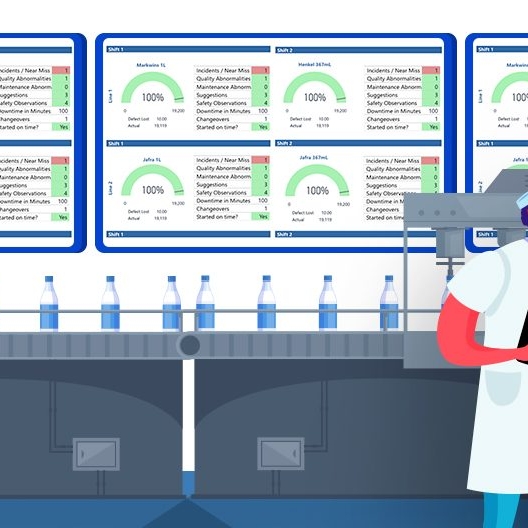
Top 5 Benefits of Paperless Factory Operations

Best Practices to ensure success with Behaviour Based Safety Observations
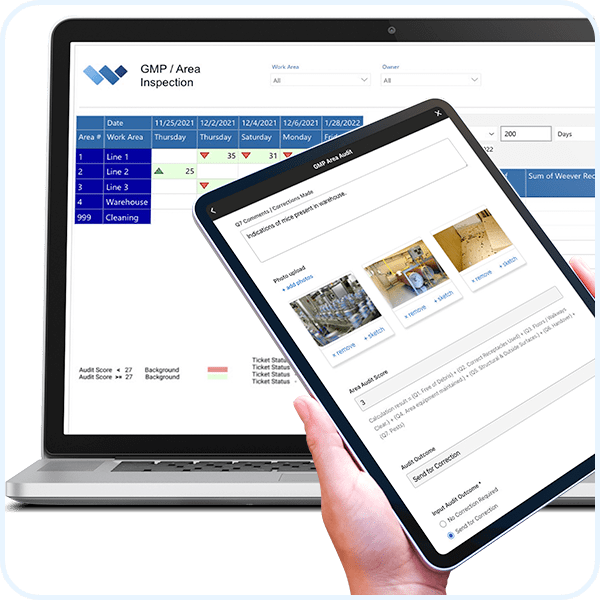
GMP Compliance Audits

GMP Operational Audit Schedule for a Food Company

Why use software to conduct internal GMP area audits?
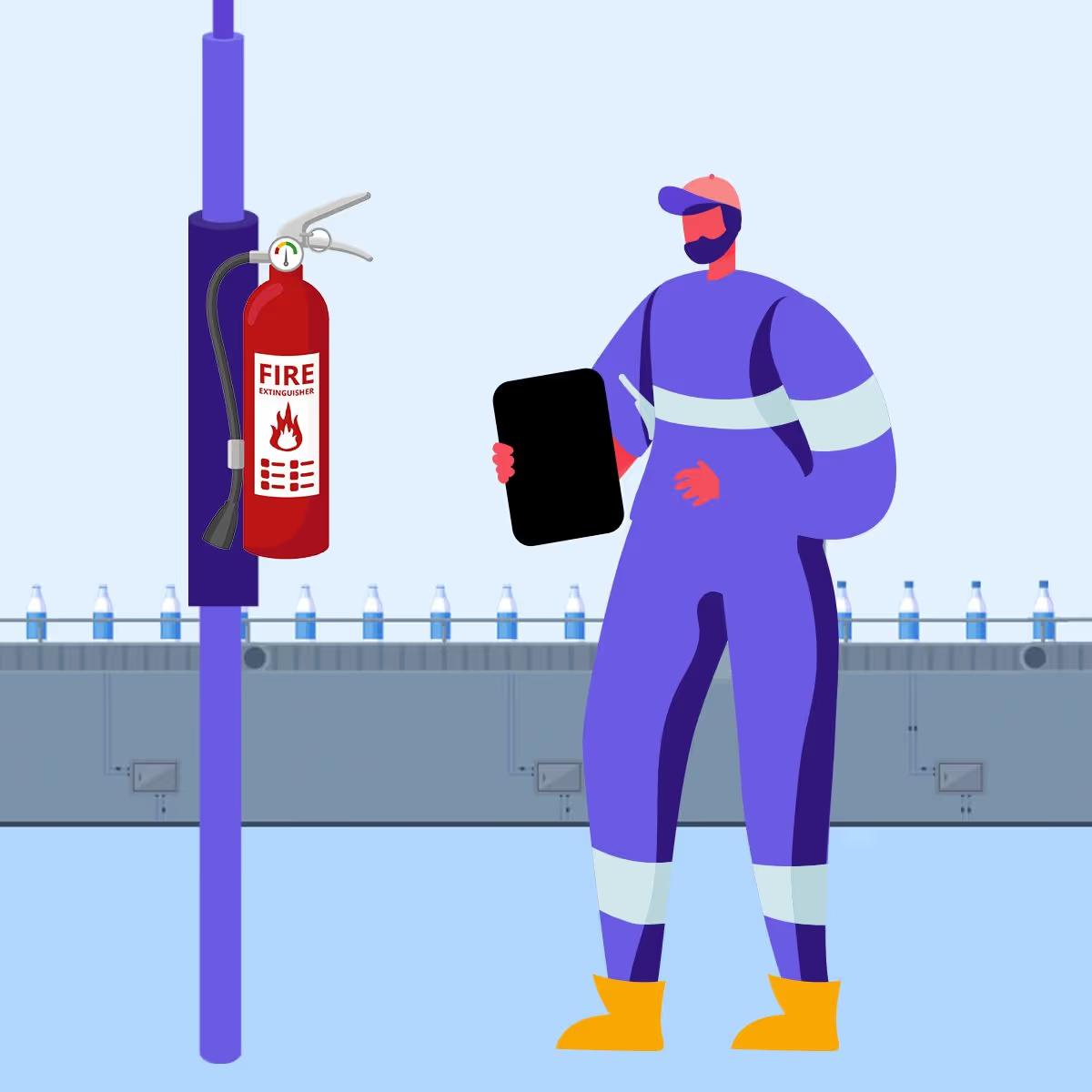
Fire Protection Inspections
Kaizen is the process of incrementally improving processes by eliminating “waste”. Small improvements over time can have a huge impact on productivity and the bottom line.
Waste can come in many forms, including unnecessary inventory, physical movements and scrap. Kaizen only works if everyone is involved, which includes top management and, more importantly, the workers who do the job every day. What fuels the kaizen process is engaged workers who are thinking about smart ways to be more efficient. No suggestions = no improvements.
Ironically, some businesses can find the kaizen process to be a distraction (e.g. “waste”) from their core business. Getting staff to complete suggestions, supervisors to evaluate and assign action plans, workers to execute - it feels like a lot of work for a small improvement in efficiency. This is what has motivated our customers to look for ways to remove waste from their kaizen event process.
Here are some tips that you can deploy now to more out of your continuous improvement (CI) process.
1. Make the suggestion process as simple as possible.
When first initiating a CI plan, staff may grumble about the additional work required to submit suggestions. Don’t worry - this will soften when they begin to results. Also, a highly intuitive, simple, and powerful way to submit suggestions will get the most information in the least amount of time and ease worker frustrations.
Cloud-based web-apps work best because they can be quickly opened on any device, including the worker’s own phone. Photo capture with “sketch” annotation is an excellent feature, because photos can “say a thousand words”. Use a form builder tool to tailor your suggestion form(s) to your specific requirements.
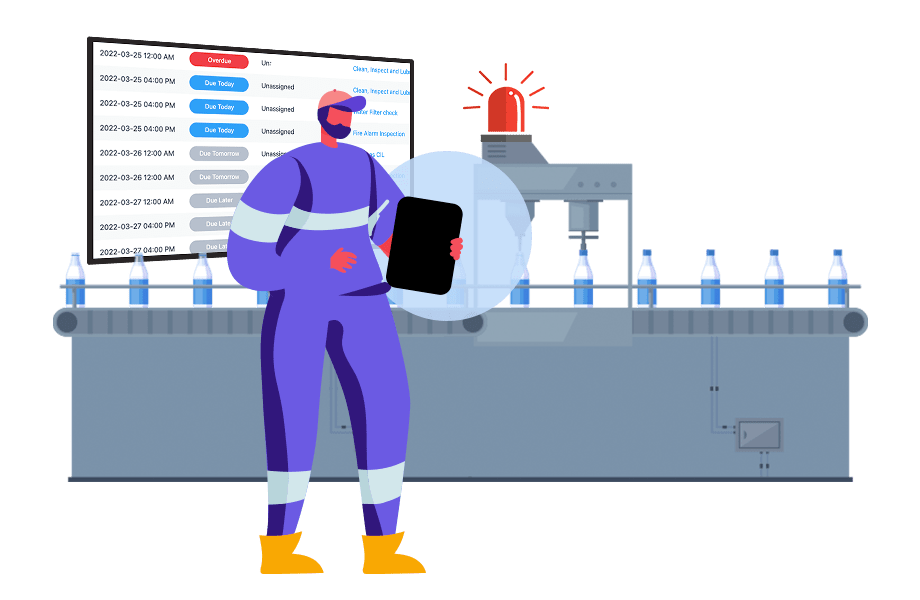
2) Engage staff in the solution
When a poor suggestion is made, resist the knee jerk reaction of rejecting it immediately. Rejected suggestions are a quick way to further disengage workers and, by asking questions, staff will see that management is serious about CI.
There also may be a hidden insight behind the scenes. Engage the suggester by requesting additional information or simply asking a number of “why” questions to get to the root of the problem they are solving, then work out from there.

3) Make the process public to increase accountability
If you are having an issue moving the workflow along, providing all staff with access to real-time project status is a good way to increase accountability.
Public forums keep people accountable. You may find that this is a more productive way to keep the process moving forward than harassing your staff.
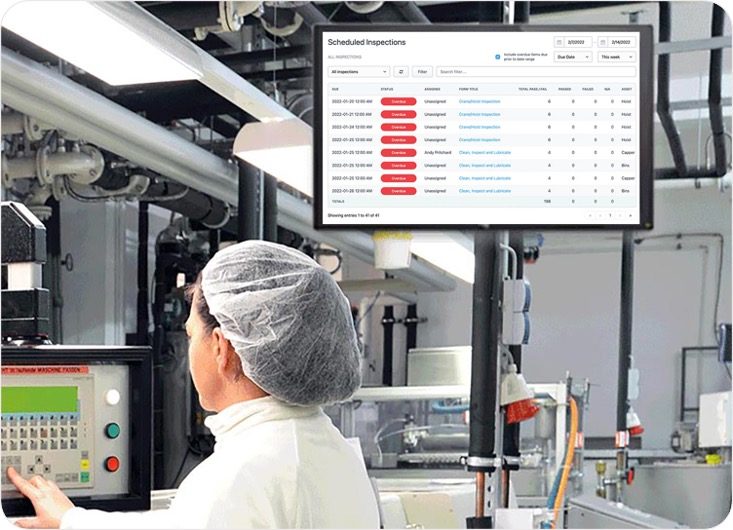
4) Celebrate Wins
When the process works and an action plan is completed, celebrate it by showing off the improvement and how it was realized. This will help staff see that their suggestions can truly make an impact on their own work as well as others. Create a KPI to measure the impact and circle back in a month or so to present the bottom-line impact that started with a great suggestion.

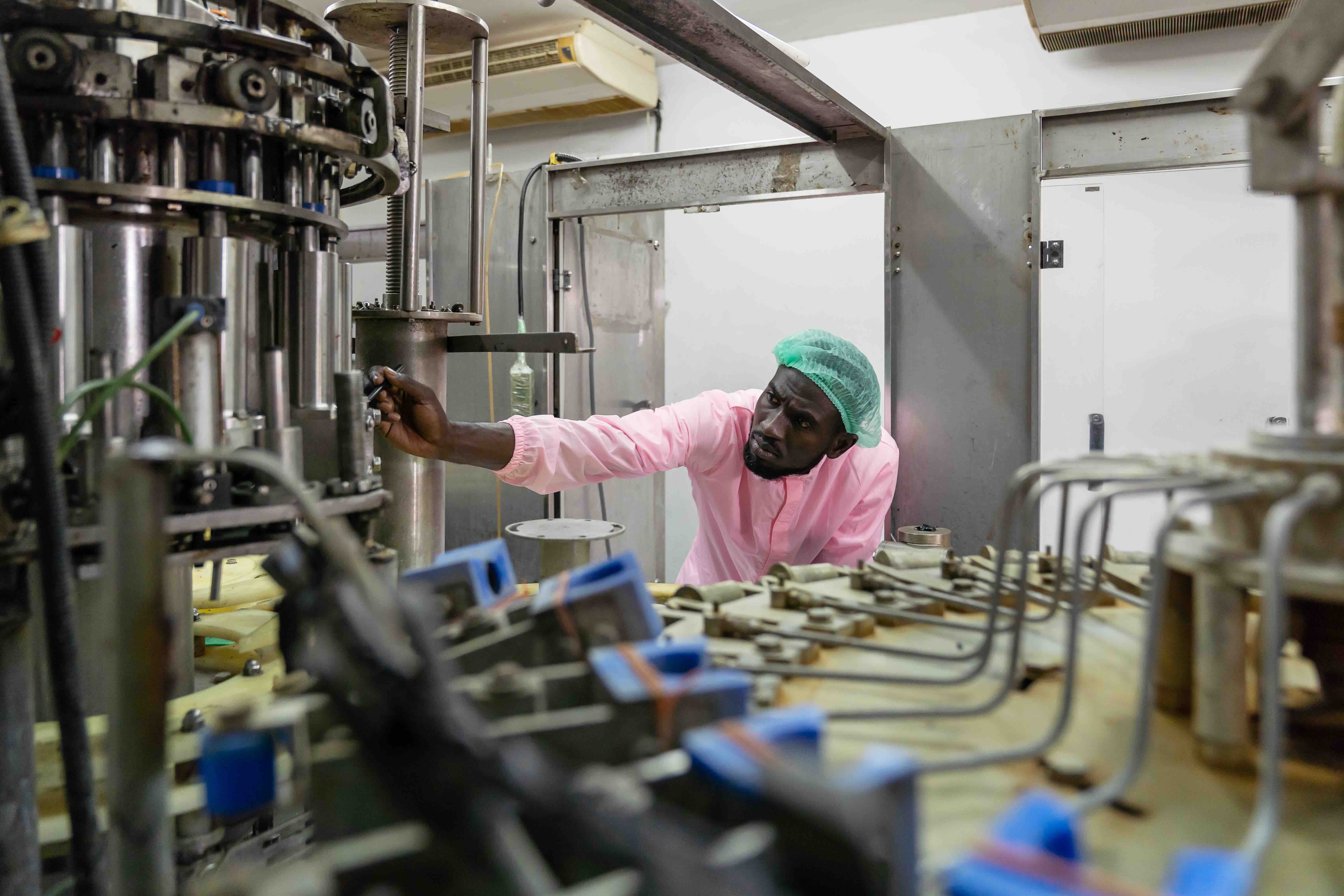
What are the 7 steps of autonomous maintenance?
Seven steps. That is what you get when you look up how to run Autonomous Maintenance, and it is the part that makes plant leaders quietly close the tab.
Because you are not starting from zero. You have operators who already run the machines, a maintenance team that is already stretched thin, and a downtime number somebody upstairs wants improved this quarter. Seven sequential steps, each one supposed to be embedded before the next begins, does not sound like a plan. It sounds like a project you do not have time for.
Here is what the seven steps actually are: a sequence for building operator capability before you hand over responsibility. Follow the order and operators end up genuinely owning the condition of their equipment, catching problems weeks before a technician would have. Skip ahead, which is what almost every struggling program did, and you get checklists nobody trusts, filled in by people who were never taught what they are looking at.
The steps are not the hard part. Knowing what each one actually requires, and what breaks downstream when you rush it, is the hard part.
So that is what this article covers. We walk through all seven steps in order, what each one demands of your operators and your maintenance team, and where programs most often go off the rails.
What is Autonomous Maintenance?
Autonomous maintenance (AM) is an operations management practice that transfers the responsibility of basic maintenance tasks to machine operators so that technicians have more time to focus on more strategic and preventive maintenance deliverables. These basic maintenance tasks usually include machine and equipment cleaning, inspection and lubrication jobs.

Autonomous maintenance is a practice included in maintenance management methodologies like Total Productive Maintenance (TPM) and World Class Manufacturing (WCM). Autonomous maintenance empowers machine operators with the right training so they can independently identify quality issues and be able to take immediate action to correct them.
There are 7 steps involved in activating an Autonomous Maintenance program, which are designed to be incremental, so that you can slowly increase the skills and abilities of operators and ultimately arrive at truly autonomous maintenance.
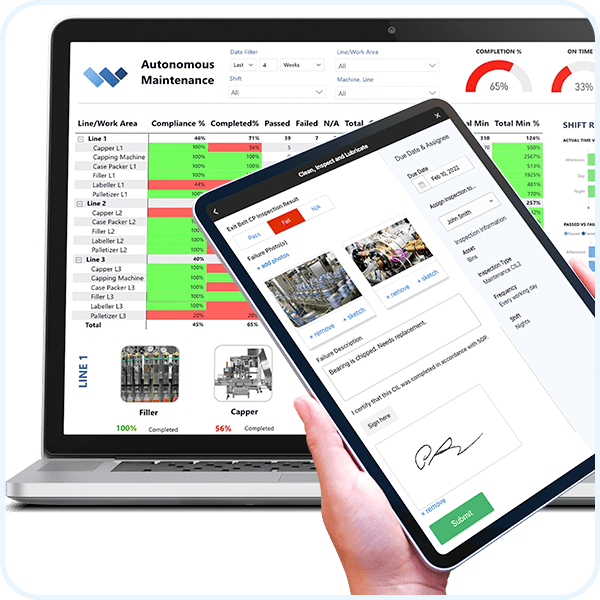
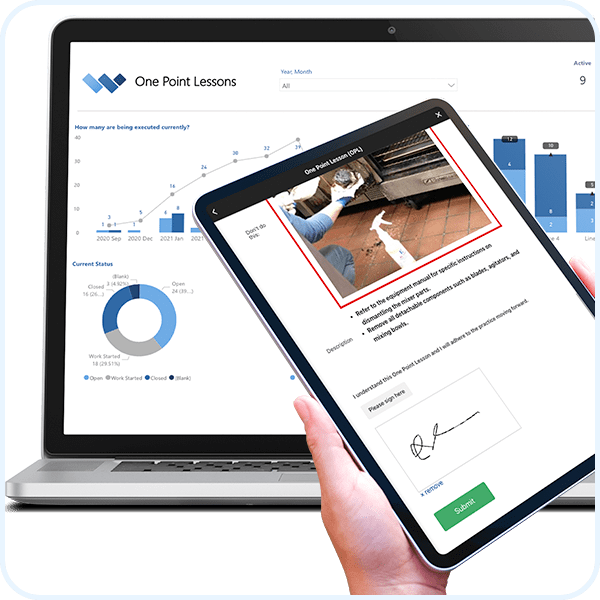
Using the Weever Platform will help to accelerate this process by providing real-time, interactive instructions, easy to follow "pass/fail" forms, automated maintenance ticket workflows, providing documentation and OPL (One Point Lessons) for SOP updates and, ultimately, maintaining a schedule for CILs.
What Are the Benefits of Autonomous Maintenance?
- Prevent issues from becoming major problems - Operators work closely and daily with machines and equipment. As a result, some simple training can provide them with the tools to recognize issues and take action quickly to prevent catastrophic problems.
- Free up maintenance personnel, so they can tend to more critical issues - They can plan and prioritize their specialized skills to higher-level and more complex equipment related issues.
- Improve team collaboration - Foster a more collaborative and less combative culture between production and maintenance staff.
- Improve Accountability - By making operators more accountable for the general performance of their machines and equipment, you increase accountability, which can have cascading effects on safety, quality, maintenance, continuous improvement and employee engagement.
- Verify equipment is properly cleaned and lubricated - When a maintenance technician is overseeing a big repair, simple tasks like cleaning and lubrication are often overlooked. But with autonomous maintenance, operators ensure these simple tasks are carried out.
- Lower labor costs - Reduce reliance on highly trained maintenance staff to do relatively simple cleaning, lubrication and inspection tasks.
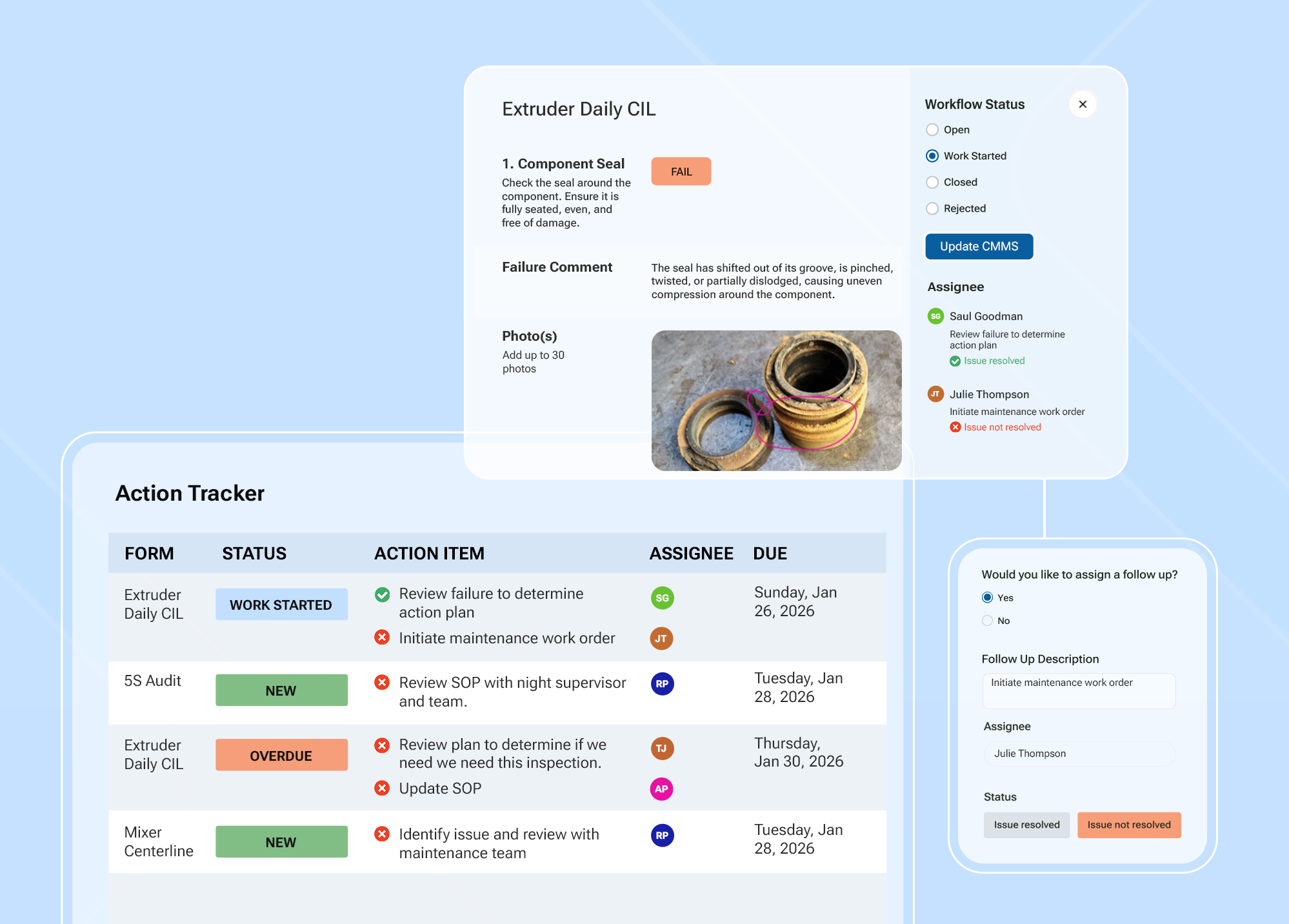
Step 1: Start with Initial Cleaning
- Task: Thoroughly clean equipment to remove contaminants such as dust, dirt, oil, and grease.
- Purpose: This “deep clean” serves two functions. First, it exposes hidden issues such as leaks, cracks, and loose fittings, that operators might miss otherwise. Second, it builds familiarity. Operators who clean equipment thoroughly often notice subtle changes in condition before they turn into breakdowns.
- Weever’s Role: Weever makes this stage easy to manage by standardizing cleaning protocols and scheduling reminders. Operators know exactly what’s expected, while managers gain visibility into when and how thoroughly each task is completed. Consistency is no longer dependent on a worker’s memory or paper checklists; it’s baked into the system, providing consistency and reliability.
Step 2: Eliminate Sources of Contamination
- Task: Identify and remove what causes recontamination. That might mean fixing oil leaks, sealing gaps, or improving shop-floor cleanliness.
- Purpose: Cleaning is only effective if it lasts. Tackling root causes extends the life of equipment and reduces wasted time on repeated cleanings.
- Weever’s Role: Automated workflows in Weever assign corrective actions and send reminders so that contamination sources aren’t just observed but acted upon. By embedding accountability into the process, issues are addressed proactively, long before they degrade performance. The result: savings of time and money.
Step 3: Establish CIL Standards (Clean, Inspect, Lubricate)
- Task: Define standardized procedures for cleaning, inspecting, and lubricating each piece of equipment. Include the right tools, materials, and frequency.
- Purpose: Standardization reduces variability. Without it, maintenance quality depends on who’s on shift that day. Clear standards ensure reliability and repeatability.
- Weever’s Role: With Weever, businesses can digitize and continuously refine their CIL standards. Updating and sharing a digital checklist takes minutes, ensuring that new best practices and technologies are incorporated seamlessly across teams and facilities.
Step 4: Conduct General Inspections
- Task: Schedule regular inspections to spot abnormalities such as strange vibrations, odd noises, overheating, or unusual smells.
- Purpose: These simple checks catch small problems before they spiral into costly failures. Early detection is one of the most powerful tools in preventive maintenance.
- Weever’s Role: Weever automates scheduling and logs every completed inspection. Missed checks trigger real-time alerts, while anomalies are tracked, assigned, and resolved within the same system. Nothing is allowed to slip through the cracks.
Step 5: Empower Autonomous Inspections
- Task: Train operators to conduct detailed inspections using specialized tools and techniques.
- Purpose: Operators are closest to the equipment. When they have both knowledge and responsibility, they’re more likely to notice misalignments, wear, or small defects before anyone else. This strengthens ownership and keeps machines running longer.
- Weever’s Role: Weever provides mobile digital checklists and inspection guides that operators can access on the floor. It also integrates with IoT devices to capture real-time data (temperature, vibration, pressure) automatically. That means less paperwork, more accuracy, and quicker insights.
Step 6: Standardize and Share Best Practices
- Task: Document every procedure, inspection, and maintenance task so that the best way becomes the only way.
- Purpose: Consistency across shifts, teams, and plants ensures that everyone follows the same high standards. Standardization also reduces training time and makes onboarding smoother.
- Weever’s Role: Weever becomes a living knowledge base and the cornerstone of your autonomous maintenance program. Best practices are stored digitally, updated instantly, and shared across the organization. As equipment, technologies, and regulations evolve, the documentation evolves with them.
Step 7: Commit to Continuous Improvement
- Task: Review performance data, operator feedback, and industry trends to refine checklists regularly.
- Purpose: Autonomous maintenance isn’t static. It should evolve alongside advances in sensors, lubricants, or safety standards. Continuous improvement ensures your checklist remains relevant and effective.
- Weever’s Role: This is where Weever shines. Its analytics and reporting tools uncover inefficiencies and improvement opportunities. Managers can see which tasks prevent downtime most effectively, where bottlenecks exist that slow operators, and which emerging best practices should be adopted.
The steps are a sequence, not a checklist
Every AM program that fails follows the same pattern. Someone builds the forms first and the capability second. Operators get handed a checklist for equipment nobody taught them to read, the data comes back at 100 percent, and no one in the plant believes it.
Get the order right and the payoff compounds. Well-run AM programs cut breakdown frequency by 30 to 50 percent in the first year, and the operator who once waited for maintenance becomes the person who catches the problem first.
Start with step one and one line. Not the whole plant, and not step five.
How Weever Helps Businesses Stay Ahead
Building a checklist is the foundation of your autonomous maintenance program. Keeping it relevant is the real challenge. Industrial maintenance is evolving fast, with IoT sensors, AI-driven analytics, and predictive maintenance models changing how companies operate. Here’s how Weever ensures your checklist never falls behind.
- Ease of Use - Weever’s intuitive design allows both managers and operators to make updates quickly. When new trends or methods emerge, they can be folded into existing workflows without confusion or downtime.
- Automated Workflows - Routine tasks no longer clog schedules. Weever automates reminders, follow-ups, and escalations. That means operators spend less time managing paperwork and more time executing tasks that matter.
- Actionable Insights - Weever’s data analytics give businesses real-time knowledge of equipment health. Instead of waiting for something to break, companies can predict and prevent failures by spotting trends in inspection data. And you know what that means? Less downtime?
- Real-Time Reporting -Maintenance leaders can see the current state of every checklist across sites. If a task is overdue or a new standard isn’t being followed, they’ll know instantly. This agility keeps operations running smoothly.
- Smooth Rollouts - When it’s time to adopt a new trend such as vibration sensors or a novel lubrication method, Weever provides a structured rollout. Tasks, training, and documentation are integrated into existing workflows without disruption.
Historically, paper checklists were a static “to-do” list. An autonomous maintenance checklist is a living system that changes with your equipment and processes, extending equipment life, empowering operators, and keeping businesses competitive in a landscape where downtime is unacceptable. Emerging technologies and industry best practices evolve constantly. With Weever, you aren’t just building a checklist. You are building a framework that adapts, improves, and scales to fit your needs.
Want to see what steps four through seven look like when the standards, schedules, and abnormality reports all live on one system? Book a demo and bring your current CIL form. We will show you where your program actually sits in the seven steps.

Why use software to manage Work Permits?
The Permit To Work system (PTWs) authorizes, approves and manages the workflow of non-standardized construction, maintenance, inspection or repair activities that pose a potential risk to personnel, damage to equipment or facilities, disruption of operations or harm to the environment.
Permit to Work is a systematic process designed to identify, communicate, mitigate and control risk in hazardous areas, nonstandard situations and potentially hazardous conditions, such as shutdowns, to prevent accidents.
Paper-based systems can pose a number of inherent inefficiencies and issues that increase the risk of projects not adhering to safety regulatory standards. Paper-based systems do not offer “real-time awareness” of changes and updates that occur. They provide opportunities for errors and omissions to creep into the process, increasing the likelihood of delays and miscommunications, which could have disastrous effects on a hazardous job.

Why use software for work permit management?
REASON 1
Enhance Risk Identification and Safety
Software can be set up to guide users through the data capture and reporting experience, which can enhance the performance of a given process. In the example of work permits, which are designed with the purpose of identifying and mitigating safety risks, software can provide on-demand instructions for a given type of risk.
You can also use conditional logic to reveal certain fields and information based on a user selection. As a result, software might help to uncover a risk that otherwise would have been missed.
REASON 2
Reduce Errors and Omissions
The most obvious advantage of digitized solutions is that they can contain rules and functionality that reduces the chance of errors creating miscommunications and increasing the risk of injury. Software can include feature that ensure the appropriate information is captured every time, including:
- Required fields
- Dropdown menus
- Conditional logic
- Automated date/time/location stamps
- On-demand video instructions
- And so on …
REASON 3
Increase Efficiency and Save Time/Costs
While safety is the primary concern of work permits, increasing efficiency and productivity and saving money is a major objective of most organizations. Software reduces the “back-and-forth” required and automates communications between stakeholders. Required documentation can be made available on demand, and the required “paperwork” is only a click away. As a result, the work permit approvals process is completed more quickly and with fewer disruptions.
REASON 4
Real-time Awareness
A major benefit of the Work Permit process in general is that it ensures all stakeholders are aware of potentially dangerous work occurring.
Paper-based processes have an inherent “time-lag” however, where updates to processes do not immediately become apparent to everyone involved in a project. This is especially true in situations where a control center might be miles away from the work being completed.
Software allows for updates to provide notifications to stakeholders and for reports to be updated automatically, which ensures everyone is on the same page and potential issues are less likely to be overlooked.
REASON 5
More Clarity for Compliance
Software allows for reporting to be automated. Set it up once and the software ensures that data automatically updates your reports, graphs and charts. This saves a lot of administrative time and ensures compliance records are kept up to date. This is especially true for organizations with multiple sites over multiple geographic regions.

GMP Audit Report
GMP Compliance Audits Report
Microsoft Power BI Template
Customizable Reporting Dashboard
Do you have a question?
How do GMP Audits Work?
- A GMP audit is a comprehensive, third-party, inspection of a production company meant to identify operational flaws and legal violations.
- Along with specific inspection results, GMP audits are meant to communicate a set of standards and guidance on how to meet these standards.
- GMP Audits are usually required from an importer to ensure an exporter is compliant with basic safety and operational protocols.
- GMP Compliance Audits are self-conducted between 3rd party audits to ensure compliance to GMP principles.
Why are GMP Audits Important?
- Ensures GMP protocols are followed consistently.
GMP Compliance Audits Preview text
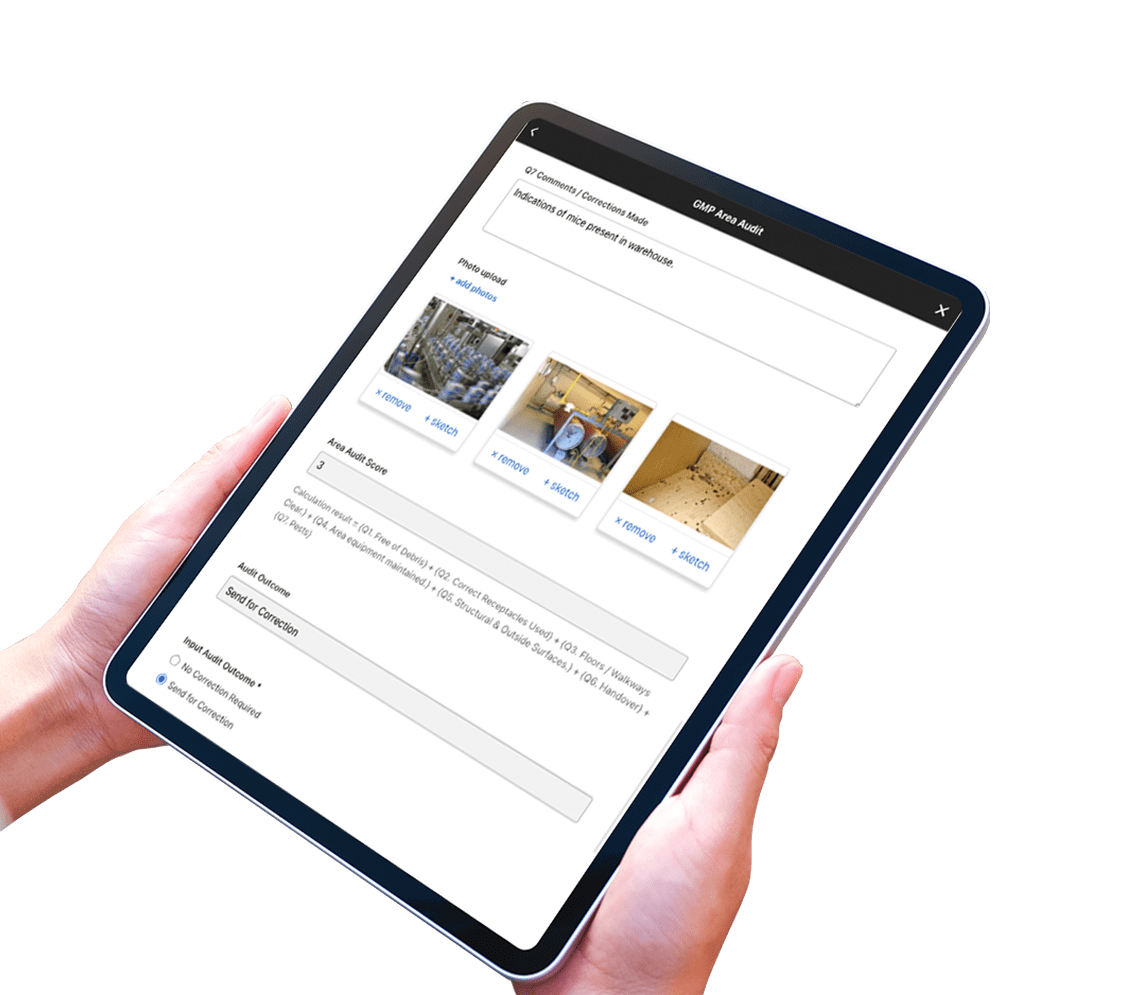
- Customizable Form Templates.
- Easy to use and accessible data capture tool.
- Build and manage schedules.
- Guide staff through the process with on-demand instruction.
- Automate workflows and real-time reporting dashboards.
Do it all with Weever. View all solutions.
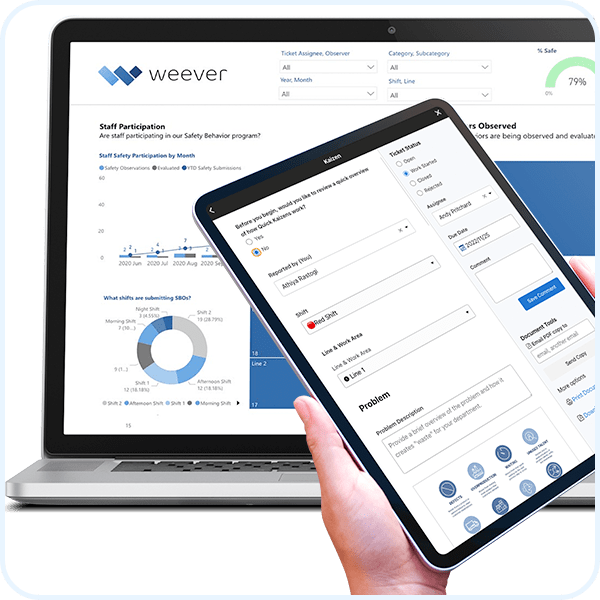
Root Cause Analysis (RCA)
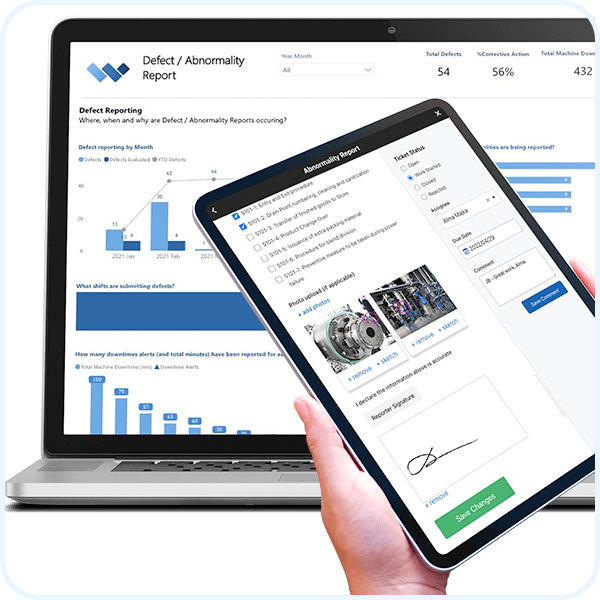
Abnormality Reporting
Kaizen
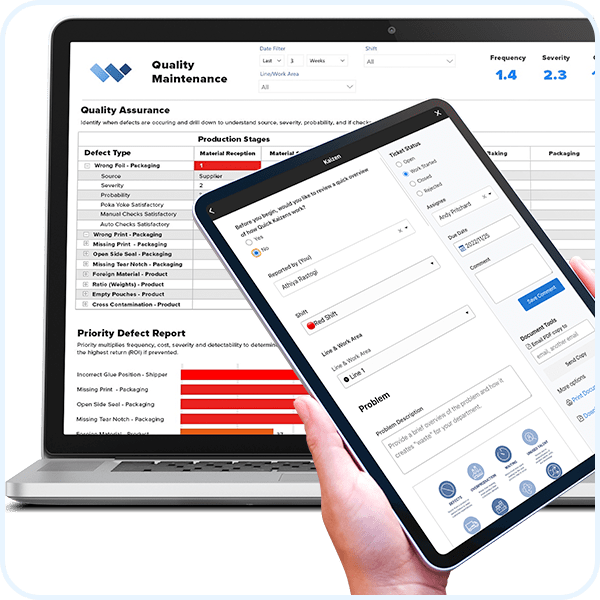
Quality Defect Reporting
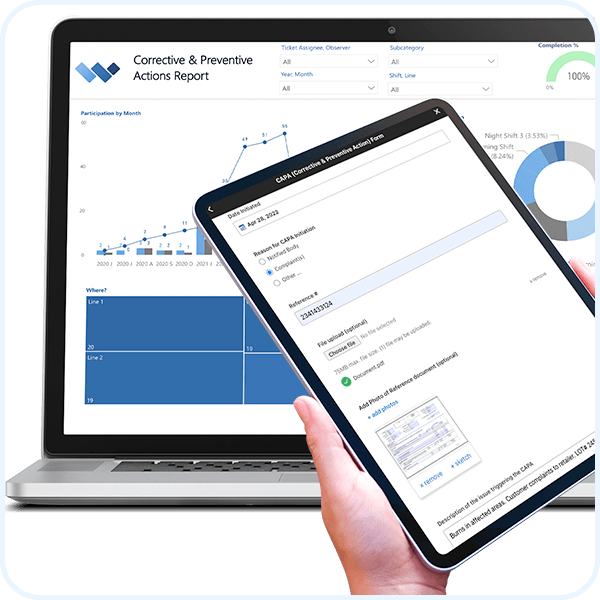
CAPA (Corrective & Preventive Action)
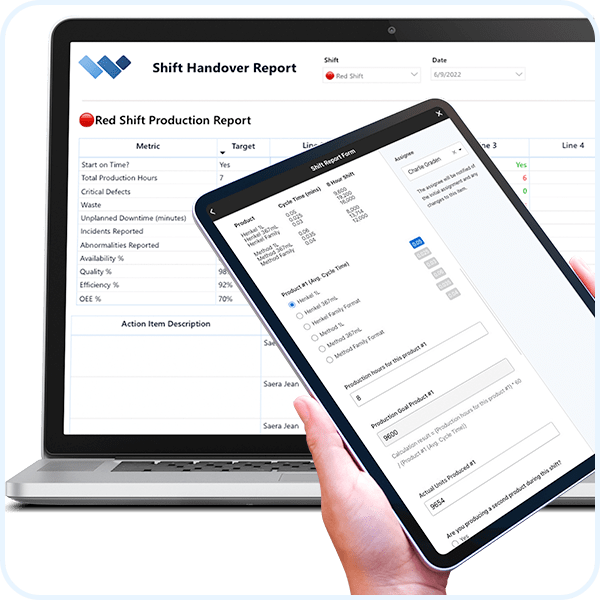
Shift Report
Millions of jobs completed worldwide. View Testimonials
Learn about the Platform.
Download the brochure to get all the details about how Weever works.
Take a Guided Tour.

How Often Should You Run GMP Audits? A Sample Operational Audit Schedule for Food Manufacturers
Every food manufacturer knows audits are mandatory. Far fewer have a clear answer for how often each type should actually happen. That gap isn't a compliance failure so much as a planning one: between daily pre-production checks, hygiene audits, internal GMP reviews, and full HACCP system audits, it's easy to either over-audit low-risk areas or, worse, under-audit the ones that actually carry risk.
Regional legislation sets the baseline requirement to audit food safety processes and equipment. On top of that baseline, most processors also maintain additional audit schedules to stay compliant with certification bodies like SQF (Safe Quality Food) and ISO, since that membership opens doors to more sales and distribution opportunities. Food retailers have also been pushing for more rigorous auditing requirements in their supply chains, most of it grounded in HACCP (Hazard Analysis and Critical Control Points) principles: identify the major risk areas, build SOPs to control them, and audit periodically to confirm those controls are holding.
With that many overlapping requirements, the real question isn't whether to audit, it's how to build a schedule that matches audit frequency to actual risk. Here's a practical breakdown of the audit types most food manufacturers should have on their calendar, and how often each one typically runs.
Note: this is intended as general educational guidance. Consult a food safety compliance expert to build or validate the audit schedule for your specific facility and regulatory requirements.
The general rule: audit frequency should follow risk
Before getting into specific audit types, the principle that should drive your whole schedule is simple: the higher the risk of contamination or failure at a given control point, the more frequently it needs to be audited.
A control point tied to a known allergen risk or a Critical Control Point in your HACCP plan warrants a tighter audit cadence than a lower-risk area like dry storage. Build the schedule around that logic first, then layer in the specific audit types below.
Pre-Production Checks: daily or per batch/shift
Pre-production checks confirm equipment cleanliness and basic hygiene standards before a run starts, and they're typically completed by the operator at the beginning of each production run or shift.
To make these checks stick, keep them owned by the people actually running the process, not a separate QA function that checks in after the fact. Keep each item straightforward, clearly measurable, and tied directly to a specific Critical Control Point you're tracking, rather than a general hygiene impression.
Digitizing pre-production checks makes them faster to complete and richer in the data they capture. A digital check can be scheduled automatically, prompt the operator through exactly what needs verifying, and feed straight into a real-time report instead of a paper log that gets reviewed days later.
Hygiene Audits: weekly or monthly, based on risk
Hygiene audits verify that the practices and procedures governing personal and equipment hygiene are actually being followed, not just documented. Frequency should scale with risk, weekly for higher-risk areas, monthly where the risk profile is lower, and audits should be conducted by trained staff working from a defined schedule rather than an ad hoc basis.
A scheduling system that automatically alerts the right staff member when a hygiene audit is due removes the reliance on someone remembering to run it. Staggering audits across shifts, lines, and areas also matters: sampling only the day shift or only one line gives an incomplete picture of hygiene practices across the site.
Internal PRP / GMP Audits: monthly, based on risk
Internal Prerequisite Program (PRP) and GMP audits confirm that your regulatory compliance points, processes, HACCP requirements, and employee practices (SOPs) are actually being followed, including whether required cleaning and sanitation records are being kept. These audits should be conducted by someone trained specifically in GMP and PRP auditing, typically on a monthly cadence adjusted for risk, with photos and comments captured to document findings.
Conditional logic makes these audits sharper without making them longer. When an auditor marks an element as failed, a risk assessment section can appear automatically to capture more detail on that specific failure. From there, the risk assessment score can trigger the required next steps and corrective action plan, so escalation happens as part of the audit itself instead of as a separate step afterward.
HACCP & System Compliance Audits: every 6 to 12 months, based on risk
HACCP audits go back to the original hazard assessments and conclusions that shaped your HACCP plan, to confirm they still hold. That means reviewing every identified hazard and Critical Control Point to check whether it's still genuinely critical, and whether the controls in place are still valid given any changes to your process, ingredients, or equipment.
A System Compliance audit runs alongside this at the same cadence, but takes a wider view: your entire food safety system, including legal requirements, certification-body regulations, and internal SOPs and controls, not just the HACCP plan itself.
Why a well-run audit schedule matters more than the paperwork suggests
An audit schedule isn't just a compliance requirement to satisfy. It's prevention economics in action. A food safety issue caught during a routine internal audit costs a fraction of what the same issue costs once it escapes to a customer or triggers a recall: industry estimates put the average direct cost of a food recall at roughly $10 million, and over half of major recalls exceed that figure once total impact is accounted for (FMI/GMA).
Nearly half of 2024 U.S. food recalls traced back to labeling errors alone, with the large majority involving undeclared allergens (Loftware/FDA), the exact kind of failure a well-run hygiene and GMP audit schedule is built to catch early.
A missed control point doesn't announce itself. The audit schedule is what catches it before a customer does.
Building this into a system that actually runs itself
A schedule on a calendar is only useful if the right person is reminded to run the right audit at the right time, and if the results roll up into something a QA manager can actually act on.
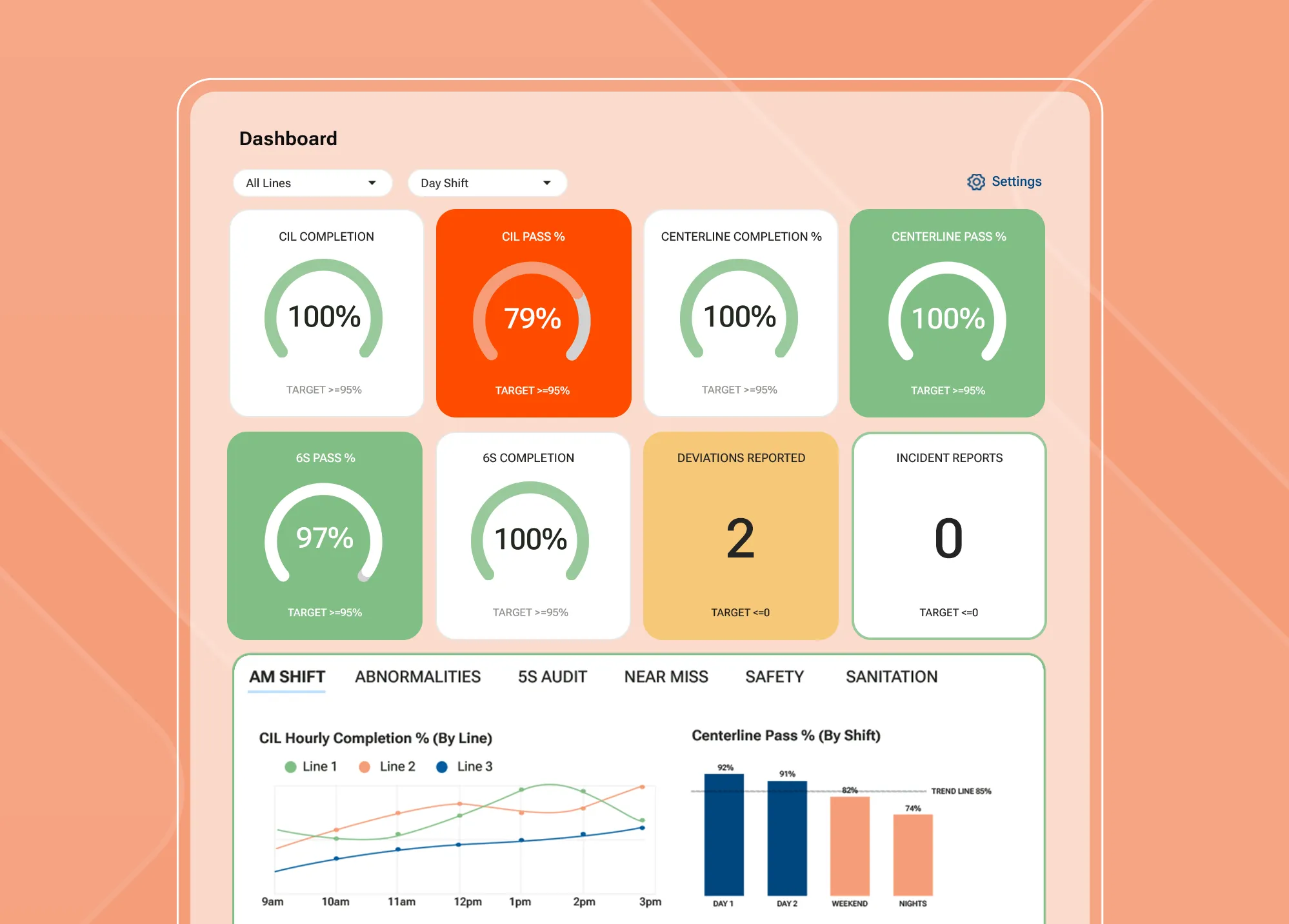
Weever digitizes each of these audit types, pre-production checks, hygiene audits, PRP/GMP reviews, and HACCP system audits, on one platform, with automated scheduling, conditional logic for risk assessments and corrective actions, and real-time reporting that shows where risk is trending before it becomes a finding.
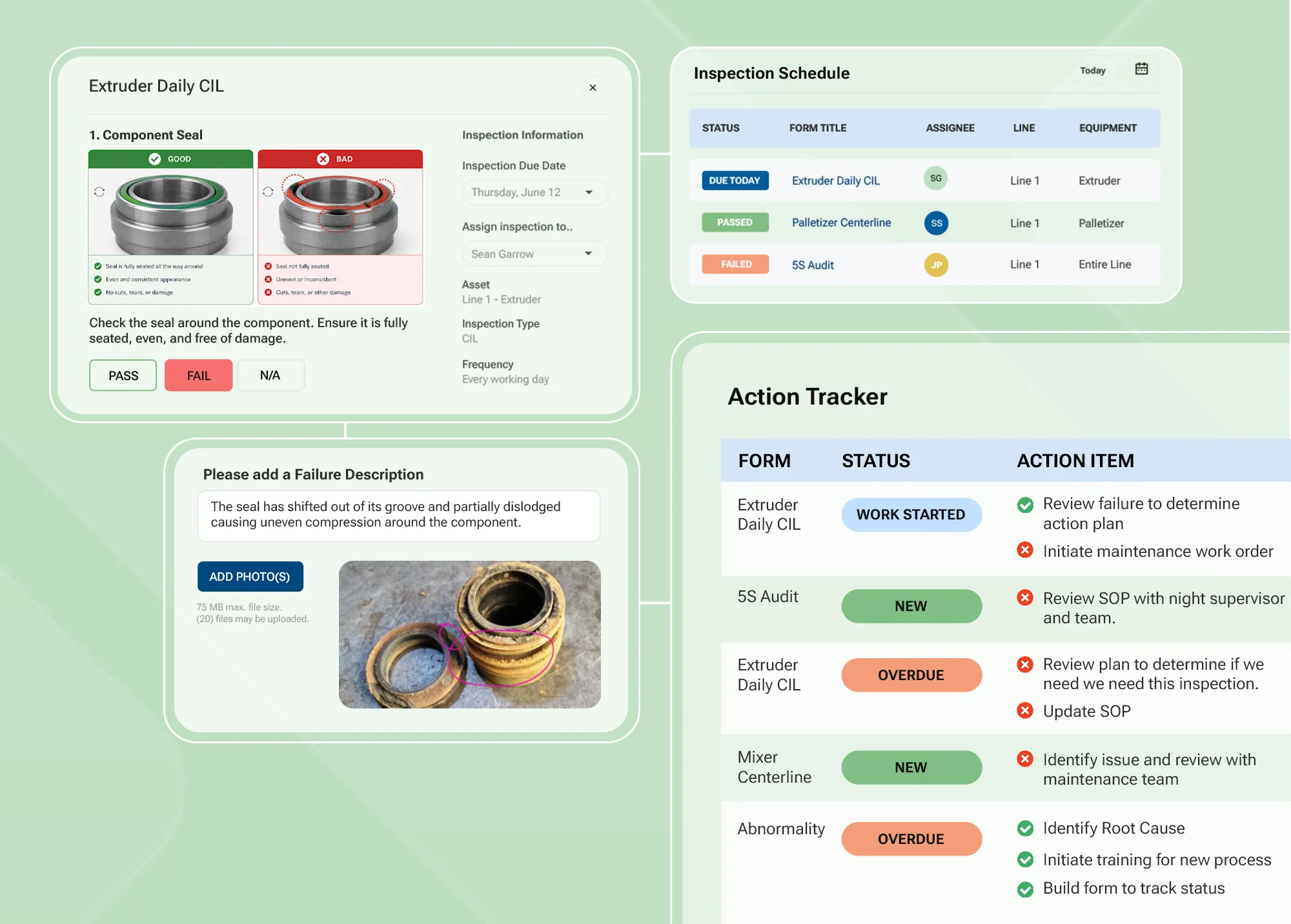
Want to see how Weever schedules and automates a GMP audit program across your facility? Book a demo and we'll show you.
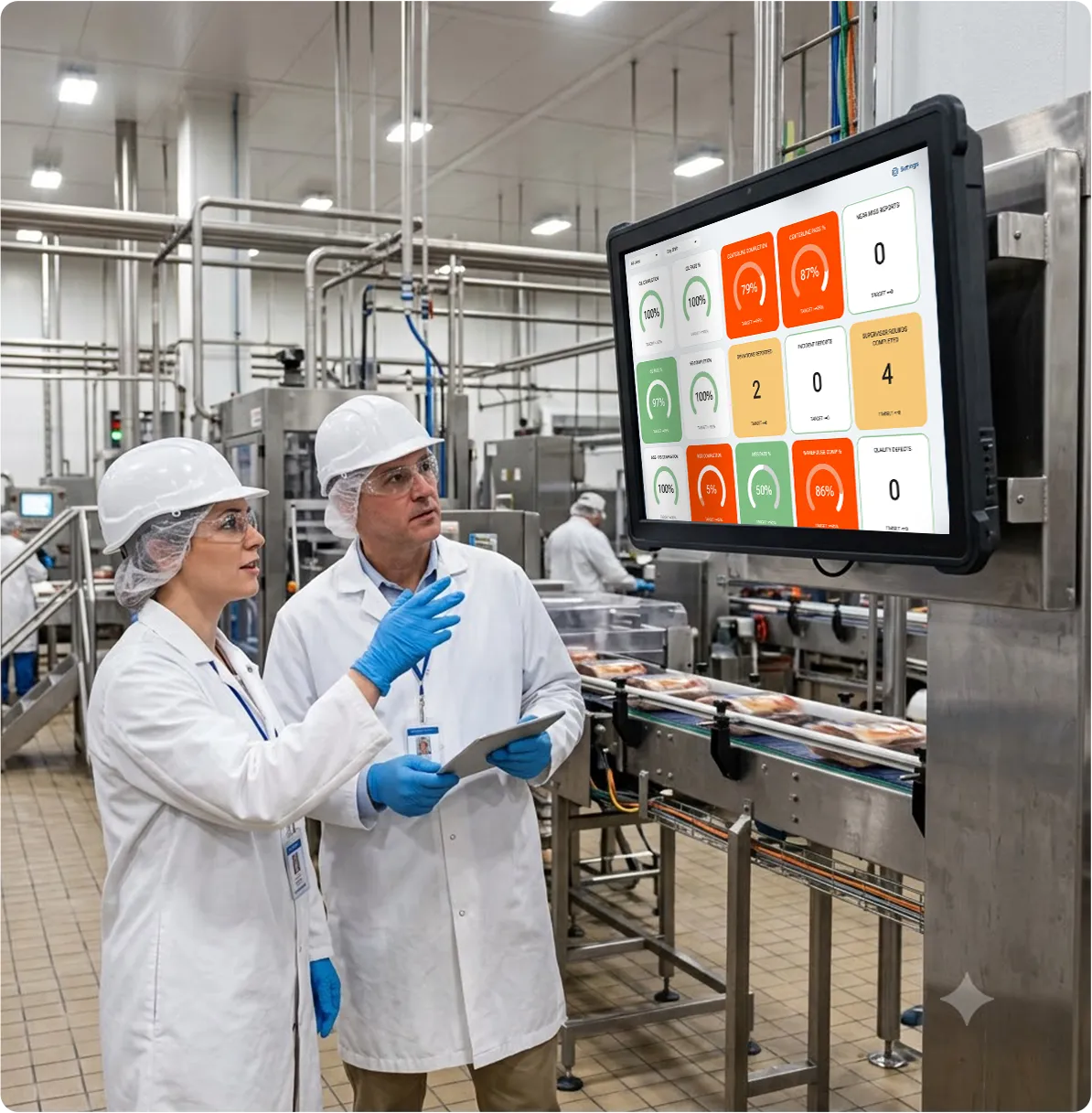
How to Build a GMP Audit Schedule and Program That Actually Works
A GMP audit that just checks a box protects you from a citation. A GMP audit built the right way protects your product, your brand, and the trust customers put in what leaves your plant. Both versions are legal. Only one is actually worth running.
If you're reading this, you're probably past the "check the box" stage. You already know Good Manufacturing Practice audits are a legal requirement in food manufacturing, and you're looking to get more out of them than the minimum: better product quality, stronger operational efficiency, and a team that actually engages with the process instead of resenting it.
Here's what a GMP audit typically covers, how to think about scheduling one, and four best practices for building a program that holds up under real scrutiny, not just a paper trail.
What does a GMP audit typically cover?
A GMP audit is a structured review of the conditions and practices behind the product, not the finished product itself. Depending on your facility, a typical audit covers:
- Environmental hygiene and housekeeping, visual checks of the plant floor, equipment, and common areas.
- PPE and hand-washing practices, confirming staff are following required protocols.
- Process parameter checks, verifying critical steps stay within specification.
- Allergen controls and swabbing, testing for cross-contact and residue on shared equipment and surfaces.
GMP audits are required by law, but the frequency and depth of the audit schedule is largely up to your organization to define, based on risk, product type, and your HACCP study.
How often should you run GMP audits?
There's no single mandated cadence that applies to every food manufacturer. Instead, most operational audit schedules are built around risk: high-risk areas (allergen-handling zones, open-product lines, high-touch equipment) get audited more frequently than lower-risk areas like dry storage or administrative spaces. A well-built schedule ties audit frequency directly to what your HACCP study identifies as a Critical Control Point, so the areas with the most at stake get the most attention.
The goal of the schedule isn't just compliance coverage. It's making sure drift, a hand-washing station that's slipped out of habit, a housekeeping standard that's quietly eroded, gets caught while it's still a quick fix, not a finding during a third-party audit.
Best Practice 1: Trim the fat and optimize your audit forms
An effective GMP audit form asks exactly what your HACCP study and GMP requirements call for, and nothing more. Every extra question adds time to the audit and dilutes attention on the ones that actually matter.
- Remove questions that don't tie directly to a documented requirement.
- Review your audit forms on a regular, formal cadence, not just when something goes wrong, to keep the form aligned with current requirements.
- Add photo capture to fields where a picture gives more useful context than a written description.
- Use conditional logic to hide fields that don't apply, so staff aren't reviewing irrelevant questions on every single audit.
Best Practice 2: Build in scoring and escalation
A simple scoring system turns a subjective walk-through into something staff can act on immediately. Assign a score to each answer option, and have the system total the audit score automatically as questions are answered. From there, you can set escalation rules on individual questions, so a critical failure triggers next steps immediately instead of waiting for someone to review the completed form.
Weever's digital form builder scores multiple-choice fields automatically, calculates the total audit score in real time, and can trigger range-based next steps based on the final score, so staff know exactly what to do the moment the audit is complete.
Best Practice 3: Require comments only where they add value
Comments give a failed audit item the context a score alone can't provide. But requiring a comment on every single field adds time to an audit that's already competing with production schedules, and most of that added time goes toward fields that passed with nothing meaningful to say.
The fix is conditional: require a comment only when an item actually fails inspection. That keeps the audit fast for the items that are fine, while still capturing the detail that matters most, the explanation behind a failure, exactly when you need it.
Best Practice 4: Trend your audit data over time
A single audit is a snapshot. The real value comes from trending results over time, since some issues (a slowly drifting process parameter, a housekeeping standard that erodes gradually) don't show up as a clear failure until you can see the pattern across multiple audits.
Capturing failure outcomes consistently and correlating them against audit history lets you spot a developing issue before it becomes a finding, a hold, or a recall. This kind of prevention pays for itself: a quality defect typically costs about $1 to prevent, roughly $10 to correct once it's caught in-house, and around $100 if it escapes all the way to a customer (Crosby / ASQ). Catching drift through trend data, rather than waiting for a hard failure, is what keeps a defect on the cheap end of that curve.
An audit tells you what's true today. Trend data tells you what's about to become true next month.
Why manufacturers digitize GMP audits with Weever
Paper forms and spreadsheets can get a GMP audit program off the ground, but they make trending, escalation, and reporting slower than they need to be, right when speed matters most.
Faster, more focused audits. Conditional logic and photo capture keep GMP checks quick without losing the detail an auditor or a recall investigation would need.
Escalation that happens automatically. Scored fields and range-based rules mean a failing result routes to the right person immediately, not after someone reviews a stack of completed forms.
Reporting that shows drift before it's a finding. Weever automates KPI reporting in real time, so trend visibility replaces guesswork.
Mars Yorkville used this same approach to cut quality check time by 400% (from 5 to 7 minutes down to 1 to 2) and save 13 hours a day in review time across nine lines, while eliminating costly holds entirely.
Want to see how Weever builds scoring, escalation, and trend reporting into your GMP audits? Book a demo and we'll show you.
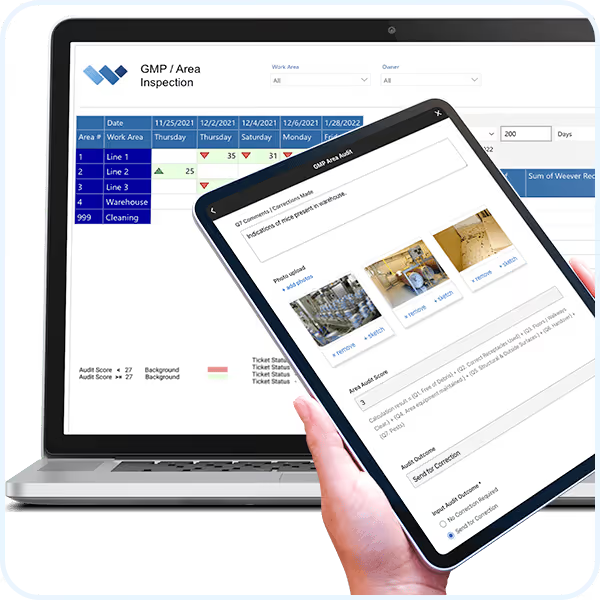
GMP Compliance Audits


Automate administrative tasks, simplify work and unlock the full potential of your frontline employees.
We work with organizations of all shapes and sizes who are frustrated with paper forms and spreadsheets. They want to save money, become more efficient, and spend their time more wisely. If that sounds like you, you've come to the right place.
Everything you need to get it done.
Customizable Templates
Dashboard Reporting
Automated Workflows
Schedule Management
Real-time Visibility
On-Demand Instructions
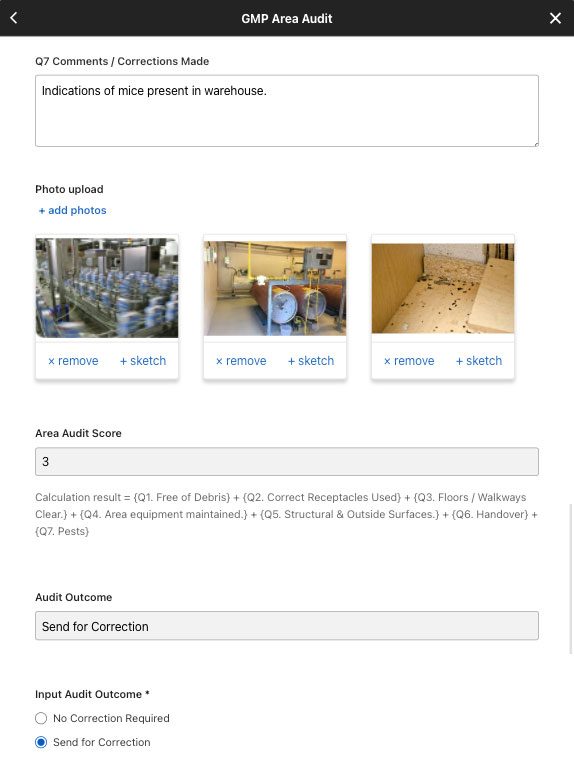
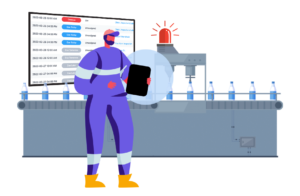
Digital DATA CAPTURE
Get it done correctly every time.
- Customize pre-built templates
- Guide staff through a seamless experience with on-demand instructions
- Score responses and automate feedback
- And so much more ...


WORKFLOW AUTOMATION
Evaluate and approve.
- Evaluate submissions in real-time
- Automate workflows
- Foster collaboration and monitor project status to completion
- And so much more ...
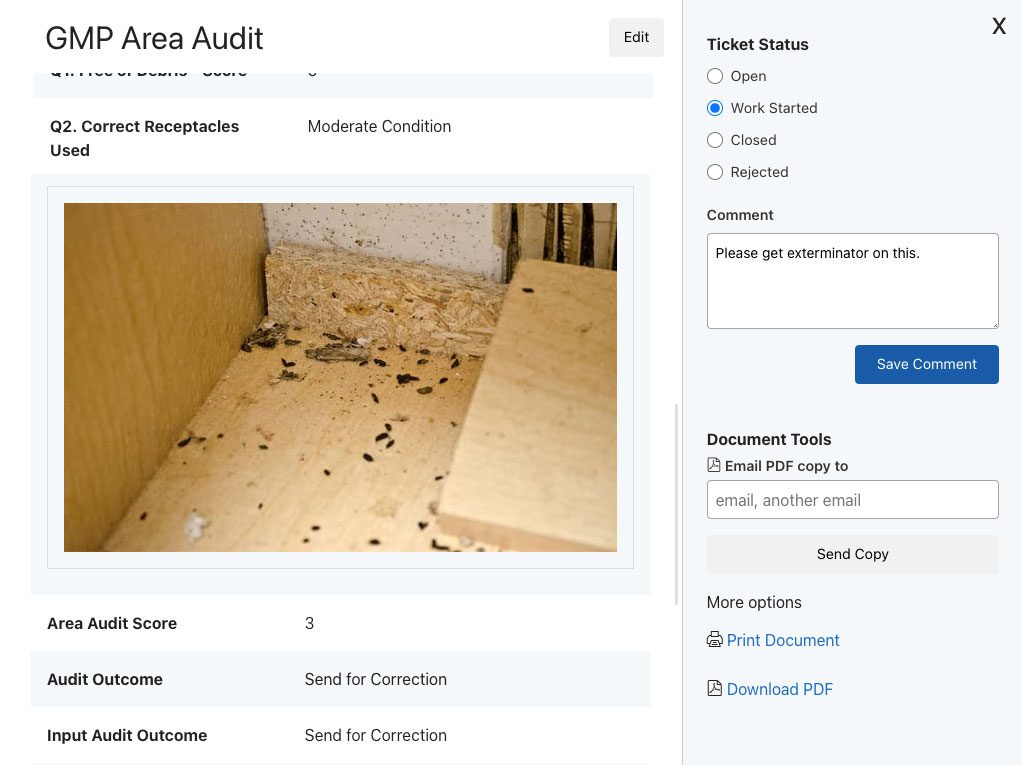
WORKFLOW AUTOMATION
Evaluate and approve.
- Evaluate submissions in real-time
- Automate workflows
- Foster collaboration and monitor project status to completion
- And so much more ...
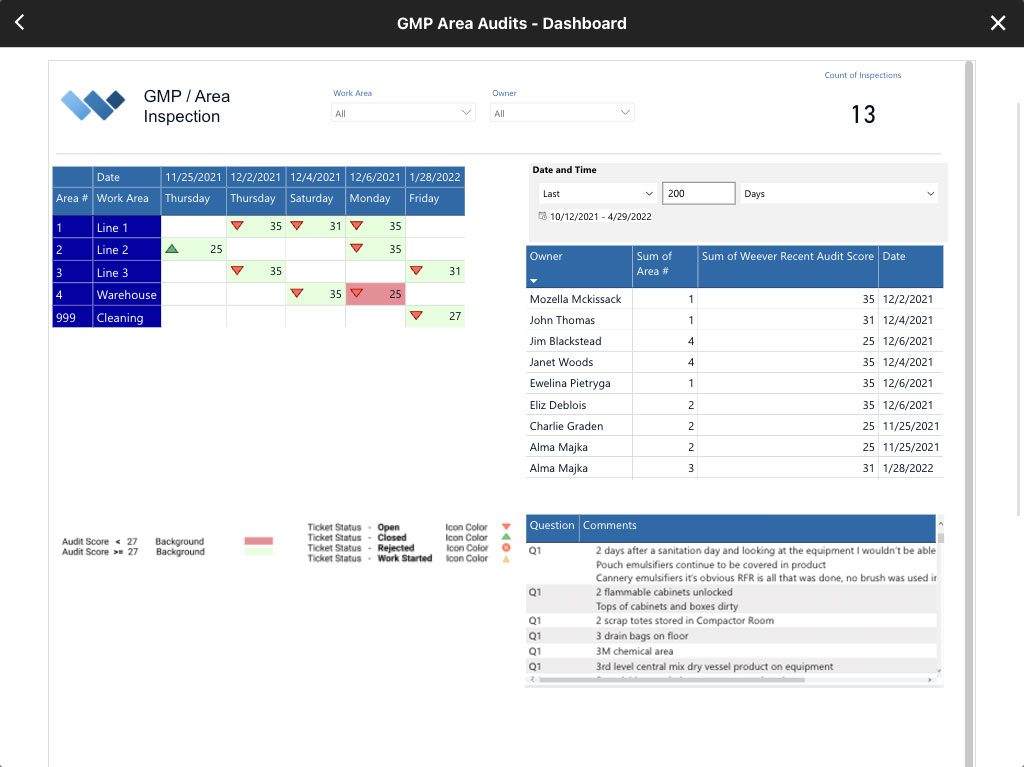

REAL-TIME REPORTING
Automate Business Intelligence.
- Customizable reporting dashboards
- Download Spreadsheets & PDF documents
- Automatically push data to other business systems

No per user or set up fees.
Take a Guided Tour.
Do it all with Weever.
Weever is a comprehensive workflow management platform that is used to automate safety, quality, maintenance, production, compliance, continuous improvement and training operational requirements.
Learn about the Platform.
Download the brochure to get all the details about how Weever works.
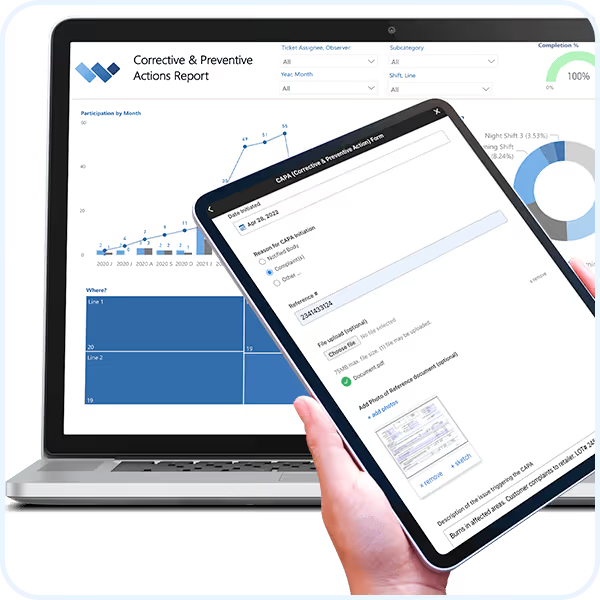
CAPA (Corrective & Preventive Action)
Automate administrative tasks, simplify work and unlock the full potential of your frontline employees.
We work with organizations of all shapes and sizes who are frustrated with paper forms and spreadsheets. They want to save money, become more efficient, and spend their time more wisely. If that sounds like you, you've come to the right place.
Everything you need to get it done.
Customizable Templates
Dashboard Reporting
Automated Workflows
Schedule Management
Real-time Visibility
On-Demand Instructions
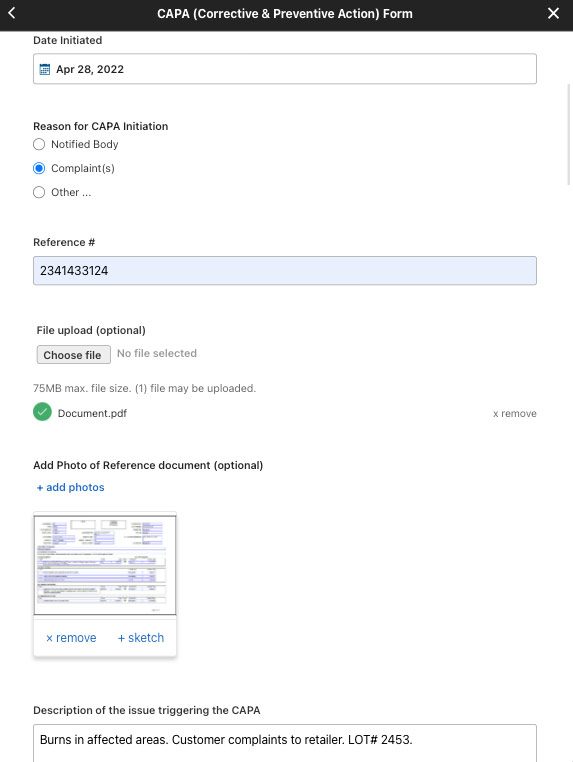
Digital DATA CAPTURE
Get it done correctly every time.
- Customize pre-built templates
- Guide staff through a seamless experience with on-demand instructions
- Create automated schedules and assignments
- Automate conditional "failure" workflows to ensure compliance
- And so much more ...
WORKFLOW AUTOMATION
Evaluate and approve.
- Evaluate submissions in real-time
- Automate workflows
- Foster collaboration and monitor project status to completion
- And so much more ...
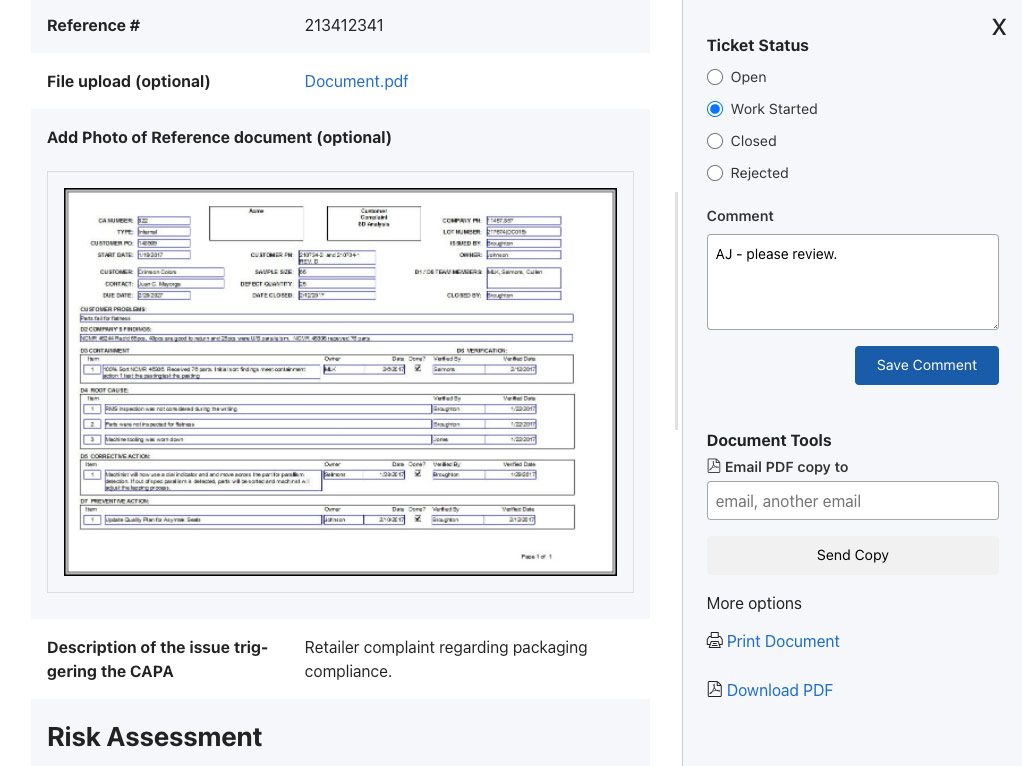
WORKFLOW AUTOMATION
Evaluate and approve.
- Evaluate submissions in real-time
- Automate workflows
- Foster collaboration and monitor project status to completion
- And so much more ...
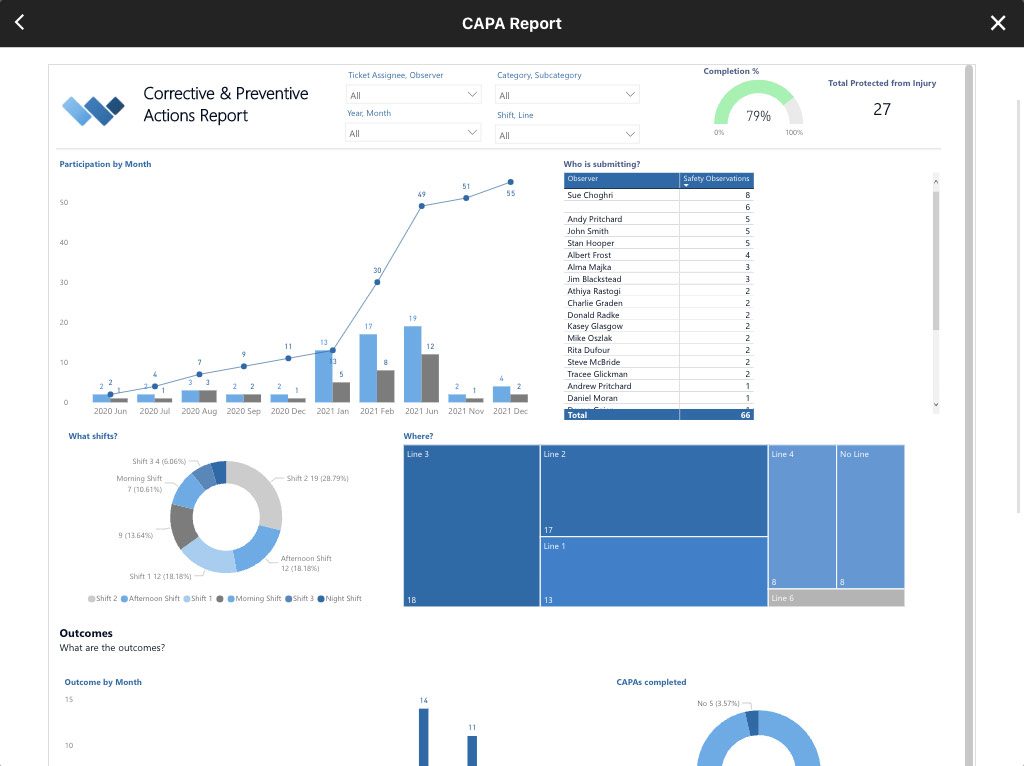
REAL-TIME REPORTING
Automate Business Intelligence.
- Customizable reporting dashboards
- Download Spreadsheets & PDF documents
- Automatically push data to other business systems
Learn about the Platform.
Download the brochure to get all the details about how Weever works.
Do it all with Weever.
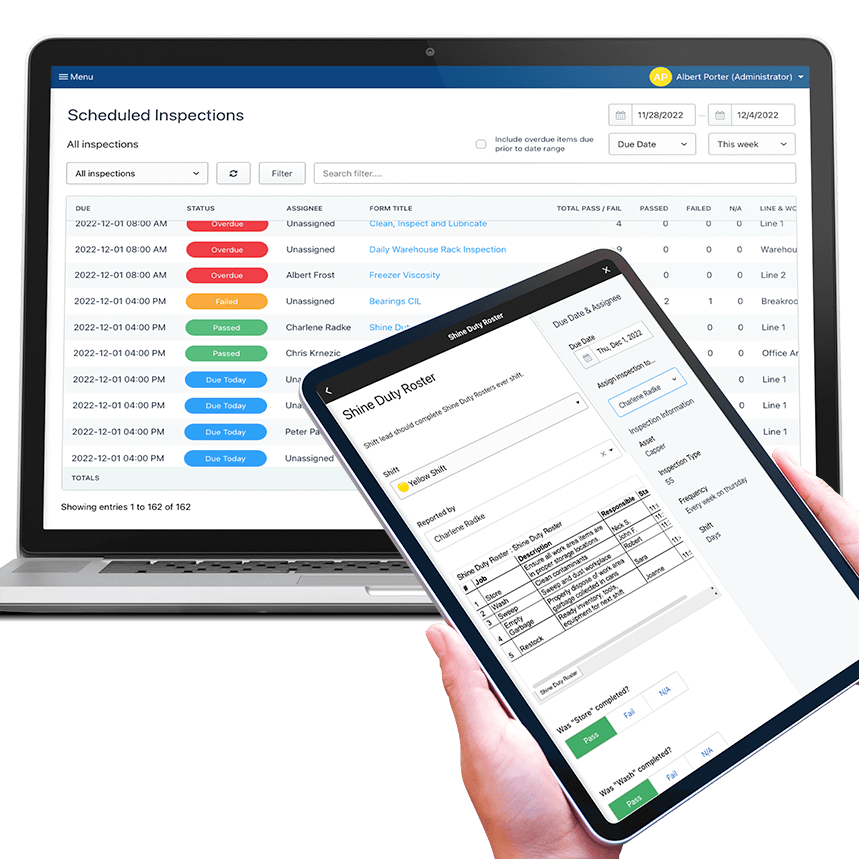
Shift Duty Roster
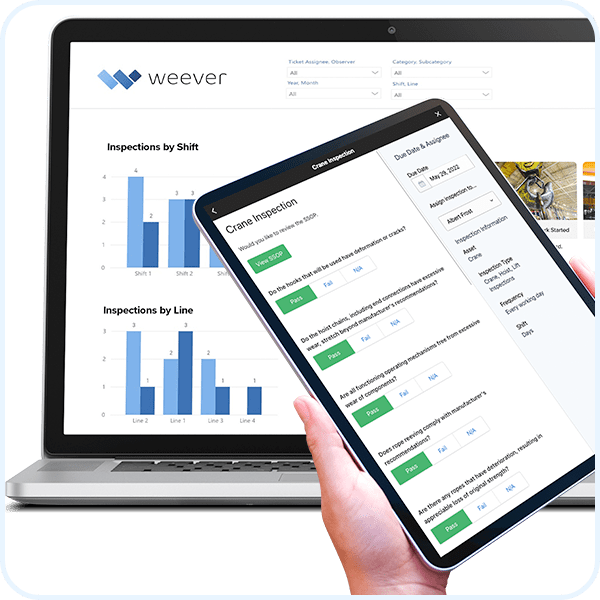
Safety Audits & Inspections
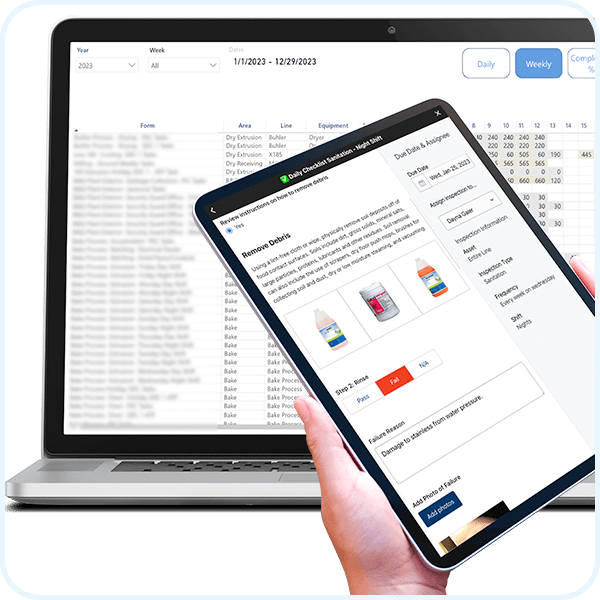
Master Sanitation Schedules
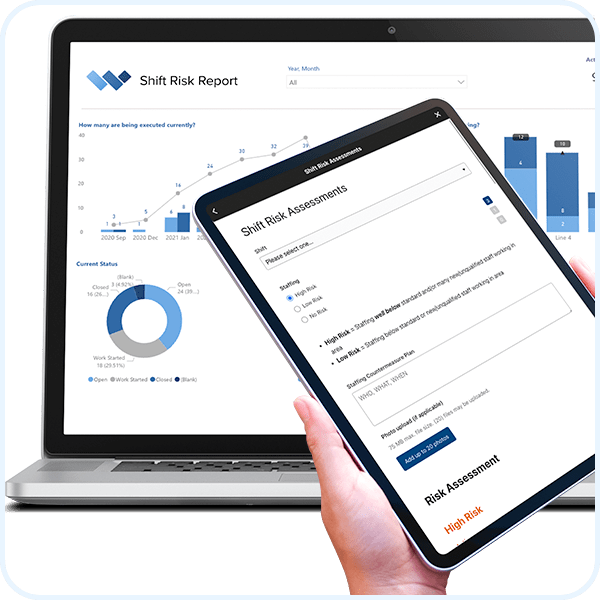
Near Miss Reporting
Suggestions
Abnormality Reporting
Weever is a comprehensive workflow management platform that is used to automate safety, quality, maintenance, production, compliance, continuous improvement and training operational requirements.
Take a Guided Tour.
5S Best Practices
The 5S methodology is a simple practice that helps your organization realize efficiency gains quickly by optimizing the cleanliness, order and organization of each workstation. 5S workstations are sorted, set in order, cleaned (or "shined"), standardized and sustained.
5S is the simplest and most effective Lean methodology because:
- It delivers results quickly
- It is easy for staff to understand how a clean and standardized workstation can increase efficiency
- It increases employee engagement and general satisfaction
- It is relatively easy to implement
There are some common pitfalls that organizations can encounter when implementing a 5S program. Here are some 5S best practices that will ensure a better chance at success.
1. Address Employee Engagement
To ensure successful program adoption, it is highly important that you consider the 3Es of employee engagement. Are you staff Empowered, Energized and Enabled?
Have an answer for "What's in it for me?"
When engaging staff in a new 5S process (or 5S project), don't forget to address the "What's in it for me" factor. Lean programs are great for organizations and their employees in the long run, but some employees can be stuck in their ways and new work sounds like… well, work. They need to be motivated.
Influence the influencers.
Instead of management telling staff this is a mandatory new practice, one way to gain alignment is to influence the influencers. Isolate the workers who other workers listen to and sell them on the idea so that they can help promote the idea from within.
Showcase successes
Intrinsic motivation is when staff are motivated from within. One way to intrinsically motivate participation is to provide periodic updates on the success of the program. This requires you to understand some benchmark KPIs (Key Performance Indicators) first before you launch the program and then measure them as you go. 5S programs generally have a more holistic impact on efficiency and productivity, so it can be hard to find one thing to measure. You could measure OEE and workstation output/throughput. You could even just do a quick questionnaire asking staff to rate efficiency and satisfaction before and after the implementation.
The 30 second rule
One trick our customers use is the "30-second rule" where the 5S auditor asks staff to find a specific tool within 30 seconds. You can measure this by "yes" or "no" (i.e. did they find it or not) or actually count the seconds. Over time you will find that there are more completions and the time decreases.
Use Rewards to Motivate Successful Behaviour
Another option is to use a rewards system that offers points for completing 5S requests and audits. You could also provide points for audit scores. Weever offers an integrated "Rewards & Recognition" enhancement that automatically attributes points and allows staff to redeem them for rewards.
2. Train in Small Groups
To be effective, 5S implementations require a bit of training so that staff can understand what each 5 represents and how to bring them to life at their workstation.
Harness Collaboration and Practical 5S Training
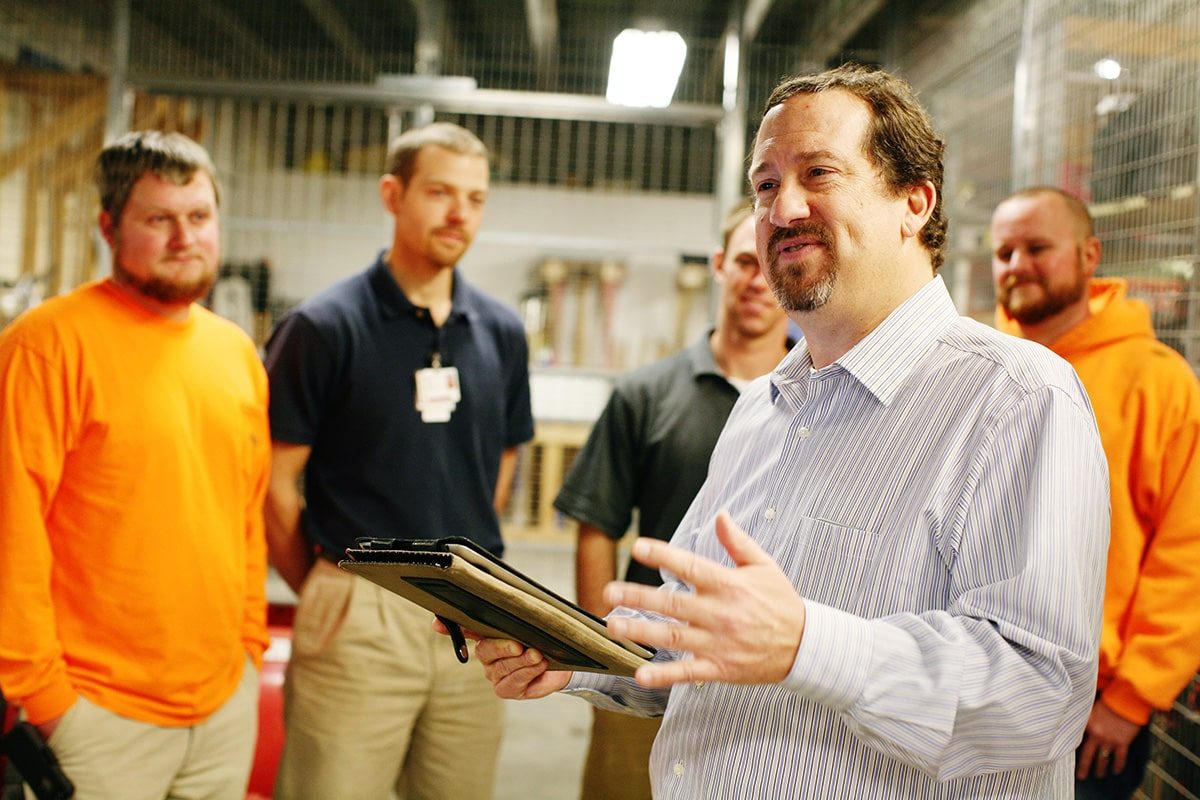
One best practice that continues to pay off for our customers is Small Group Training. Small groups allow for more collaboration and hands-on, practical training. Work with an actual workstation and go through each of the first 3 principles of 5S:
- seiri (整理) = sort
- seiton (整頓) = set in order
- seisō (清掃) = shine
After the original optimization is completed, discuss how the workstation can be standardized so that it maintains this state - can you implement a 5S map for tools, for example - and discuss a plan to continuously review and improve the workstation moving forward (sustain).
Allow workers to "request" 5S optimizations
After the initial training, allow a couple weeks for staff to "5S" their own workstation. You can create a "5S request" system where staff can request some help from a supervisor to provide some insights and help in optimizing their workstation.
3. Create an Auditing Schedule
After you train and implement the original 5S optimization of each workstation, you will want to create an auditing schedule so that you maintain and continuously improve workstation efficiency.
Maintain Efficiency and Continuously Improve with Audits
Some best practices around auditing include:
- Score each S on a 3 point scale - 0 points for Not Completed, 1 point for Partially Completed, and 2 points for Completed. Click here to review a Word Document template for auditing.
- Add up each score and provide an outcome. If the score is not acceptable, the outcome may be to audit more frequently.
- Execute the 30-second Rule game, which is fun and provides a good success metric.
Consider Peer-to-Peer
You can have supervisor audit, but we have found that a good best practice is to have peer-to-peer auditing. This allows staff to make assessments and enhance their understanding of the principles over time. Supervisors can review failures and spend more time on the workstations and employees that are having difficulty keeping up.
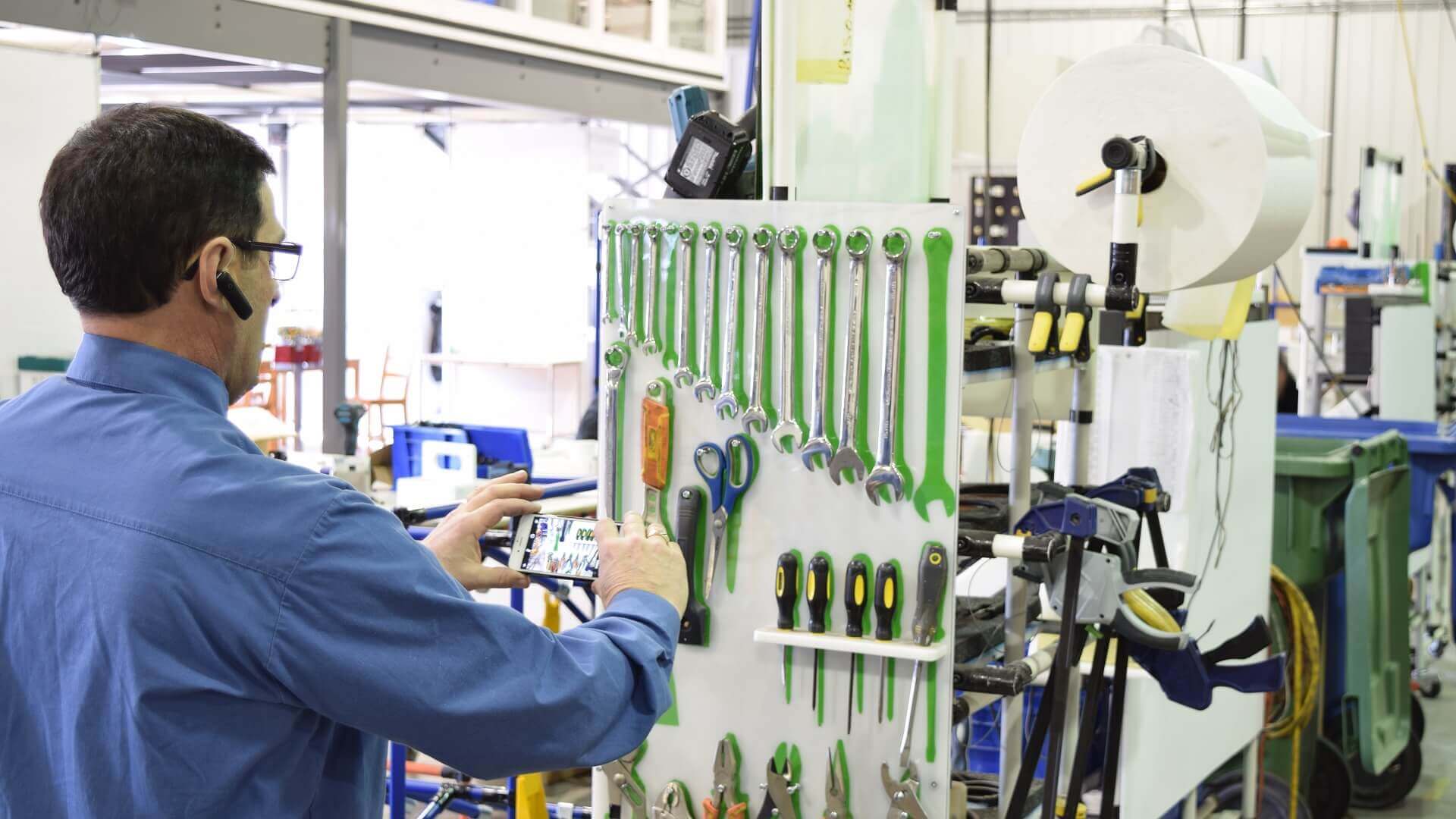
4. Include Photos
For 5S auditing, photos are worth a thousand words. It is difficult to audit a workstation if you have no idea as to what the established optimal state was.
Before digital solutions were the norm, organizations used to carry around file folders with printed photos of workstations. Now, the auditor can review the photo in the digital form.
With Weever, adding a quick photo is a snap. Even mark up the photo with a quick sketch to draw attention to a specific area of the photo.
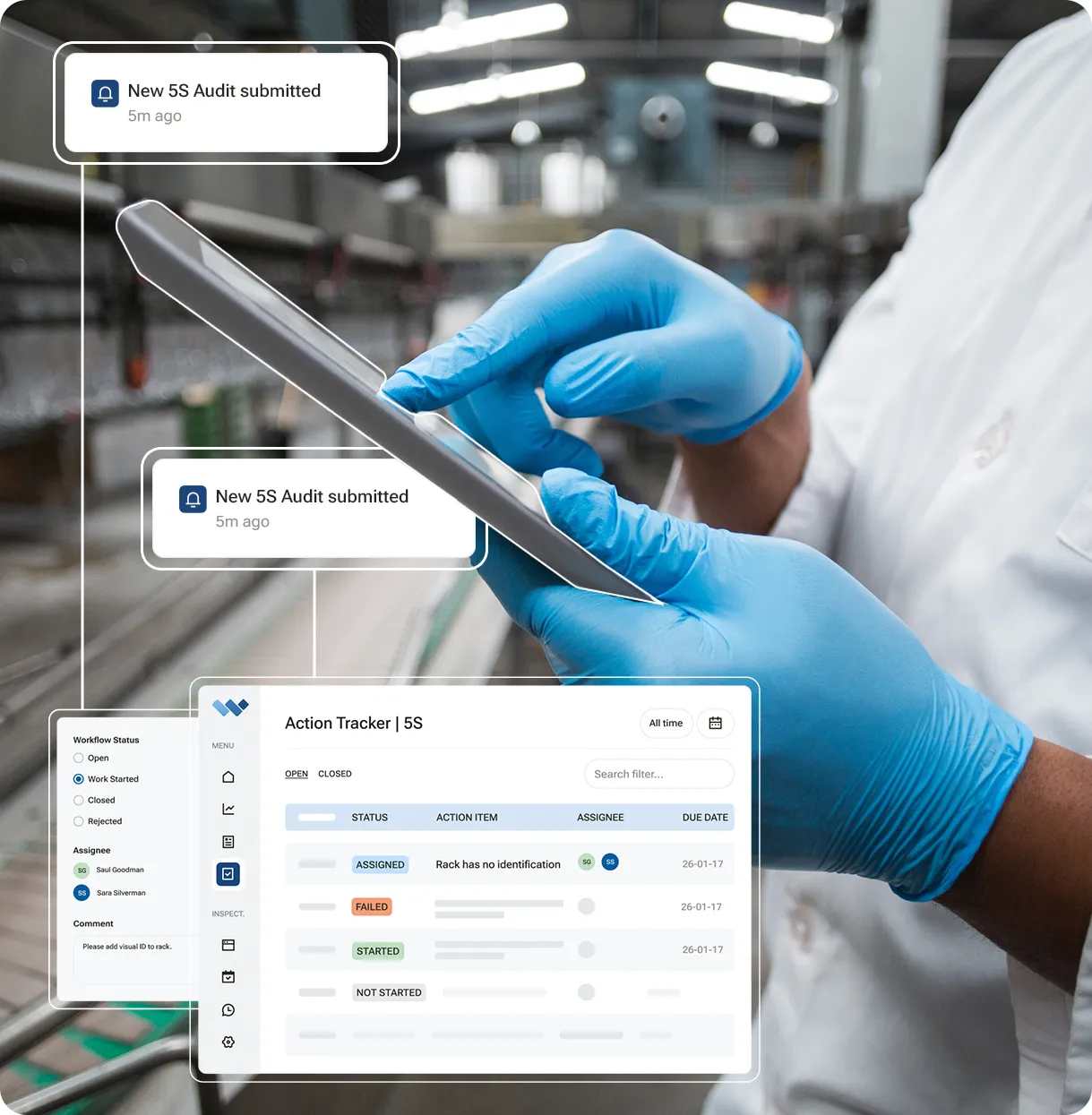
5. Digitize the Process
The way to get the most out of your 5S program is to digitize the process. Digital forms offer so many inherent advantages when compared to paper forms and spreadsheets, including:
- Workflow Automation - automatically score 5S and create a "ticket" for follow up if the audit "fails"
- Photo Capture - snap a quick photo of the workstation for future reference
Digital Signatures and Login - Staff login or eSign so you know who actually did the work - Data Capture Requirements - Ensure data is captured correctly with required fields, conditional logic and form automation
- Scheduling - Create an audit schedule and assign audits to workstations as well as staff members
- Engagement - Reward staff for completing the original optimization and executing peer-to-peer audits
- Accessibility - The auditing form is easy to find, fill out and move on. Staff are guided through the process ensuring success and efficiency.
7 Tips to Ensure Successful 5S Audits in Manufacturing
If you've rolled out 5S on your floor, you already know the first three S's are the easy part. Sort, Set in Order, and Shine give you a satisfying before-and-after photo. The hard part, the part that decides whether 5S becomes a real program or a one-time cleanup, is what happens in the months after.
That's what the audit is for. Done well, a 5S audit catches drift early, gives operators real feedback, and gives Continuous Improvement leaders the data to prove the program is actually working. Done poorly, findings pile up in a binder, the same issues resurface every quarter, and nobody can say with confidence whether 5S is helping or just generating paperwork.
Here's a quick refresher on 5S, followed by seven tips for running audits that actually sustain the program instead of quietly letting it fade.
What is 5S?
5S is a workplace organization methodology built around five Japanese terms:
- Seiri (整理) — Sort: remove what isn't needed from the workspace.
- Seiton (整頓) — Set in Order: arrange what's left so it's easy to find and use.
- Seiso (清掃) — Shine: clean the area and inspect equipment while doing it.
- Seiketsu (清潔) — Standardize: turn the new organization into a repeatable standard.
- Shitsuke (躾) — Sustain: keep the standard in place through ongoing discipline.
5S gives workers a structured way to organize a space for efficiency and safety: identify what's actually needed, decide where it belongs, keep the area and equipment maintained, and build habits that hold the new standard in place. Standardization, a cornerstone of Lean, is what turns individual cleanup into a shared understanding of how work should be done every time.
Sustain is one of five letters, but it's where most of the real work happens, and where most 5S programs quietly fail. That's exactly what a disciplined audit cadence is built to prevent.
1. Schedule recurring audits, not a one-time inspection
Once a workstation reaches its optimal state, the job isn't done, it's just started. Schedule audits on a fixed cadence to confirm the standard holds. Most manufacturers audit each workstation at least once a month, though higher-risk or high-turnover areas often warrant more frequent checks.
Keep the framing collaborative. The point of a 5S audit isn't to catch someone doing something wrong, it's to give the team feedback on the current state of a workstation so small issues get fixed before they become bigger ones.
2. Decide who conducts the audit, and build in oversight
Most plants have a supervisor assess each operator's workstation directly. Others use peer-to-peer audits, where operators evaluate each other's stations, with supervisor spot-checks to make sure the peer reviews stay consistent and fair.
Either model works. What matters is consistency: the same standard applied the same way, whether the person holding the checklist is a supervisor or a peer.
3. Use a consistent scorecard across every audit
A 5S audit scorecard (sometimes called a 5S audit sheet) gives structure to the review and turns a subjective walk-through into comparable data. Most scorecards rate each "S" on a simple scale:
- 1 = Not completed
- 2 = Partially completed
- 3 = Completed
Free 5S checklist templates are a reasonable place to start, and paper or Excel-based scorecards can get a new program off the ground. But both formats run into the same limits once a program scales past one or two workstations: no photo evidence, no automatic scoring, and no easy way to compare results across shifts, lines, or sites.
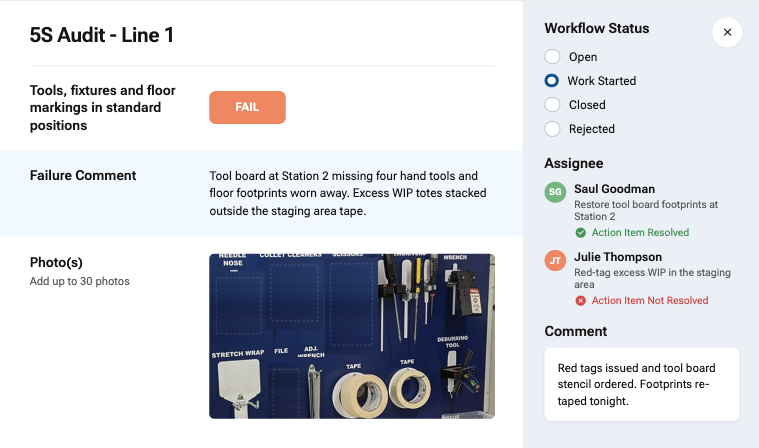
4. Digitize the audit to capture photos and context
A digital 5S audit form solves the biggest limitation of paper: it lets you attach a photo directly to the finding, so feedback comes with visual context instead of a written note that leaves room for interpretation. Conditional logic can also prompt an operator or auditor for more detail only when a specific "S" fails inspection, keeping the form fast for the stations that pass.
Digitizing also removes the device barrier. Staff can complete audits using a shared tablet on the line or their own phone (BYOD), instead of tracking down a clipboard and a pen.
5. Compare current conditions to a reference photo of the optimal state
The original 5S rollout is complete when a workstation reaches its optimal, organized state. Every audit after that is really a comparison: how close is the station right now to that original standard?
A reference photo of the optimal state, attached directly to the audit form, makes that comparison concrete instead of relying on memory or written standards alone. With a digital form, that reference photo is available every single time the audit runs, for every auditor, not just the person who happened to be there when the standard was first set.
6. Run the 30-second rule as a simple, repeatable KPI
The 30-second rule is a quick, low-effort way to measure how well Set in Order is actually working at a given station. Time how long it takes an operator to locate a specific tool. Under 30 seconds is a pass. Over 30 seconds is a fail. This short video walks through the exercise.
Because it's fast and objective, the 30-second rule works well as a standing KPI you can track and compare across every workstation in the facility, giving Continuous Improvement teams an early signal on where organization is slipping before a full audit catches it.
7. Calculate a total score, and use reporting to find where to focus
To calculate a total 5S audit score, add the score for each "S" and divide by five. A perfect audit (a 3 on every "S") produces a total score of 3: (3+3+3+3+3) ÷ 5 = 3.
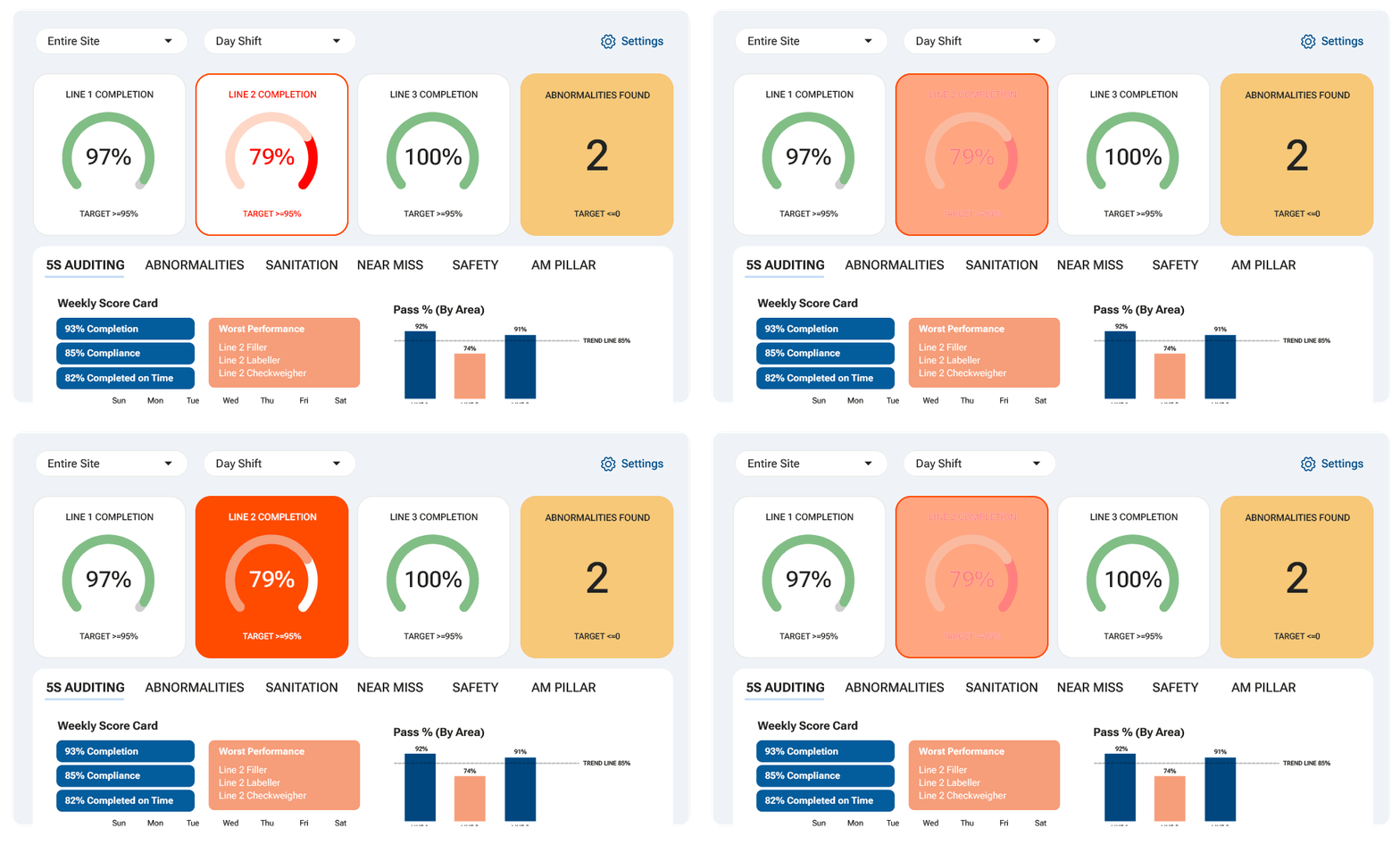
The single number is useful for a quick read, but the real value comes from reporting that breaks results down by workstation, shift, line, and individual "S." Radar charts in particular make it easy to spot exactly where a program is underperforming, whether that's one specific station, one shift, or one "S" (Shine consistently lagging Sort, for example) across the whole facility, so trainers know precisely where to focus retraining instead of guessing.
A 5S score without a breakdown tells you something's off. A breakdown by station, shift, and "S" tells you what to actually fix.
Why manufacturers digitize 5S audits with Weever
Paper checklists and spreadsheets can launch a 5S program. They're a lot harder to lean on once you're running audits across multiple lines, shifts, and sites, and leadership starts asking for proof the program is working.
- Faster audits, with photo evidence built in. Weever's digital 5S audit forms capture photos, apply conditional logic, and score each "S" automatically, so audits take minutes instead of a clipboard-and-spreadsheet routine after the fact.
- Findings that get tracked to closure. A failed item routes straight to the right person instead of sitting in a binder until the next audit rolls around.
- Reporting leadership actually trusts. Automatic score trends by workstation, shift, line, and site replace the spreadsheet nobody's confident in, so a Continuous Improvement manager can show, with real data, whether the program is working.
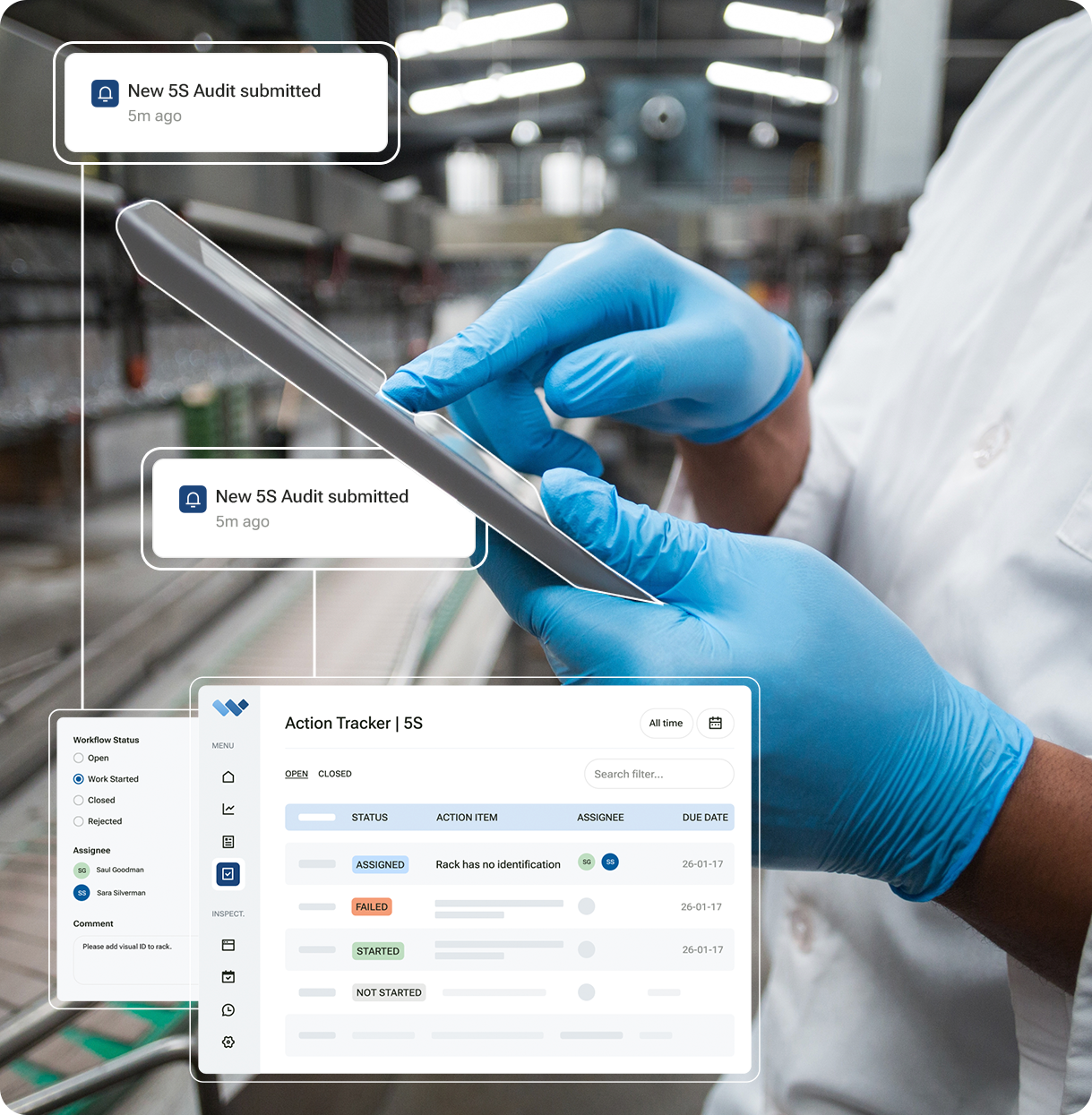
Want to see how Weever runs 5S audits, tracks findings to closure, and reports on trends across your own lines? Book a demo and we'll show you.
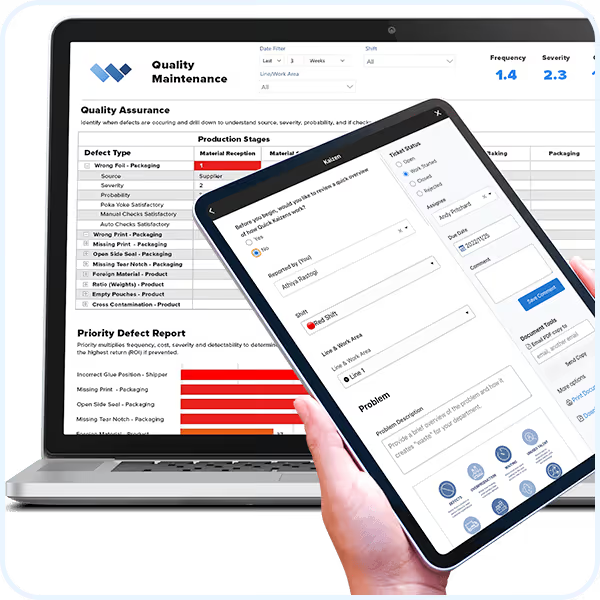
Quality Defect Reporting
Quality Defect Reporting
Customizable Templates
Dashboard Reporting
Automated Workflows
Schedule Management
Real-time Visibility
On-Demand Instructions
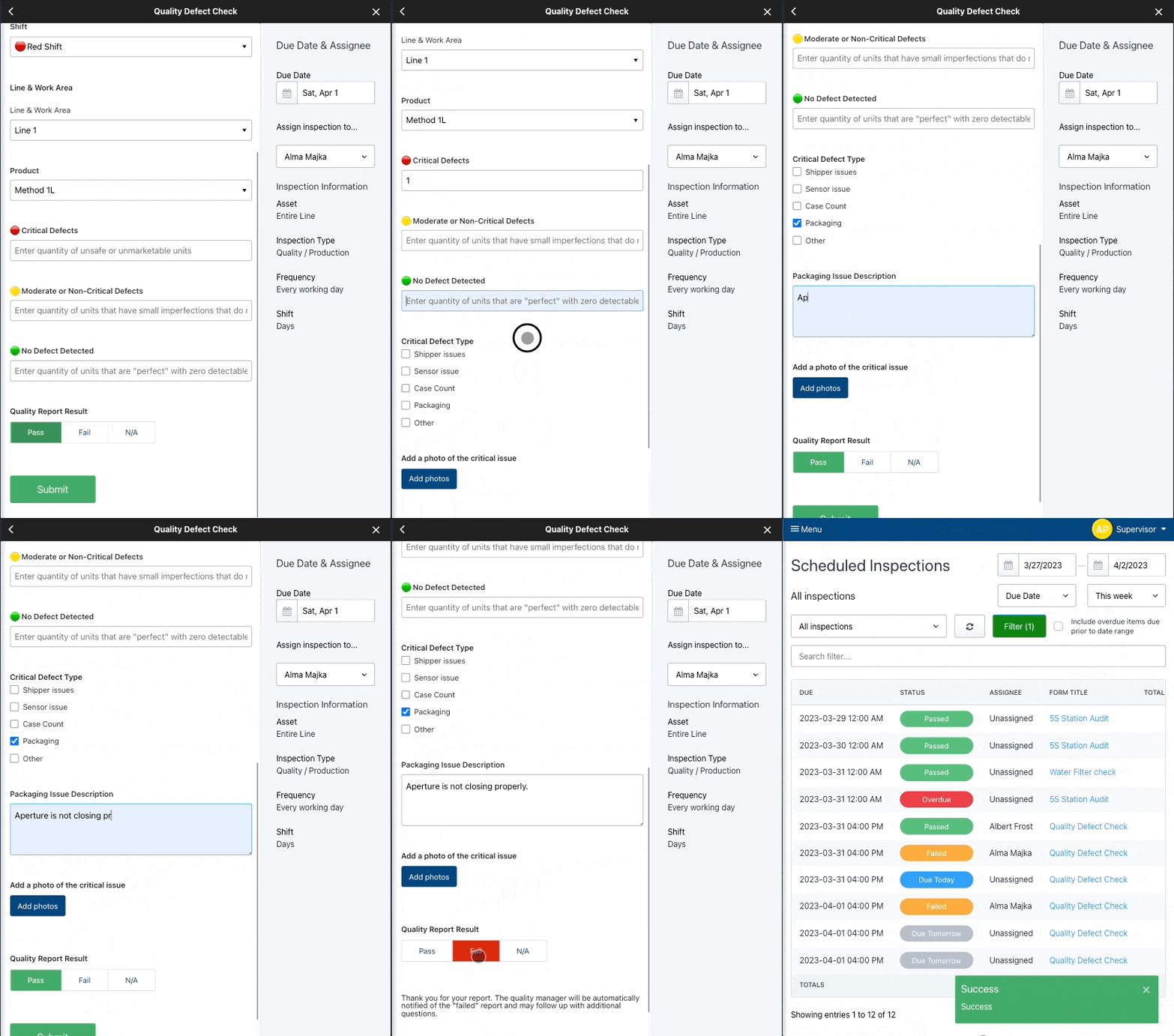
Digital DATA CAPTURE
Get it done correctly every time.
- Customize pre-built templates
- Guide staff through a seamless experience with on-demand instructions
- Create automated schedules and assignments
- Automate conditional "failure" workflows to ensure compliance
- And so much more ...
WORKFLOW AUTOMATION
Evaluate and approve.
- Evaluate submissions in real-time
- Automate workflows
- Foster collaboration and monitor project status to completion
- And so much more ...
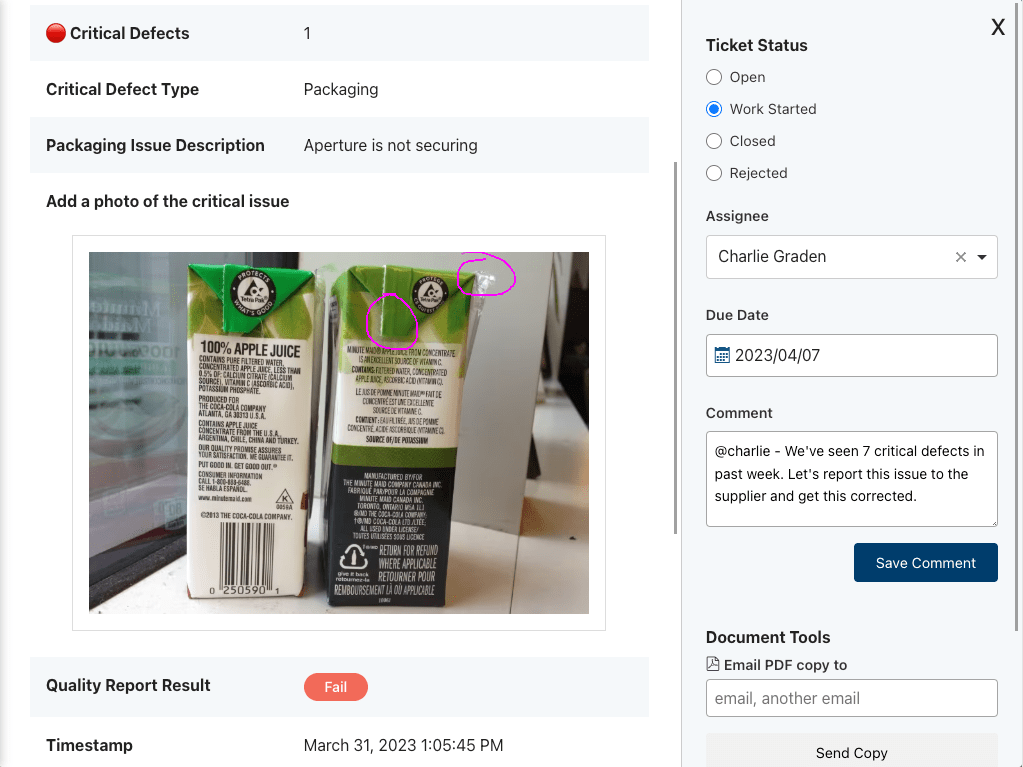
WORKFLOW AUTOMATION
Evaluate and approve.
- Evaluate submissions in real-time
- Automate workflows
- Foster collaboration and monitor project status to completion
- And so much more ...
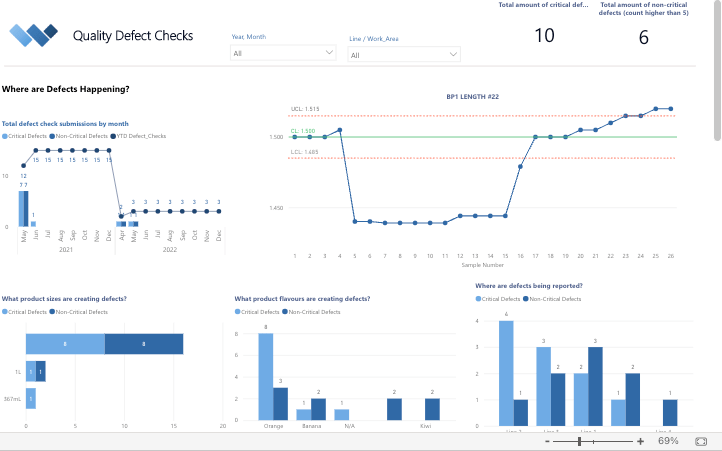
REAL-TIME REPORTING
Automate Business Intelligence.
- Customizable reporting dashboards
- Download Spreadsheets & PDF documents
- Automatically push data to other business systems
Take a Guided Tour.
Do it all with Weever.
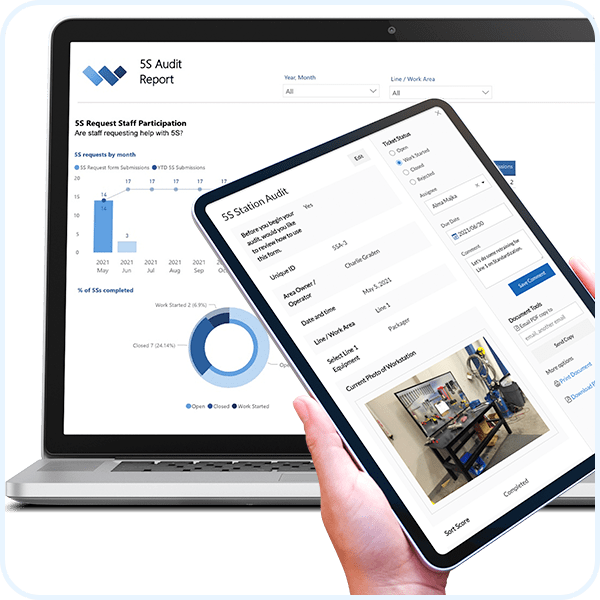
5S Auditing
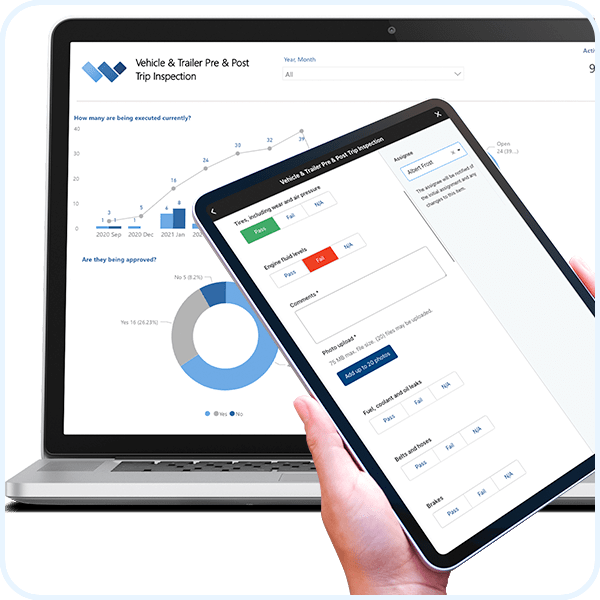
Vehicle & Trailer Pre & Post Trip Inspection
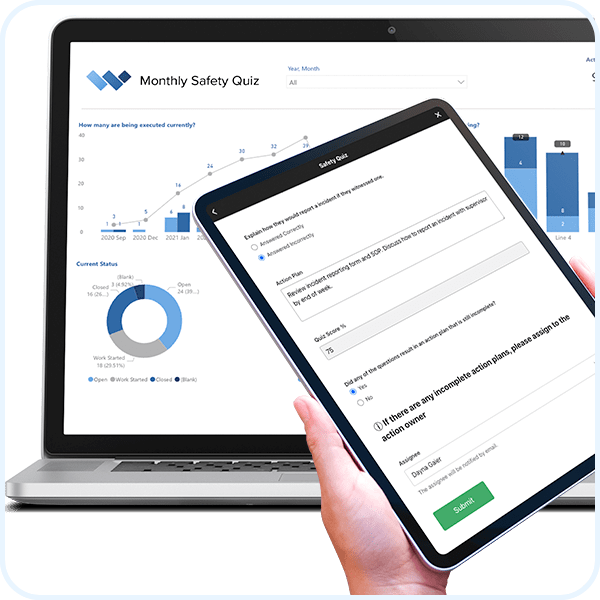
Monthly Safety Quiz
Machine Breakdown Analysis
Autonomous Maintenance
One Point Lessons (OPL)
Weever is a comprehensive workflow management platform that is used to automate safety, quality, maintenance, production, compliance, continuous improvement and training operational requirements.
Learn about the Platform.
Download the brochure to get all the details about how Weever works.

Incident & Near Miss
incident & near miss software
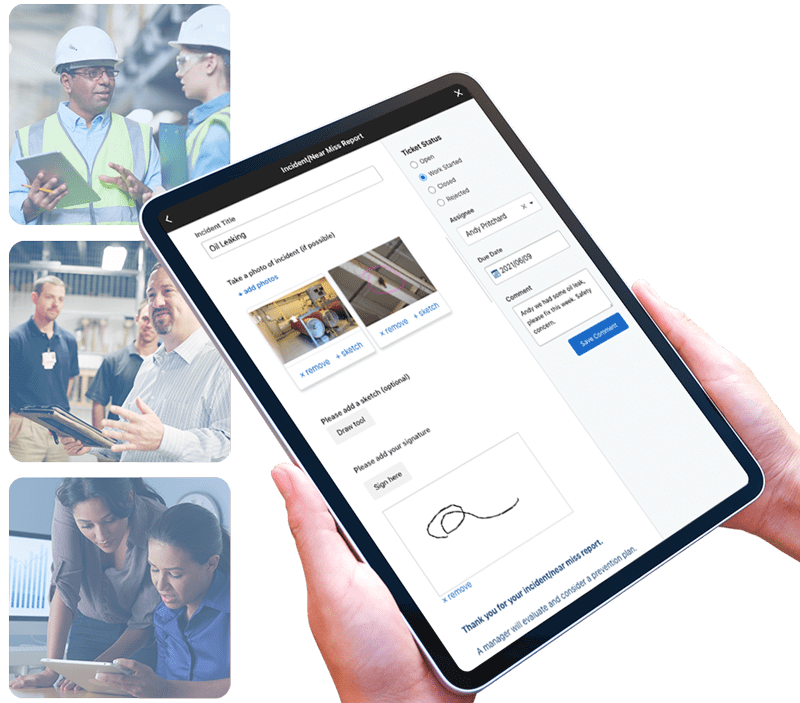
Manage incidents and near misses from beginning to end
We are global leaders in Incident Reporting Management because we provide everything you need to get the job done.
Customizable Templates
Dashboard Reporting
Automated Workflows
Schedule Management
Real-time Visibility
On-Demand Instructions
Take a Guided Tour.
Learn about the Platform.
Download the brochure to get all the details about how Weever works.

Celebrating 10 Years
Celebrating 10 Years
Weever was founded in 2011 by a small group of entrepreneurs looking to optimize the use of mobile devices. This has evolved into helping companies accelerate operations and supercharge employee engagement.
Leveraging our team’s deep experience and our best-in-class customer success, we have supported some of the world’s largest organizations through their digitization journeys, and enabled them to reap the significant benefits, far beyond the tens of millions of dollars saved.
By providing better digital tools to their employees, our client partners have increased productivity, while driving employee engagement through better visibility and rewards for contributions made.
We are grateful to our wonderful roster of clients for their dedication to their teams and for their commitment to continuous improvement.
Lastly, we are proud to be based in Hamilton, Canada. Over the last decade we have maintained a strong connection to our community via internships with local colleges, universities and high schools, fundraisers, economic development support, and employee participation in countless community events.
Please join us in celebrating this significant milestone. Here’s to another 10 years of success!
Kaizen
Automate administrative tasks, simplify work and unlock the full potential of your frontline employees.
We work with organizations of all shapes and sizes who are frustrated with paper forms and spreadsheets. They want to save money, become more efficient, and spend their time more wisely. If that sounds like you, you've come to the right place.
Everything you need to get it done.
We are global leaders in Kaizen Management because we provide everything you need to get the job done.
Customizable Templates
Dashboard Reporting
Automated Workflows
Schedule Management
Real-time Visibility
On-Demand Instructions
Digital DATA CAPTURE
Get it done correctly every time.
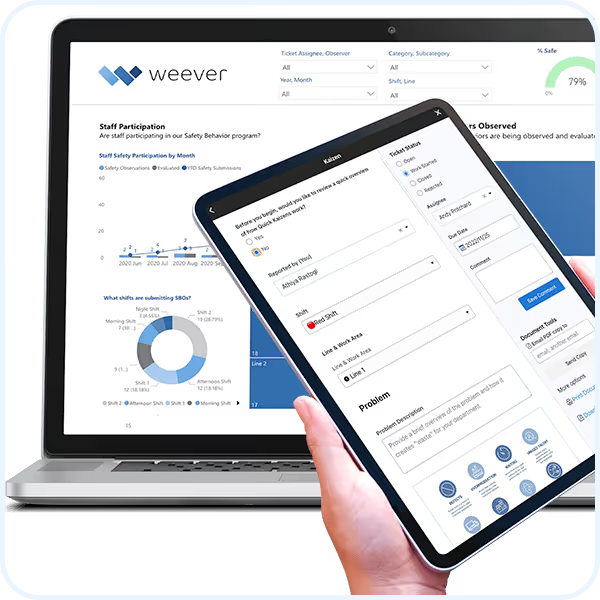
- Capture photos, sketches and digital signatures.
- Build and edit schedules.
- Automate real-time instructions and feedback.

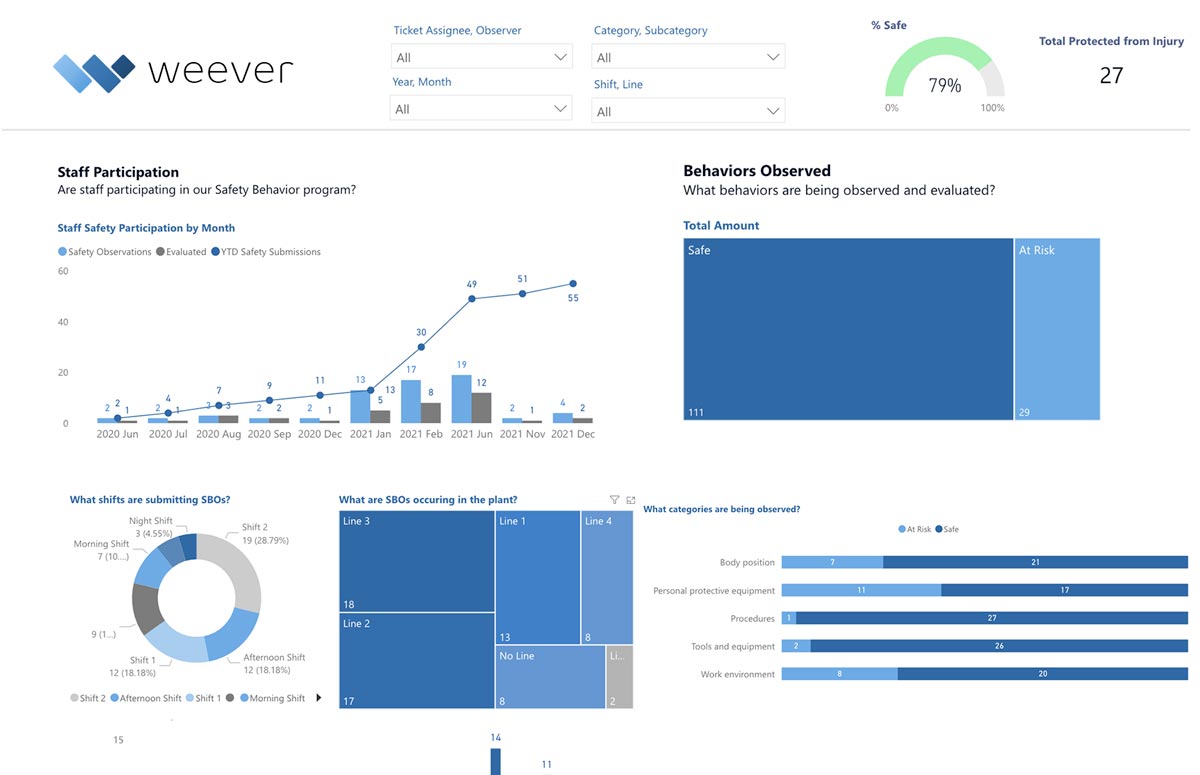
REAL-TIME REPORTING
Automate Business Intelligence.
- Customizable reporting dashboards
- Download Spreadsheets & PDF documents
- Automatically push data to other business systems
Take a Guided Tour.
Learn about the Platform.
Download the brochure to get all the details about how Weever works.
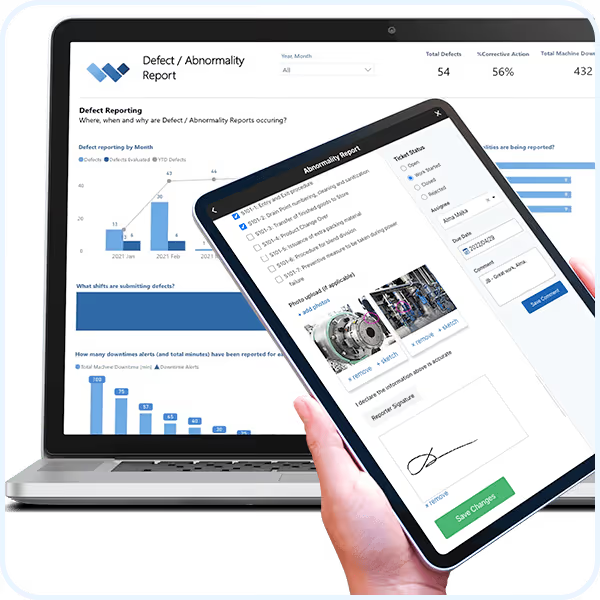
Abnormality Reporting

Abnormality Reporting
Identify and address non-conformities in processes, products, safety or quality standards, ultimately enhancing operational efficiency and product quality.
- Easy to configure and use.
- Provide immediate feedback to frontline staff.
- Create and assign improvement project action items.
- Understand actionable insights at a glance.
Request Free Demo Solution Overview
"Having cloud-based forms on devices around the facility makes them so much more accessible, which makes it painless for operators to quickly provide a report."
Johanna Velez, VP Quality Assurance


"Weever is really user friendly and will have a massive positive impact on our operations and training team."
Mel Cadle - Op Ex Lead Process Engineer


Everything you need to get it done.
Customizable Templates
Dashboard Reporting
Automated Workflows
Schedule Management
Real-time Visibility
On-Demand Instructions
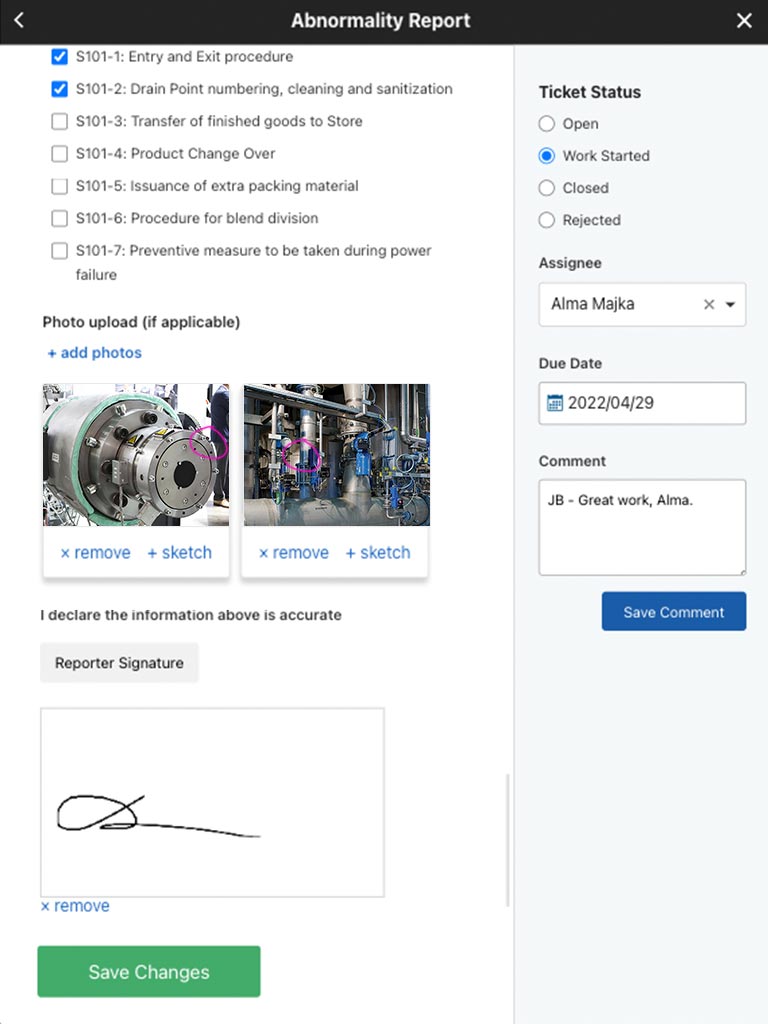
Digital DATA CAPTURE
Get it done correctly every time.
- Customize pre-built templates
- Guide staff through a seamless experience with on-demand instructions
- Create automated schedules and assignments
- Automate conditional "failure" workflows to ensure compliance
WORKFLOW AUTOMATION
Evaluate and approve.
- Evaluate submissions in real-time.
- Automate workflows.
- Foster collaboration and monitor project status to completion.
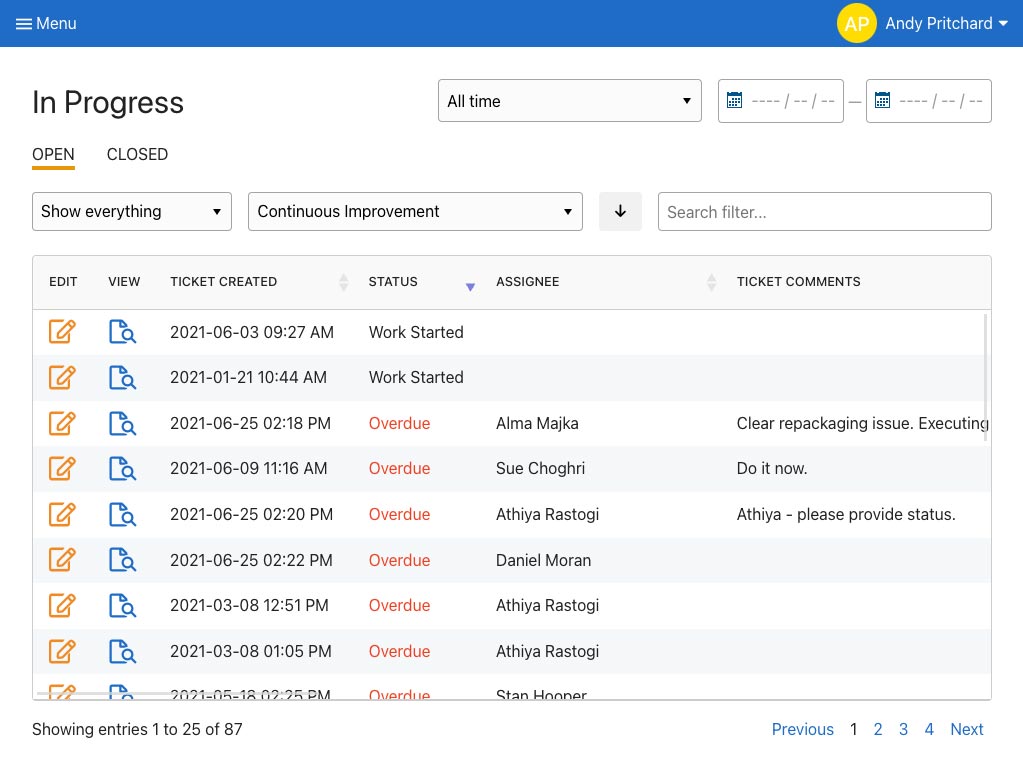
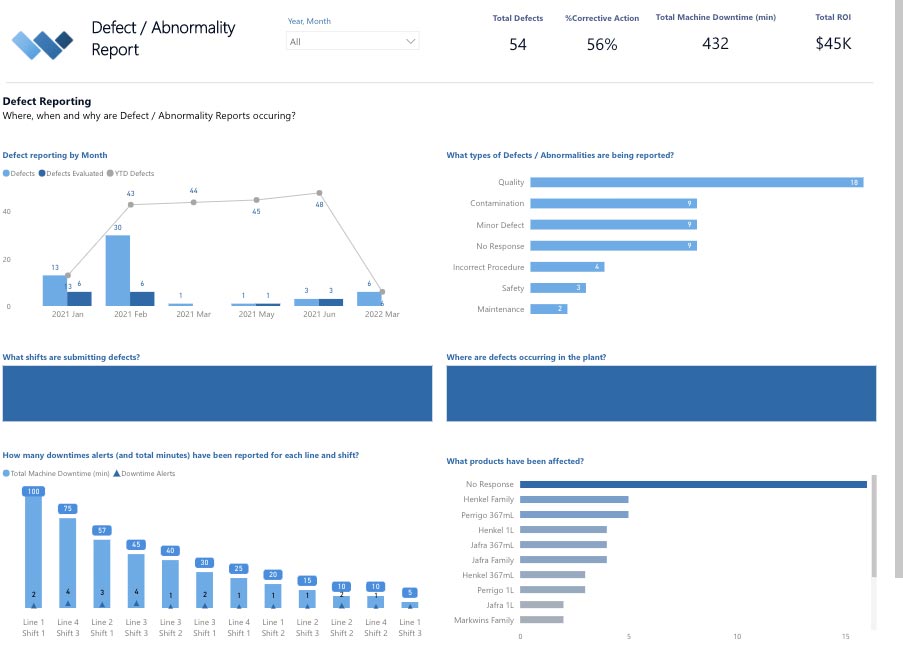
REAL-TIME REPORTING
Automate Business Intelligence.
- Customizable reporting dashboards
- Download Spreadsheets & PDF documents
- Automatically push data to other business systems
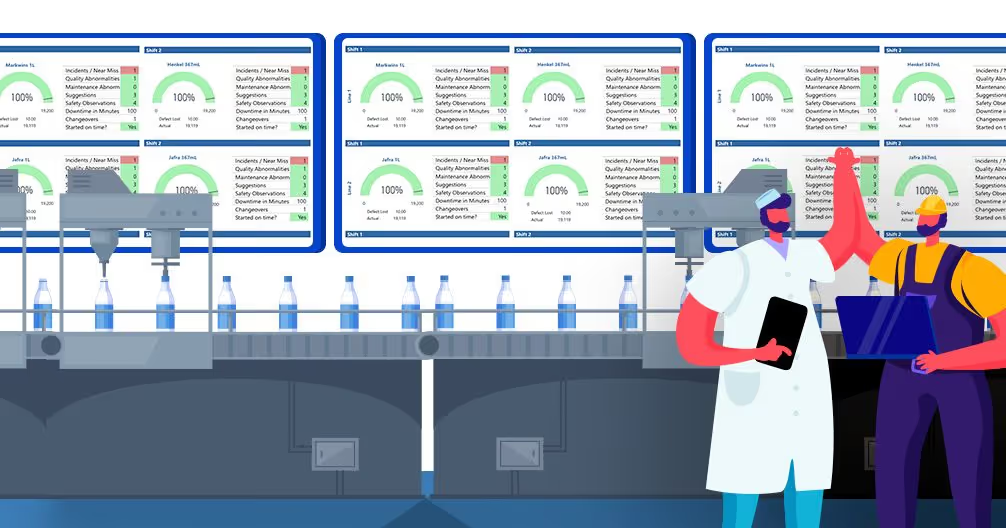
Stop incidents before they occur by elevating safety awareness and understanding unsafe trends.
Learn about the Platform.
Download the brochure to get all the details about how Weever works.


"It's easy to anticipate safety issues with Weever."
"In a warehouse setting it's very easy to fall into the trap of being reactive. With Weever we are 60-70% proactive. That's huge!"
Kody Crossen | Operations Manager of EHS, Walmart DC6080
Take a Guided Tour.
Top 5 Benefits of Paperless Factory Operations
Weever is Operational Excellence Software that empowers the pursuit of perfection by enhancing operational visibility, collaboration and productivity in quality, maintenance, safety and production.
This article reviews the following topics:
If you are reading this you have probably hit a snag that resulted from using paper to manage your factory operations.
There are many problems with using traditional paper forms to capture data for production, quality control, maintenance, safety and other operational concerns.
The main issue is lack of real-time visibility but other issues include costs, wasted time, errors and compliance. This blog details the issues.
Going paperless, or digitizing operations, does not have to be a monumental process. It can be as easy as digitizing your current forms and processes.
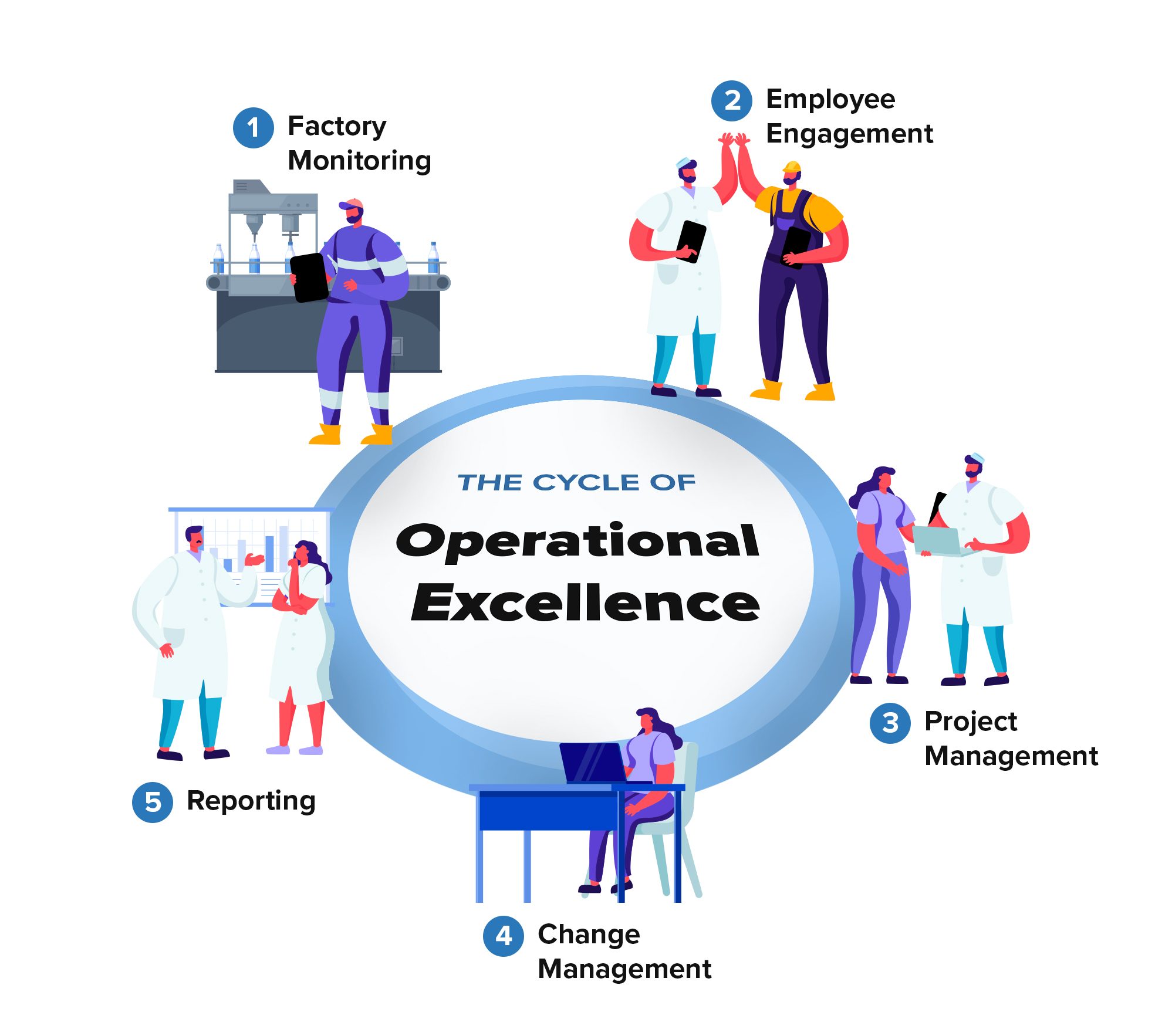
Our software is designed to enable the cycle of Operational Excellence that is delivered through:
- Factory Monitoring - Sensors detect issues. Schedules require inspections. Staff collect data on production, quality, safety and maintenance using a cloud-base app on any device.
- Employee Engagement - Staff are intrinsically and extrinsically rewarded for their contributions towards making the facility better.
- Project Management - Top-down and bottom-up project management and execution.
- Change Management - Document approvals and training.
- Reporting - Real-time reporting including an integration with MS Power BI.
All of the above steps are entirely digitized, so you can save paper, save time and costs, be more productive and have real-time visibility into operations.
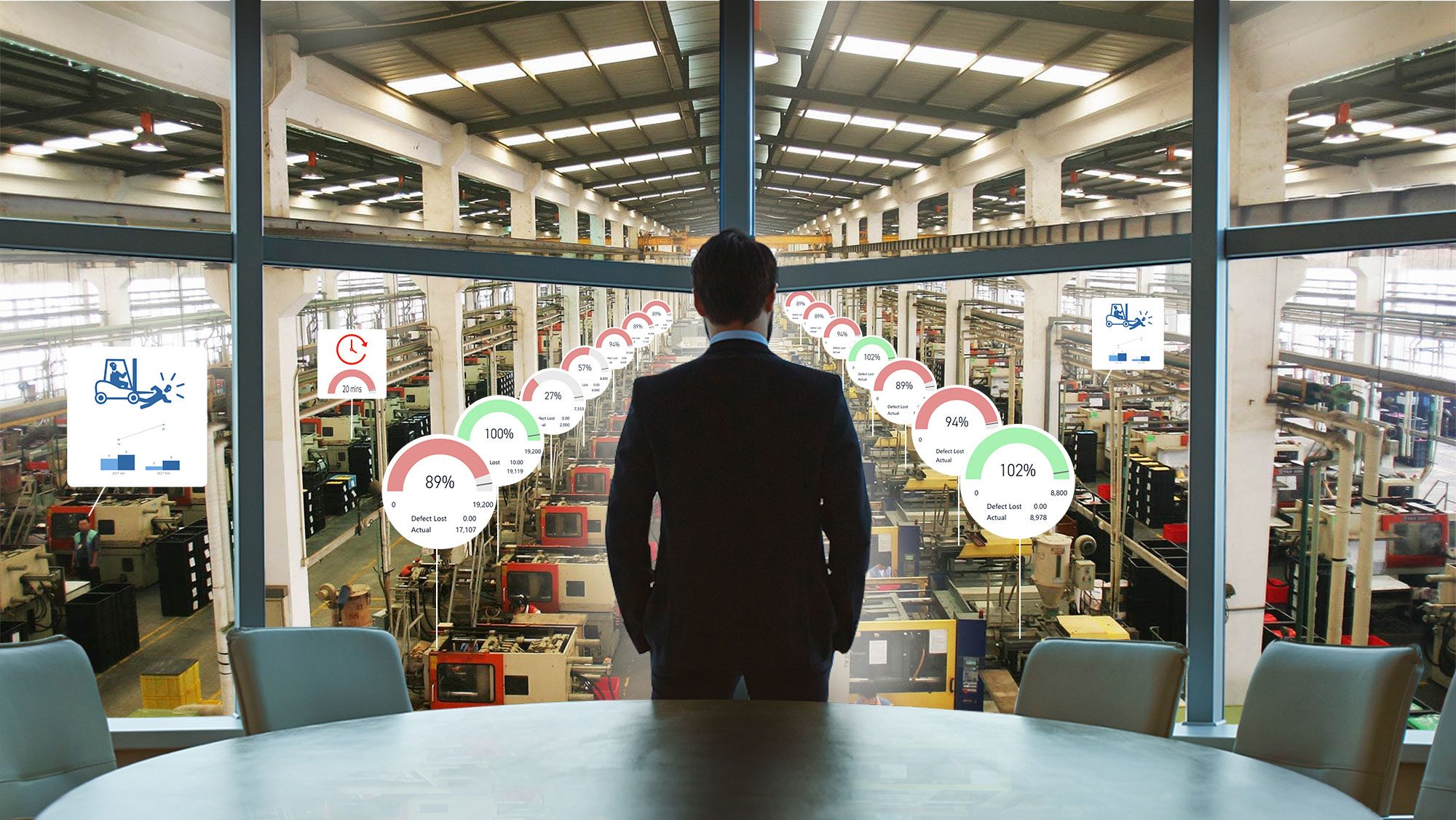
1. Real-Time Visibility
How much value do you put on a good night's sleep? Real-Time Visibility is important for peace of mind. You and all stakeholders understand what is happening around the facility when it happens, not a day or 2 later.
This allows you to make quick corrective actions that can save lives, prevent injuries, save money, keep the lines moving and stop defects from leaving the facility.
2. Cost Savings
In an increasingly competitive world, it has never been so important to cut costs wherever possible, while keeping productivity and quality as high as possible.
Enhancing efficiency and reducing the back-and-forth that occurs from errors and omissions on paper forms can radically cut costs.

3. Employee Engagement
Another benefit of going paperless is that it unlocks the ability to better engage your staff.
For us, Employee Engagement is about the 3 Es, which include Enable, Energize and Empower. Staff are more likely to care, be involved and participate in the growth of your company if they are provided the tools they need to succeed, they are excited and motivated to do good work and if they have ownership and are empowered to collaborate with other stakeholders.

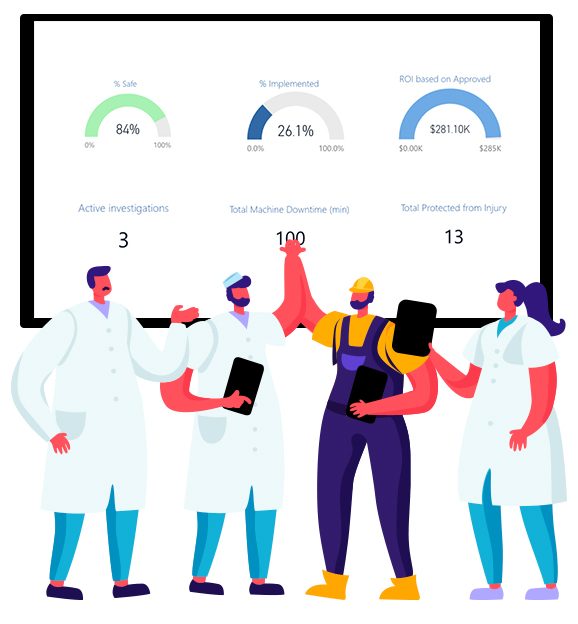
4. Simplicity & Structure
Digital tools allow for administrators to ensure that Standard Operating Procedures (SOPs) are followed. They also allow managers to guide staff through a process.
As a result, if it's the first time they are doing a task or the millionth time - it will be completed correctly - every time.
Tools used to enhance simplicity and structure include required fields, conditional logic, permissions, project templates, automated reporting and so forth. If this sounds complex, it really isn't and we have a whole team of representatives that are committed to your success.
5. Compliance
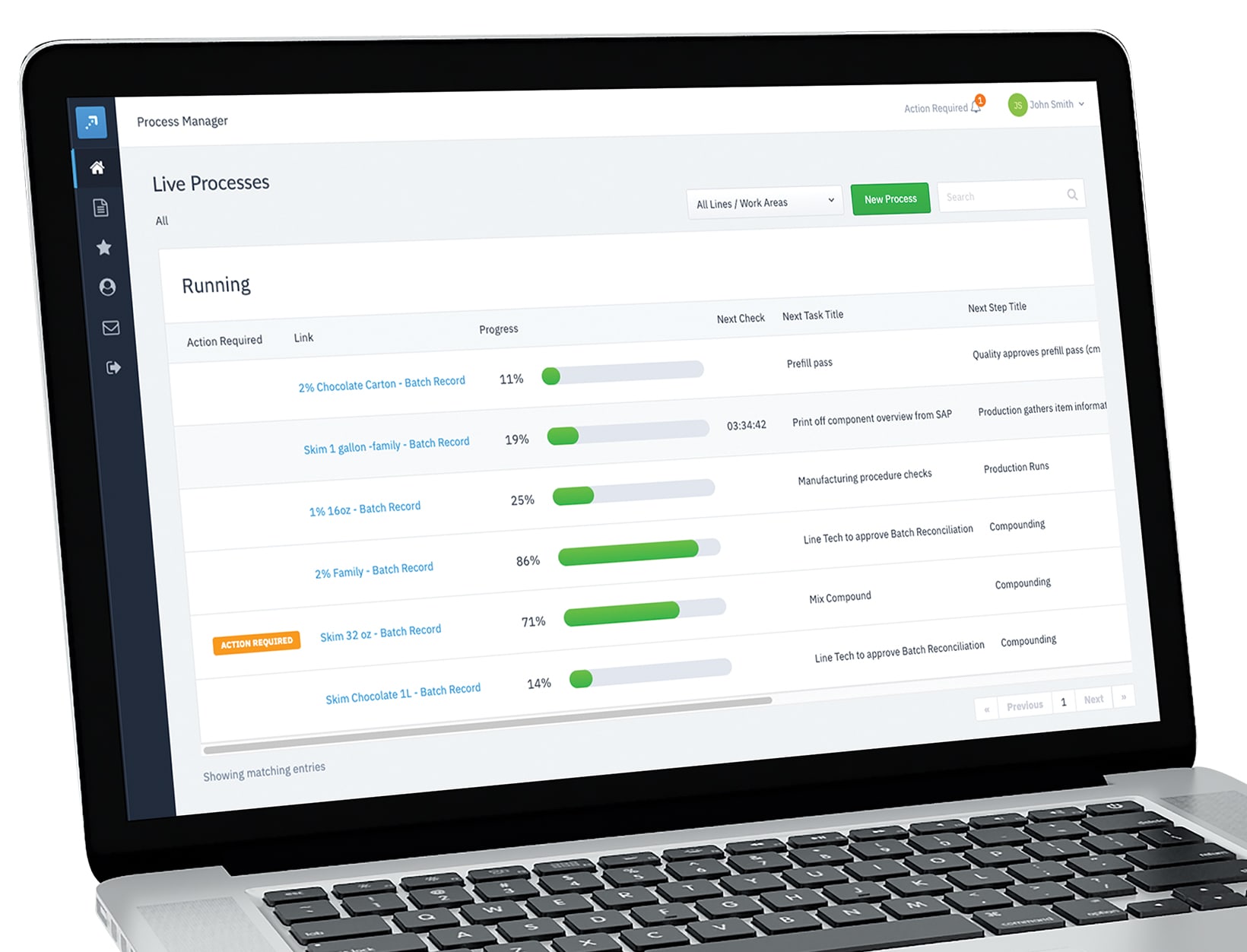
Depending on what industry you are in, a huge benefit of going paperless is compliance. Compliance essentially means that you can prove that processes and procedures were conducted correctly as described either by internal SOPs or by external regulatory requirements.
A huge benefit of digitization is that you can add functionality that ensures processes are followed. For example, Weever Process is entirely 21 CFR Part 11 compliant for data capture and approvals - which makes it compliant to FDA, Health Canada and European Annex requirements.
Weever is Operational Excellence Software that empowers the pursuit of perfection by enhancing operational visibility, collaboration and productivity in quality, maintenance, safety and production.
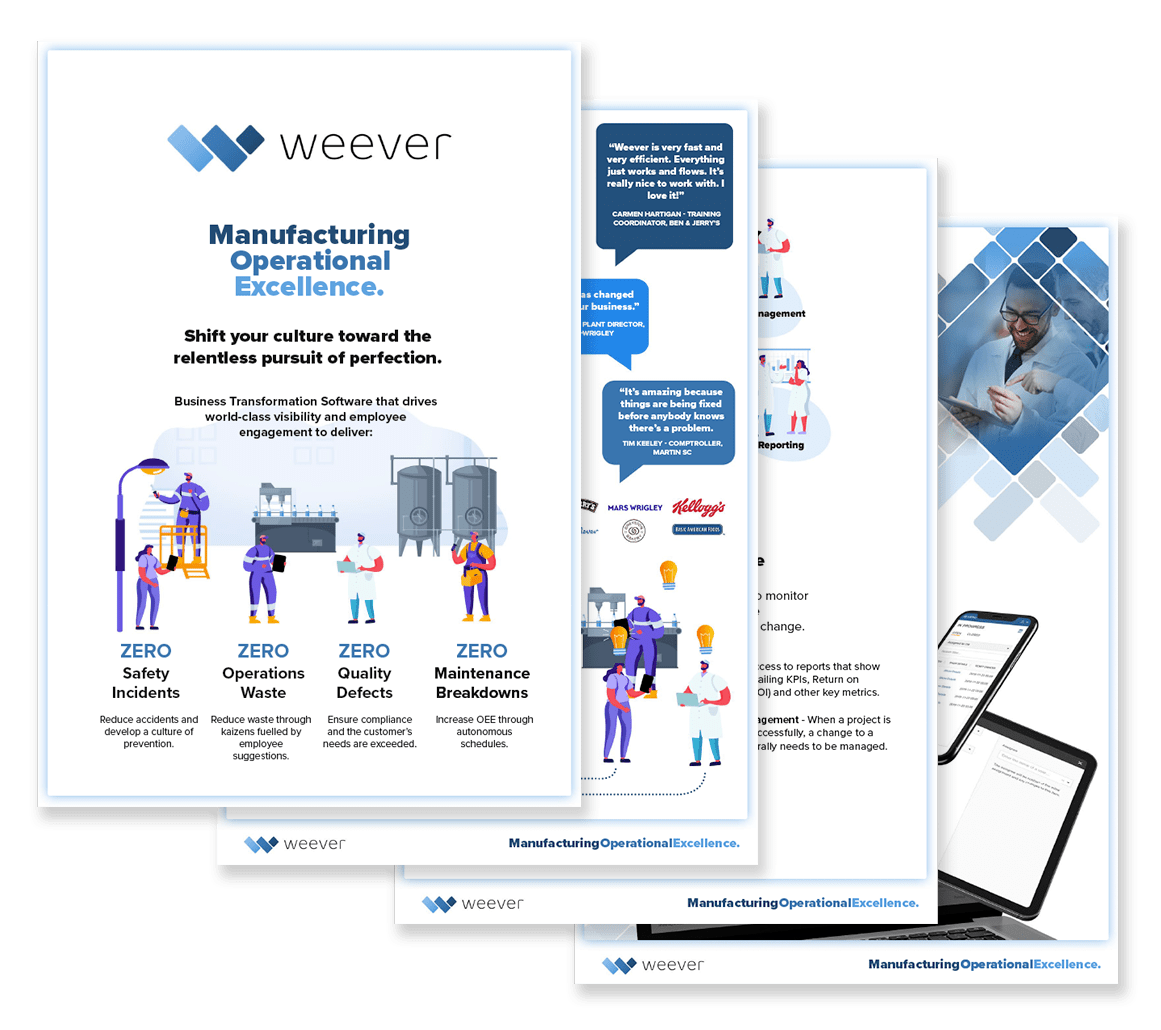
Download our Brochure
Interested in learning more? Do you want to share information about Weever with a colleague? Request a copy of our brochure that provides:
- Operational Excellence Explained
- Software Features
- Case Studies
- Key Success Factors
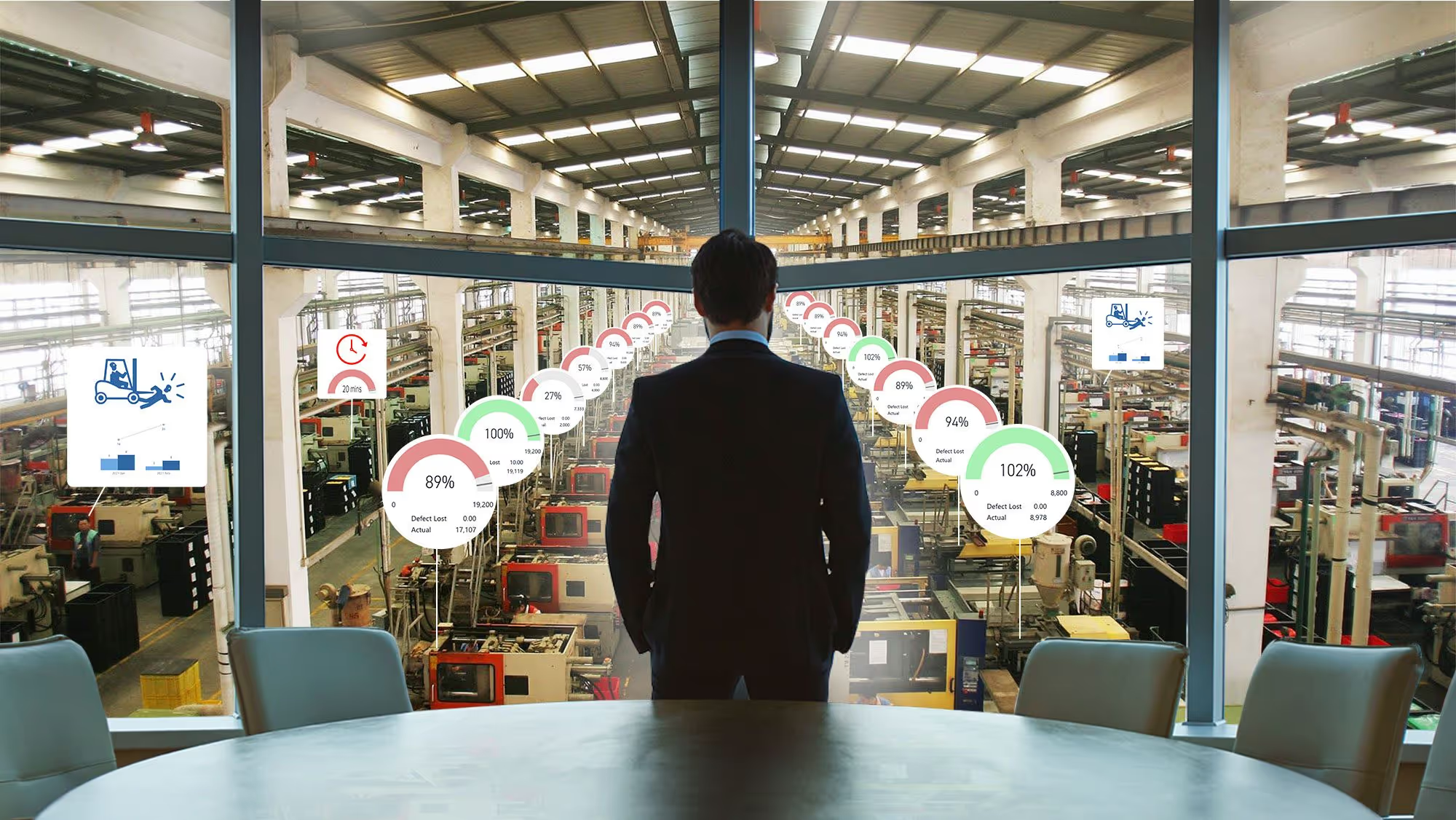
How to effectively manage end-of-shift reports in manufacturing
It is 6:52am. The outgoing shift lead has eight minutes, a clipboard, and half a page of notes written at 6:40 because that was the first quiet moment of the night. The incoming lead gets the headline numbers and one sentence about the filler on line three acting up again.
By 9:30 the filler stops. Nobody on days knows that nights adjusted the timing twice, that the same thing happened Tuesday, or that the night lead thinks the seal is worn. That went home in someone's head.
A good end-of-shift report means the next crew starts the shift already knowing what to watch. A bad one means every shift rediscovers the same problem, and the plant only finds out how long it has been happening when a reliability engineer goes looking eighteen months later.
This article covers what belongs in a shift report, why handover is where most plant knowledge quietly disappears, and six things that make the report something the next shift actually uses.
What belongs in an end-of-shift report?
A shift report is the handover record: what happened on your shift, what state you are leaving the line in, and what the next crew needs to pick up. Most plants cover six areas.
- Production. What ran, what was produced, OEE or rate against target, and where each order stands at the end of the shift.
- Downtime. Minutes and reason codes, plus what was actually done about it. The reason code alone is rarely enough for the next shift to act on.
- Safety. Incidents, near misses, and hazards reported, along with anything left unresolved that the next crew will walk past. More on capturing these in the moment on the safety observation page.
- Quality. Defects found, checks completed, out-of-spec readings, and anything on hold or awaiting disposition. See quality checks.
- Maintenance and abnormalities. Unplanned stops, breakdowns, inspections completed, and abnormalities found or fixed. If your operators run CILs and centerline checks, this is where autonomous maintenance data belongs.
- Continuous improvement. Open 5S findings, improvement projects that moved or stalled, and anything the next shift owns. See 5S auditing.
That list is the easy part. Most plants already agree on it. The hard part is that the report captures the what and almost never captures the why.
Why shift handover is where plant knowledge disappears
Weever surveyed 167 manufacturing leaders at companies with 500 or more employees in August 2026. Two findings land directly on shift reporting.
- 62% say important operational knowledge frequently or very frequently stays only in the experience of operators and inspectors rather than being captured as data. Only 8% say it rarely happens. Nobody said never.
- 51% say the same issue gets recorded differently depending on the person or shift logging it. One shift writes "leak." The next writes "seal weeping." A third writes "minor drip, monitored." Same failure, three records, never counted together.
[Source: Weever, The State of Data Capture in Manufacturing, 2026 Edition, n = 167]
Put those together and you have the handover problem in two numbers. The context that would help the next shift mostly does not get written down, and what does get written down is not consistent enough to compare across shifts.
The knowledge was never hidden. Nobody ever gave the operator thirty seconds and a place to put it.
This is also why a shift report built on a shared notebook or a whiteboard photo never turns into anything. Three years of handover notes should tell you which line eats the most unplanned downtime on nights and why. Usually it cannot, because the notes were never the same record twice.
Six ways to make end-of-shift reports worth reading
1. Capture during the shift, not at the end of it
A report written in the last ten minutes is written from memory, and memory compresses. The 2:14am adjustment becomes "some issues with the filler."
Capture each event when it happens, on a shared tablet or phone at the line, and let the report assemble itself. The shift lead reviews and signs off rather than reconstructing eight hours from notes. This also fixes the thing operators hate most about handover paperwork: it stops being a task at the end of a long shift.
2. Structure the fields so entries are comparable
Free text is where consistency dies. Use defined reason codes, controlled answer options, and acceptable-value ranges so an out-of-spec reading is flagged as it is entered, not discovered in review.
The test is simple: can you count how many times the same problem occurred this quarter? If the answer requires someone to read every entry and interpret it, the fields are wrong.
3. Require the why on anything out of range
This is the single highest-value change most plants can make. When a reading falls outside range or a stop exceeds a threshold, require a short note, and make it easy to give: voice-to-text, a photo of the condition, a dropdown of likely causes with room to add.
"Head 6 light, roughly 4g under. Increased fill timing 0.2 sec, rechecked, in spec. Seal looks worn, flagged." That is thirty seconds of typing and it is worth more than an hour of reconstruction later. "Adjusted filler" is a timestamp with nothing attached to it.
4. Turn open items into owned actions, not notes
Most shift reports end with a list of things somebody should look at. Nobody owns them, so they carry over, get restated the next morning, and eventually stop being mentioned.
Every unresolved item should generate an action with an owner, a due date, and reminders, tracked to closure. This is usually framed as accountability, and it is, but it is also what keeps reporting quality up. When operators see the things they flag get fixed, they keep flagging them. When they do not, the reports thin out within a quarter and no policy will stop it.
5. Broadcast the report where the huddle actually happens
Put the shift summary on a screen at the line, not in an inbox. The report should be what the pre-shift huddle runs on: last shift's rate against target, open safety items, anything on hold, and the two or three things to watch today.
Use colour to carry the load. Red and green against acceptable ranges lets a crew read the board in fifteen seconds instead of parsing a table. Whether you want one view per line or a single plant-wide view across every line, the data should feed your existing dashboards and Power BI automatically rather than being rebuilt by hand each morning. That is the difference between a manager reviewing results and a manager compiling them.
6. Report the essentials, link to the depth
Once shift reports go digital, the instinct is to add everything. Resist it. A report with sixty fields is not more rigorous than one with twelve. It is a twelve-field report with forty-eight fields of noise, because a form that long gets filled from memory rather than from the line.
Keep the handover view to what the next shift needs to make decisions in the first hour. Layer the rest: link to the full downtime detail, the quality check records, the open action list. Depth stays available, the handover stays readable.
What this changes in practice
The gain is not a shorter handover meeting. It is that the next shift starts already knowing what to watch, and the plant can finally see a recurring problem as recurring.
Adient's Liverpool plant, an automotive seating manufacturer we worked with, recovered four hours a week from paper audits and spreadsheet tracking and put that time onto larger continuous improvement work. Carried open issues dropped from more than 60 a month to fewer than five, and plant 5S scores rose from 85% to 97%. Same principle applies to handover: when the follow-up is owned and visible, items stop carrying over indefinitely.
There is also the downstream point. 73% of leaders in our research say limited trust in frontline data already prevents their organization from relying on AI, while 83% have AI deployed or in pilot. Handover notes are some of the richest operational context a plant produces, and in most plants they are also the least structured. If you want AI that can explain why line three underperforms, the shift report is one of the places that explanation has to be captured first. We covered that argument in full in why digital data capture matters.
How Weever handles shift reporting
Weever is the Connected Worker Platform built for food, beverage, and CPG manufacturers. Safety, sanitation, quality, autonomous maintenance, 5S, and production reporting run on one system, which is what makes a real shift report possible: the handover pulls from the same data your programs already generate instead of being typed up separately.
- Capture at the line, on any device. Weever runs in any mobile browser on shared tablets, phones, or kiosks. No app install, no personal accounts, no per-seat licenses. Forms are modelled on the checklists your team already uses, with multilingual support for diverse crews. See the operators page.
- Context, not just checkboxes. Photos, video, voice-to-text notes, QR codes that tie an entry to a specific asset, and conditional logic that asks for the why only when something is out of range.
- Nothing carries over silently. Out-of-spec entries create action items automatically, with an owner, due date, and reminders, tracked to closure.
- Reports that build themselves. Data flows from the floor into dashboards and Power BI without anyone compiling it, so shift summaries are current at handover instead of a day behind. More on this on the managers page.
- Live in weeks, not months. No process redesign, minimal IT. Our team builds the first version of your forms. See why plants choose Weever.
The takeaway
Every shift already knows things the next shift needs. The only question is whether your handover gives them thirty seconds and a place to put it, or sends it home at 7am.
Want to see your current shift report in Weever? Book a demo and we will build one handover view from your existing form, end to end, from capture at the line to the action item to the board at the huddle.
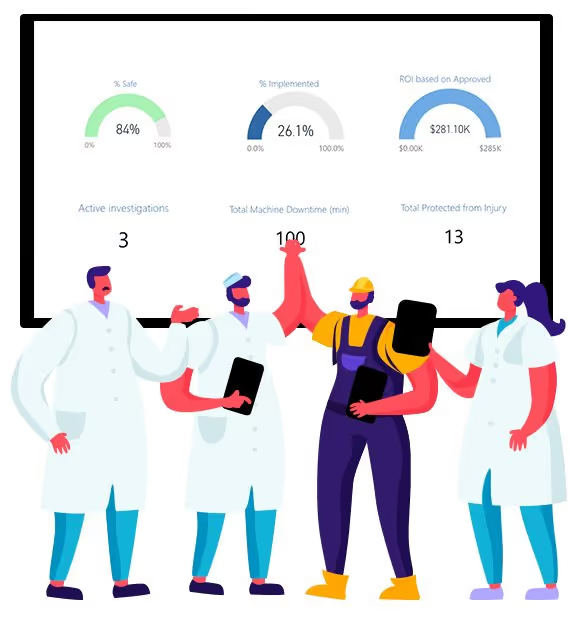
The Problem with Paper
Weever is Operational Excellence Software that empowers the pursuit of perfection by enhancing operational visibility, collaboration and productivity in quality, maintenance, safety and production.
This article reviews the following topics:
Why do paper forms limit factory operations and continuous improvement?
Manufacturers come in a lot of different shapes and sizes. There are massive, multinational corporations that produce millions of products a day. And there are small job shops that manually crank out a piece or 2 every week.
One thing all of these factories have in common is that they have all "digitized" operations in one way or another. The most basic form of digitization is using productivity software, like Microsoft Office, to digitize office operations.
However, most large manufacturers have digitized many elements of their factory operations as well. The reason for this is simple: paper forms have inherent inefficiencies that inhibit the continuous improvement and enhancements in productivity.

In an increasingly competitive global economy, manufacturers are constantly trying to improve operations. This means they want to manufacture the most products, to the highest level of quality (for those features their customers deem most important) and at the lowest possible price.
Capturing data on quality, maintenance, safety, production and other operational concerns is necessary to inform the process of continuous improvement. And many manufacturers still use paper forms to do this.
Paper was invented a millennium ago and it is still very useful, in the manufacturing operations context, for quick note making and brainstorming. The A3 continuous improvement process is even named after the size of paper recommended for the process.
However, there are many inherent issues with paper that inhibit the pursuit of Operational Excellence. Usually our customers come to us because they are using a process involving paper forms and spreadsheets to capture data from the floor, manage projects and generate reports. If this sounds familiar, you are not alone.
You might be reading this because you are looking for help to convince your management team that you need to invest in a software platform that digitizes operations. Here is a quick list of issues that you will find with paper forms.
1) Stagnant
"I don't know what is happening when it happens."
Paper forms are static and motionless in the sense that they can only exist in one place at a time. So while the operator has the form at the machine during the entire production run, supervisors, managers and other stakeholders have no idea what is happening until the form is physically submitted for processing.
The time difference between what is happening and when decision makers find out about it is called "Real-Time Lag".
This can hinder operations because products can leave the facility before quality issues are detected, machines can run "hot" for too long causing breakdowns that could have been avoided, safety "near misses" can turn into incidents because they were not understood and corrected soon enough, and so on.

2) Waste Time
"It takes a lot of time to get what we need done."
Usually, operators will keep the paper form at the machine during the production run and hand it in to the office when it is completed. Then an administrator will manually input the data into a spreadsheet and manually update the reports.
This process takes time and time is money. A lot of this manual administration is a repeated process that can be simply automated through digitization software, which will save on time and also money.

3) Errors
"The back-and-forth is killing us."
Paper forms are a breeding ground for mistakes and omissions, which take time and energy to resolve. When most people who use paper forms talk about "inefficiency", this is usually what they are referring to.
For example, the operator submits an abnormality form for maintenance to review. The technician reviews the form but cannot act because there is missing information. The tech tries to find the operator that reported the issue but they are on separate shifts. The result is that the abnormality report either never gets corrected or it takes a much longer time than it should for the work to be completed.
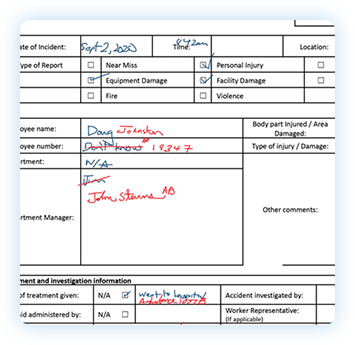
4) Inconsistent
"I don't know if the work is getting done correctly."
Compliance basically means that processes are adhered to, and this may be an internal SOP or a regulation that is a law. Paper forms can be "pencil whipped" and there is not way to connect what physically actually happened to what was written down except to trust that the person was being honest.
The path of least resistance is a very attractive one. In this case, the path of least resistance is to complete the paperwork but not actually do the thing.
Digital forms can help to ensure what is being documented is actually what happened with features like conditional logic, date/time stamps, location stamps, photo capturing, and more.

Weever is Operational Excellence Software that empowers the pursuit of perfection by enhancing operational visibility, collaboration and productivity in quality, maintenance, safety and production.
Download our Brochure
Interested in learning more? Do you want to share information about Weever with a colleague? Request a copy of our brochure that provides:
- Operational Excellence Explained
- Software Features
- Case Studies
- Key Success Factors
Why digitize factory operations?
Weever is Operational Excellence Software that empowers the pursuit of perfection by enhancing operational visibility, collaboration and productivity in quality, maintenance, safety and production.
This article reviews the following topics:
There are countless benefits to transitioning paper and spreadsheet-based processes to a digital framework.
Paper has been used for centuries to collect data and manage reporting. And there is still a use for paper in today's modern continuous improvement process. For example, the "A3" report is named after the size of paper that is recommended to use. Paper can be useful for quick note taking and brainstorming.
However, in today's increasingly competitive global economy, paper has inherent challenges that cannot be overcome. Manufacturers are continuously improving towards the pursuit of perfection. Perfection is basically the most optimal and efficient way to produce the most units at the highest possible quality and the lowest possible price. Of course, perfection is a concept that can never be achieved, but the pursuit of it is what is important.
Many manufacturers have embraced digitization for production (with sophisticated ERP systems like SYSPRO) the office (with productivity software like Microsoft) and logistics, but have done little to digitize the factory floor.
The irony is that the biggest benefits of digitization will be realized, in most cases, where the product is manufactured. This has been realized by some of the world's largest manufacturers, like Mars and Unilever, who have spent massive resources to digitize factory operations.
1. Cost Savings
Enhanced efficiency and productivity creates opportunities to save money and reduce waste.
Paper forms and spreadsheets require time and effort to work. Administrative tasks cost and add a lot of waste to your processes.
Digitization automates mundate, repeatable tasks, which not only accelerates processes but also saves operational costs by way of headcount and productivity.

2. Real-Time Visibility
Forms are submitted, projects move forward, KPI reports are updated, and supervisors are notified instantly.
Paper forms hang out on the floor until they are completed and then they are provided to a person to process the information and then finally a manager might see the data and realize there is a problem. If this sounds familiar, it is a common issue of paper-based operations.
Digitization allows for predefined business rules to play out automatically when a form is submitted by someone on the factory floor. A benefit of this is that things happen in "real-time".
This means that you don't have to wait until the product has left the factory to understand an issue needs to be resolved. When changes are made, your data is updated in real-time, which means you have your finger on the pulse of your operations.
3. Automation
Mundane, repeatable administrative tasks are automated, which saves time and moves projects forward faster.
Digitization allows for algorithms, a set of predefined rules, to automatically execute certain mundane and repeatable tasks. This means that those tasks are completed quicker, more reliably and less expensively than hiring a person to do them.
For example, Alerts can be sent to specific stakeholders when certain conditions are met. So when a machine issue is determined on the line to require maintenance help, notifications are sent immediately to the maintenance team. If there are a certain number of quality incidents, your quality team can be made aware. And so on.
Reporting is another example of automation. Digitization allows for reports to be automatically tabulated so that a person does not have to manually input the data and generate the graphs every time. The process is automated so the submission goes from "floor to bar graph" in real-time.
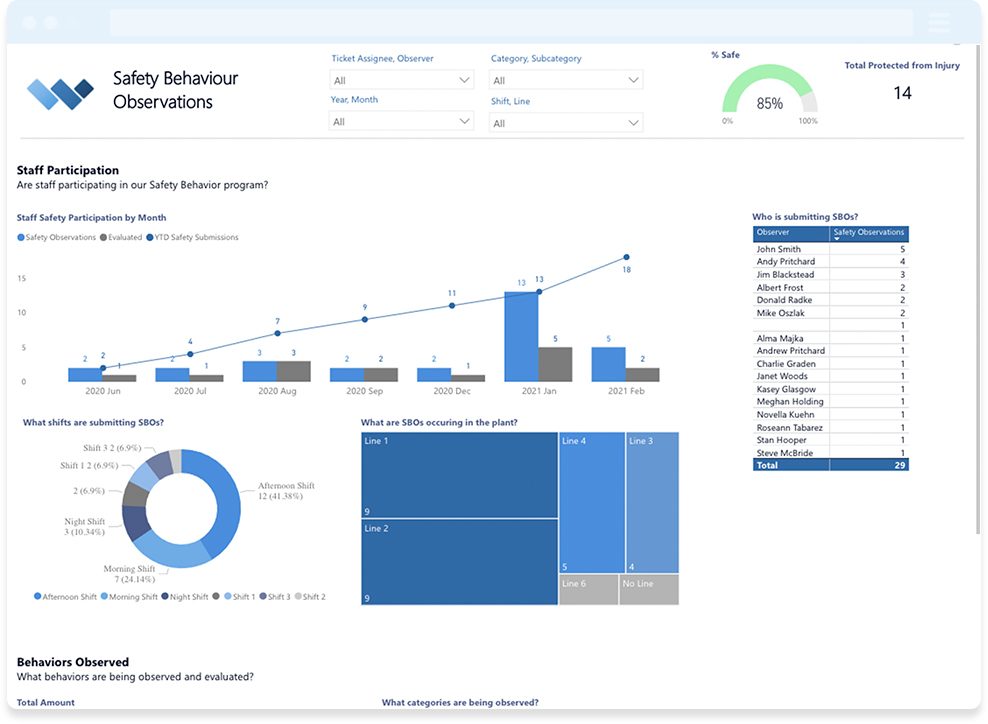
4. Simplicity & Structure
Staff are guided through a highly accessible process, which are built based on industry best practices.
Digitization provides opportunities to allow for greater clarity of purpose and process, so that staff are not confused by complexity.
For example, conditional logic allows for you to show only form fields that are relevant to the specific situation. If the staff member wants to report a near-miss, there is no need to report an injured person - so that field will not be shown.
You can also place conditions on fields that need to be satisfied before the form is submitted. For example, you can make inputs required and/or alert users that a number is outside of a predefined range.
Digitized forms also allow for greater structure, so that each form is filled out the same way. This helps you define SOPs and understand process deviations so they can be more quickly corrected.
5. Compliance
Peace of mind that everything is done per internal and regulatory requirements.
With paper forms, how can you be sure that processes are being executed in such a way that they adhere to internal SOPs and/or regulatory requirements.
Paper forms do not provide real-time updates, they do not automate alerts, and they do not promote simplicity and structure. Because of this, they are not conducive to compliance. Paper makes it harder to ensure the job is done correctly.
Many manufacturers come to digitization because they have been fined by regulators for not adhering to required practices. Staff take short cuts because they only need to "pencil whip" a paper form to "confirm" something has been completed.
Digitization offers many options to confirm compliance. For example, you can require staff to take photos of things when they occur. Submissions are time stamped so you know when they were sent through.
Our platform adheres to FDA 21 CFR Part 11 and SOC 2 compliance.

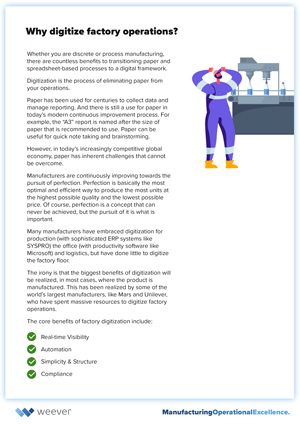
Weever is Operational Excellence Software that empowers the pursuit of perfection by enhancing operational visibility, collaboration and productivity in quality, maintenance, safety and production.
Download our Brochure
Interested in learning more? Do you want to share information about Weever with a colleague? Request a copy of our brochure that provides:
- Operational Excellence Explained
- Software Features
- Case Studies
- Key Success Factors

Conditional Number Fields - Use Cases & Best Practices
The Weever platform includes conditional number functionality. This allows administrators to reveal certain form fields only if a response to a number field is above, below or in between a given threshold.
This article reviews some applicable use cases and best practices for how to set this up in your forms.
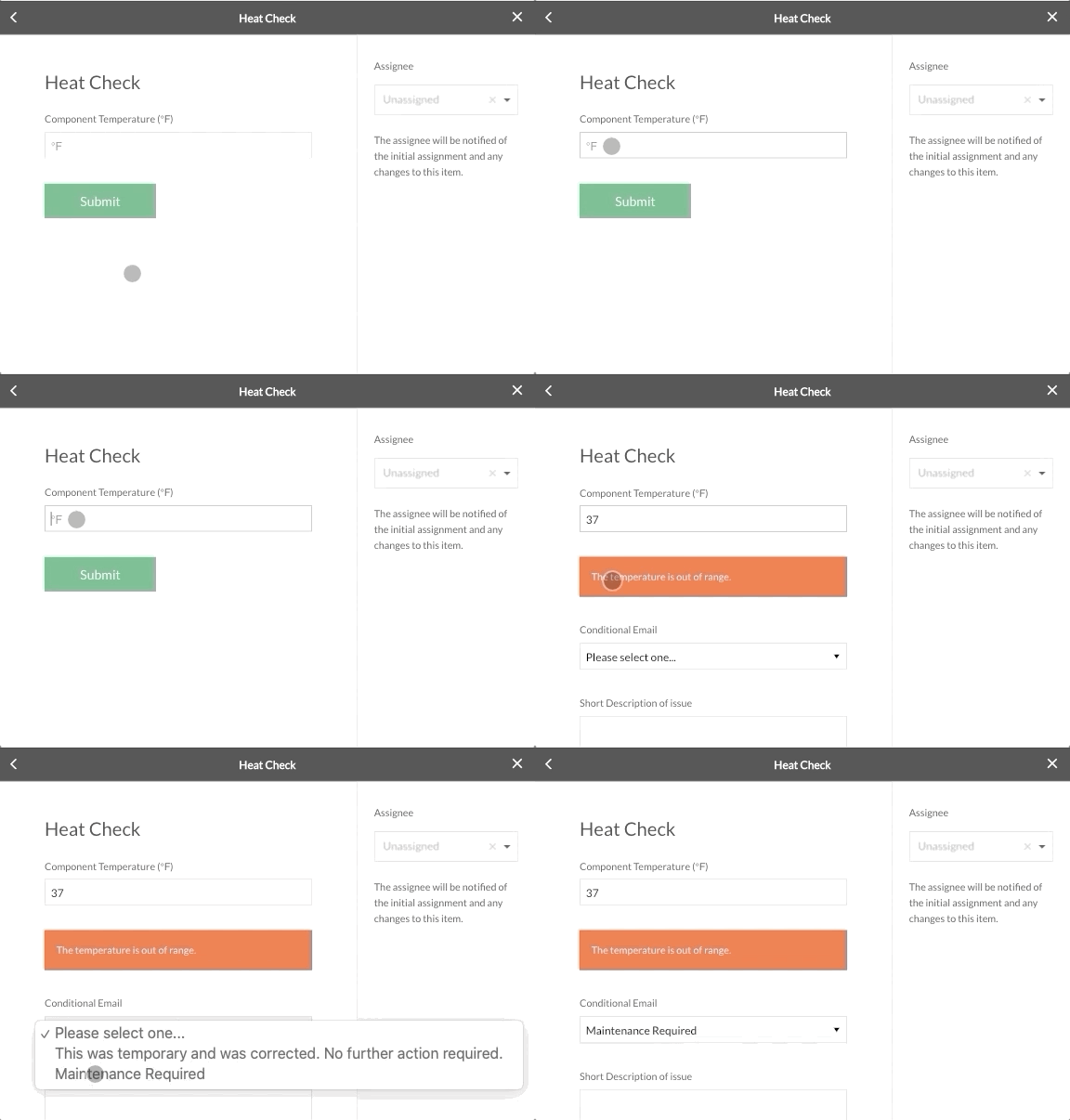
Use Cases
There are many instances in manufacturing where a number represents an issue that requires attention. Here are a few obvious examples.
Autonomous Maintenance Inspections
Autonomous Maintenance, a focus for many of our customers, requires machine operators to take on simple maintenance tasks (like cleaning, inspecting and lubricating components). This frees up time for the maintenance team, allowing them to focus on predictive and/or preventive measures.
With conditional numbers, it is possible to provide additional required inputs if an inspection is out of tolerance.
Elements that might be out of tolerance and case damage to machines or product quality issues include:
- Heat - A machine or component is running too hot for a prolonged period of time
- Pressure - A machine or component is running at a too high or too low pressure
- Moisture - A machine or component has a moisture reading that is too high
- Gaps - In-feed gap sizes for machines like conveyors could be too large or too small
Quality Defect Count
If you collect samples off the line for defect counts, you can use the conditional number approach to automatically require details and alert the quality manager if the count is above some acceptable level.
COVID Temperature Tests
When staff enter a facility, it is common practice nowadays to ask them to complete a COVID screening form, which may ask for their current temperature. If the temperature they record is over a tolerance (i.e. 100 ℉ for example), you can use conditional logic to request additional information and provide instructions.
The Cycle of Operational Excellence
Reporting an issue is the beginning of a Cycle of Operational Excellence that allows manufacturers to correct issues and prevent them from happening again. It is imperative that front line staff are enabled, energized and empowered to easily recognize and report issues.
Conditional logic is a great way to ensure operators can report issues with rich data quickly, which accellerates the next steps in the Cycle of Operational Excellence.
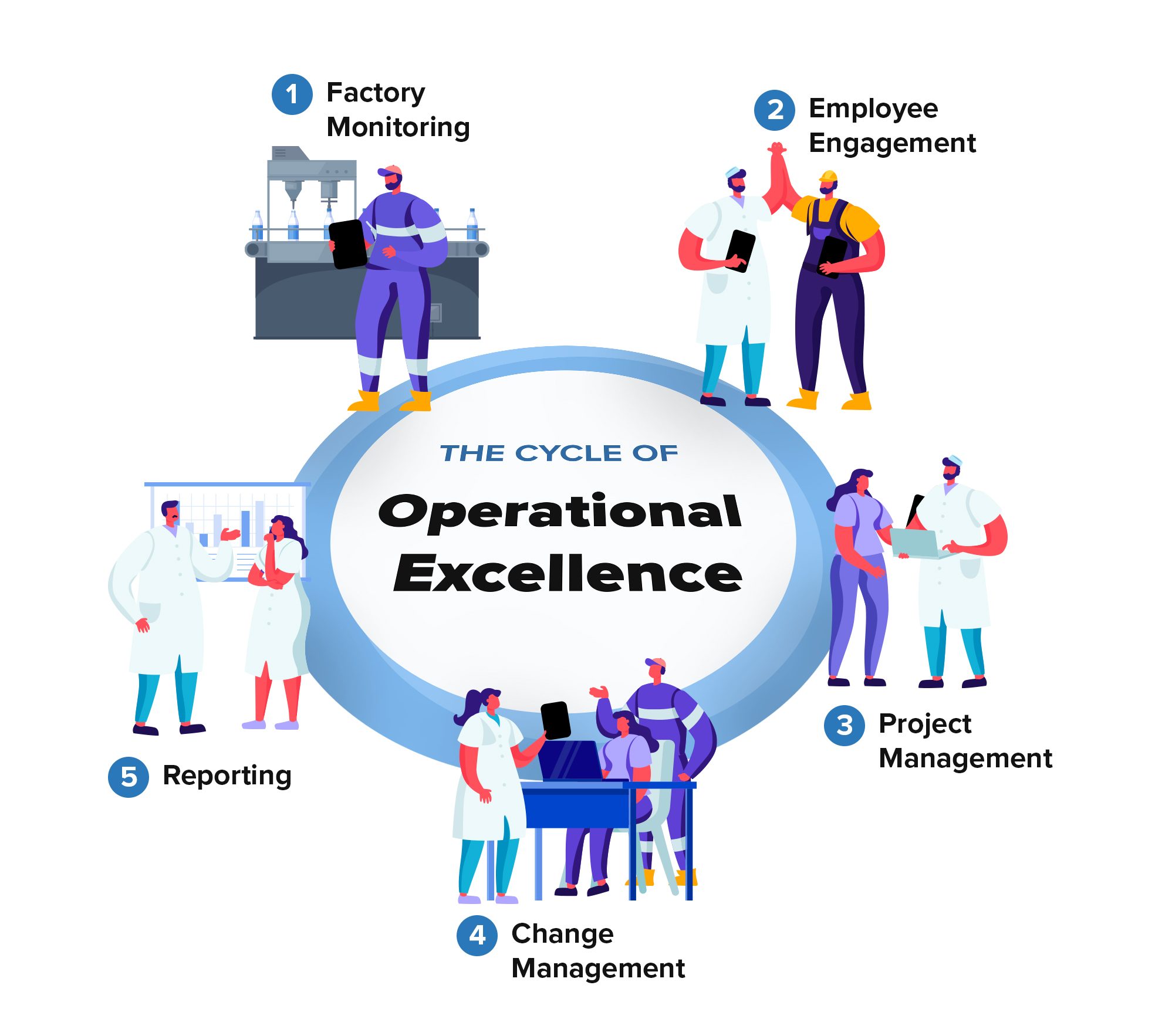
- Product or machine is out-of-tolerance. Supervisor is notified of the issue in real-time.
- Staff is rewarded for reporting the abnormality.
- Supervisor review submission and manages a project to ensure the problem does not recur.
- Project confirms root cause and requires a change to a procedure. SOP is updated and staff are trained.
- Reports show a quality defect on Line 1 Filler at 2:30PM as well as details about the project including ROI and other KPIs.
Best Practices
If a number is out-of-tolerance, usually the operator will either want to report that it was a temporary issue and was corrected immediately or that maintenance is required. If it was corrected immediately, your maintenance teams will still want to capture the data. If maintenance is required, you will want to alert the maintenance team and initiate a project.
- Add a Number field requesting the heat, pressure, moisture information
- Add a Callout Box field alerting "The X is out of range." conditional upon the Number field being greater than X tolerance.
- Add a Conditional Email field that provides the next step option for the operator, either immediate corrective action or maintenance required. If the operator selects "maintenance required", set up the system to email your maintenance team. Note: you can ask your email administrator to set up an "alias" for your maintenance team that will email multiple people. Make this field conditional upon the Number field being greater than X tolerance.
- Add Paragraph and Photo Upload fields to capture data on the abnormality. Make these fields conditional upon the Number field being greater than X tolerance.
- You can use the form to capture data about what maintenance activities occurred. We like to add an Infobox that makes it clear to the operator that they have completed their part of the process followed by a Multiple Choice field that asks the maintenance team to begin their process. This field is helpful for reporting as well because you can generate reports on how many CIL abnormalities requested maintenance vs how many required maintenance.
- Add whatever field you would like to collect for maintenance activities. This example includes Date/Time fields for when the activities were started and were completed, a Paragraph field and a Photo field to document the activities.
- You could also add an Equipment field to document what resources the maintenance team used to document the process.
For more information on how to add conditional numbers to your forms, check out this knowledge base article.
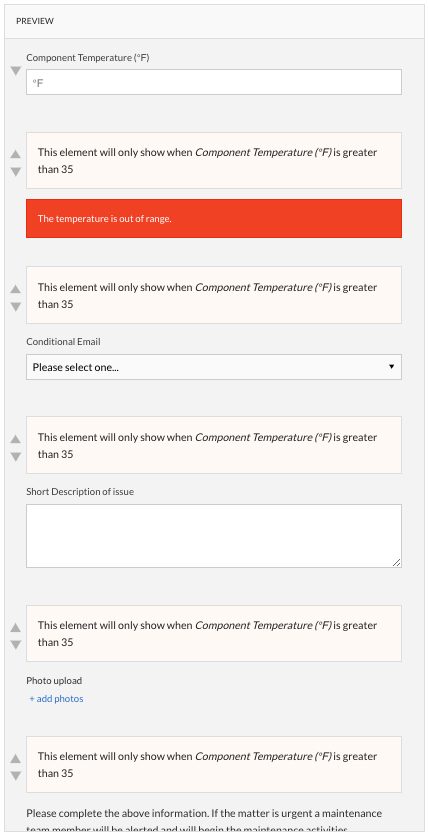
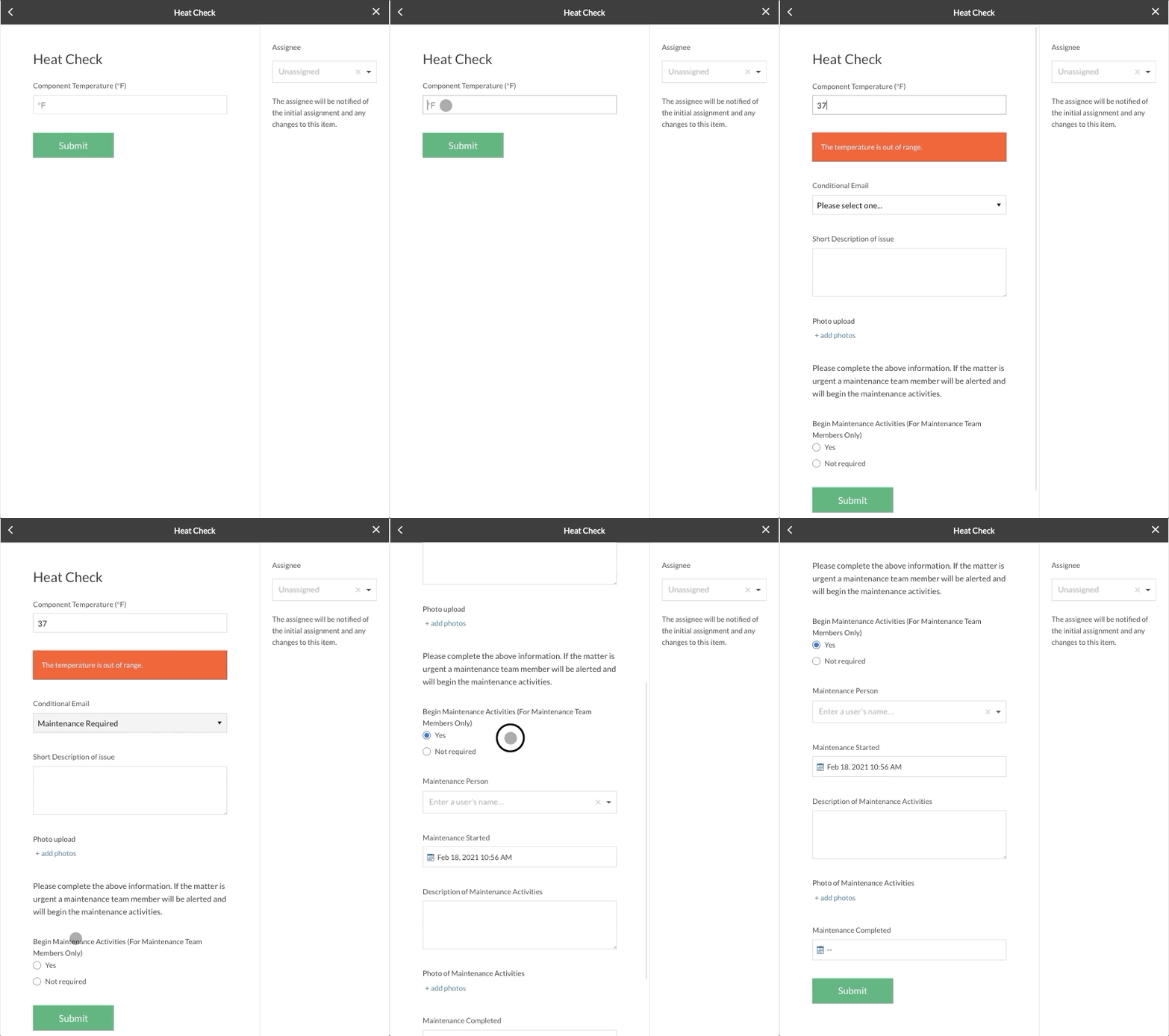
Weever is Operational Excellence Software that empowers the pursuit of perfection by enhancing operational visibility, collaboration and productivity in quality, maintenance, safety and production.

Out-of-tolerance checks best practice - conditional number fields
Autonomous Maintenance Inspections
Autonomous Maintenance, a focus for many of our customers, requires machine operators to take on simple maintenance tasks (like cleaning, inspecting and lubricating components). This frees up time for the maintenance team, allowing them to focus on predictive and/or preventive measures.
With conditional numbers, it is possible to provide additional required inputs if an inspection is out of tolerance.
Elements that might be out of tolerance and case damage to machines or product quality issues include:
- Heat - A machine or component is running too hot for a prolonged period of time
- Pressure - A machine or component is running at a too high or too low pressure
- Moisture - A machine or component has a moisture reading that is too high
- Gaps - In-feed gap sizes for machines like conveyors could be too large or too small
CONDITIONAL NUMBERS
Set up your forms with conditional number fields
If a number is out-of-tolerance, usually the operator will either want to report that it was a temporary issue and was corrected immediately or that maintenance is required. If it was corrected immediately, your maintenance teams will still want to capture the data. If maintenance is required, you will want to alert the maintenance team and initiate a project.
- Add a Number field requesting the heat, pressure, moisture information
- Add a Callout Box field alerting "The X is out of range." conditional upon the Number field being greater than X tolerance.
- Add a Conditional Email field that provides the next step option for the operator, either immediate corrective action or maintenance required. If the operator selects "maintenance required", set up the system to email your maintenance team. Note: you can ask your email administrator to set up an "alias" for your maintenance team that will email multiple people. Make this field conditional upon the Number field being greater than X tolerance.
- Add Paragraph and Photo Upload fields to capture data on the abnormality. Make these fields conditional upon the Number field being greater than X tolerance.
- You can use the form to capture data about what maintenance activities occurred. We like to add an Infobox that makes it clear to the operator that they have completed their part of the process followed by a Multiple Choice field that asks the maintenance team to begin their process. This field is helpful for reporting as well because you can generate reports on how many CIL abnormalities requested maintenance vs how many required maintenance.
- Add whatever field you would like to collect for maintenance activities. This example includes Date/Time fields for when the activities were started and were completed, a Paragraph field and a Photo field to document the activities.
- You could also add an Equipment field to document what resources the maintenance team used to document the process.
Weever is Operational Excellence Software that empowers the pursuit of perfection by enhancing operational visibility, collaboration and productivity in quality, maintenance, safety and production.

The Principles of Operational Excellence in Manufacturing
This article includes:
- Why improve?
- How is Operational Excellence Different?
- How does Operational Excellence Work?
- Principle 1: Understand Customer Value and Standard Operating Procedures (SOP)
- Principle 2: Deploy a system that recognizes defects, corrects them quickly, and prevents them from recurring in the future.
- Principle 3: Foster a culture that continuously pursues perfection.
- Principle 4: Measure. Measure. Measure.
Why Improve?
In an increasingly competitive global landscape, it has never been more true that manufacturers need to continuously improve or they will not survive. Factories are continuously looking to improve efficiency and find innovative ways to shave fractions of a penny off their cost per unit. Continuous Improvement practices help organizations find ways to methodically enhance efficiency and productivity.
How is Operational Excellence Different?
Operational Excellence is a methodology that focuses on growth through process improvement. Continuous improvement is a big part of an Operational Excellence framework, however, it is not the whole story.
Operational Excellence is essentially achieved when optimal factory operations occur autonomously, without requiring constant intervention and supervision. This means that optimal OEE (Overall Equipment Effectiveness) is achieved, defects and abnormalities are corrected immediately, and prevention/improvement projects are moved forward.
This framework can be applied to any team that wants to achieve excellence.
Consider this example of a rowing team:
autonomous operations
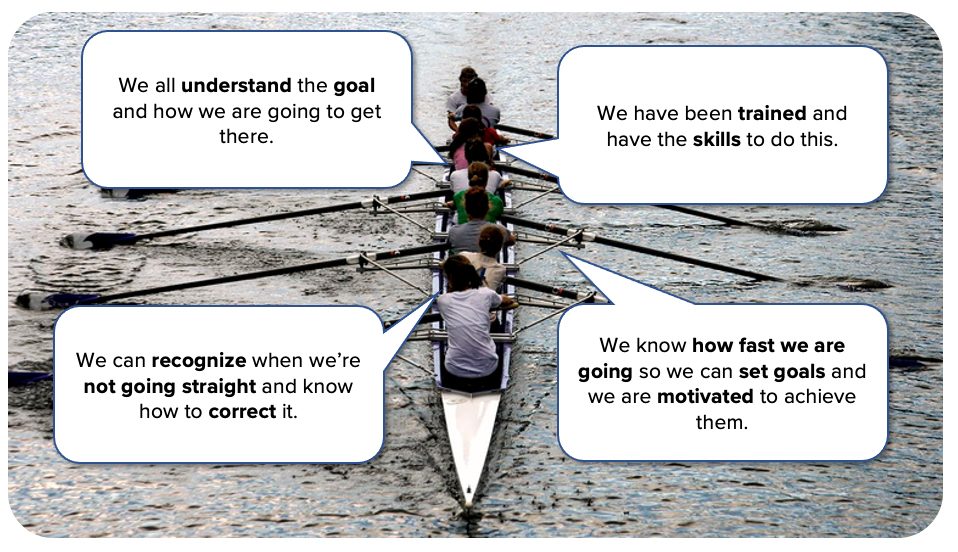
How does Operational Excellence Work
Operational Excellence is the Pursuit of Perfection in Manufacturing.
As such, Operational Excellence is not a destination, it is a process that consists of 4 core principles that each stakeholder within your organization needs to understand and embody.
PRINCIPLE 1:
Understand Customer Value and Standard Operating Procedures (SOP)
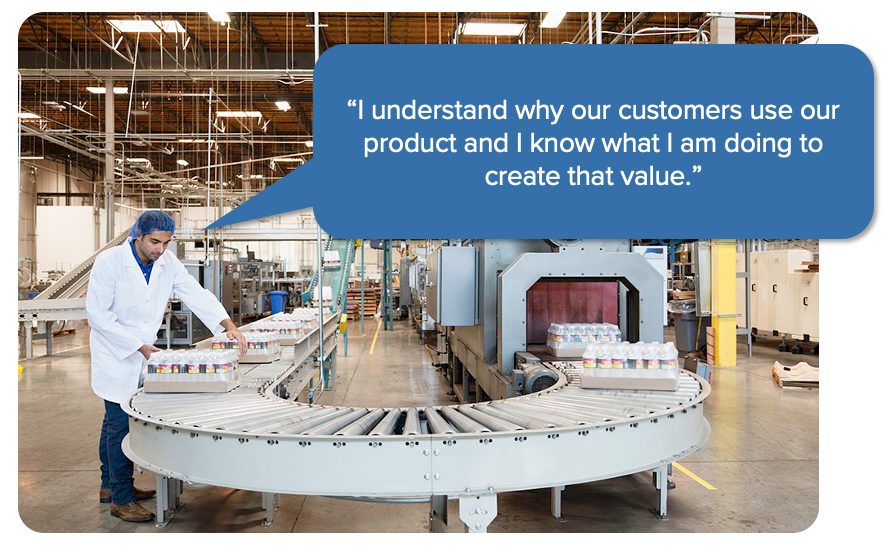
The path to Operational Excellence starts with all stakeholders sharing an intuitive and innate understanding of the value that the company's products deliver to their customers. This begins by understanding why your customer buys your product over competitors and what product features most impact their purchase decision.
Understanding customer value is a core tenant of most continuous improvement methodologies for a variety of reasons. The creation of customer value is the fundamental thing your business is doing - even generating revenue is secondary. Any decision that erodes your product's value to the customer needs to be made carefully. As a result, this is the best lens through which quick, corrective decisions should be made by operators on the floor - "what's best for the value the product is providing to the customer?"
Of course, this concept needs to be balanced with business realities, but for Operational Excellence, an innate understanding of customer value helps to focus operators and help Standard Operating Procedures (SOPs) move forward more efficiently.
SOPs are helpful in creating a shared understanding of the most efficient way to do something. They also enable training. But the most important reason for having solid SOP documentation is they are extremely helpful in understanding where deviations occurred.
Consider a hypothetical case where there is a product defect and you are trying to ascertain the root cause. Without SOPs, you have less of a concrete understanding of what is "supposed to happen" at a given point in the process.
As a result, it is harder to see the deviations. With solid SOPs, you can simply match what happened with what was supposed to happen. If there is a difference, this is a strong indicator that your root cause is a process deviation.
PRINCIPLE 2:
Deploy a system that recognizes defects, corrects them quickly, and prevents them from recurring in the future.
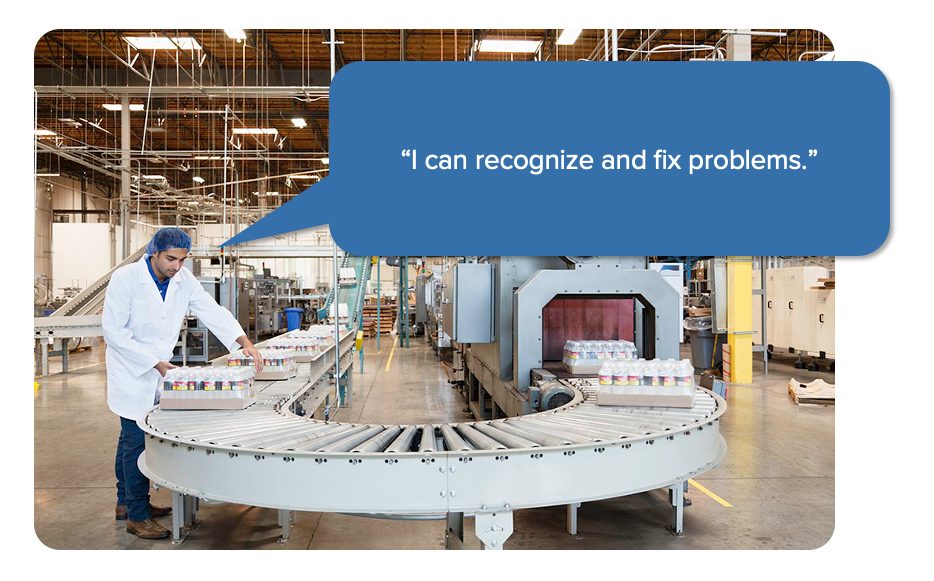
For operations to be autonomous, there must be a system in place that coordinates factory staff to identify abnormalities against the SOP (see above), quickly corrects them (if possible) and reports details to inform an improvement/prevention project (if applicable).
The goal of this system is to ensure staff can make quick decisions based on their understanding of customer value and they can coordinate efficiently to make corrective actions before defects leave the facility and end up in the hands of your customers.
The effectiveness of this system will obviously impact the effectiveness of your operations.
If you are using paper and spreadsheets to manage this, you will have a lag in your workflows and in reporting. Paper forms move like molasses around your factory. They are fertile ground for errors and omissions and they can simply go missing or hang out on someone's desk for days.
Digitizing this process provides a number of efficiency and productivity benefits, including:
- Real-Time Visibility - Forms are submitted, projects move forward and supervisors are notified instantly.
- Simplicity and Structure - Staff are guided through a highly accessible process, which are built based on industry best practices.
- Automation - Mundane, repeatable administrative tasks are automated, which saves time and moves projects forward faster.
- Compliance - Peace of mind that everything is done per internal and regulatory requirements.
PRINCIPLE 3:
Foster a culture that continuously pursues perfection.
If you think Operational Excellence sounds like a lot of work, you are right.
Even with an efficient digital framework, you are still asking your staff to do extra things, like safety observations, defect / abnormality reports, provide suggestions and so on. You are asking for increased participation and the best way to make this happen is by enhancing Employee Engagement.
To foster an engaged culture, staff need to be enabled, empowered and energized.
- Enabled - Make it fun, easy, accessible.
- Empowered - Enhance ownership, community and collaboration.
- Energized - Intrinsically and extrinsically motivate. Reward participation. Celebrate wins.
PRINCIPLE 4:
Measure. Measure. Measure.
In Operational Excellence, as in many disciplines, in order to improve you must first understand where you are currently. In the rowing example (above), the team wanted to understand how fast they were going so that they could set goals and be motivated to achieve them. The same is true for enhancing operational performance in a factory.
Reporting provides meaning and context to your Operational Excellence program. You can try to improve without reporting, but how will you know. Good reporting provides insights to help your executive team make better strategic business decisions. If shared correctly, it can also be used to impact quick decisions that are made by operators on the line.
Reports are also very helpful in motivating staff by broadcasting the positive impact that their efforts have made on the organization at large, but also on the individual lives of their co-workers. Reports are not just visualizations of data, they can be a vehicle to reinforce impact and celebrate wins.
Weever is Operational Excellence Software that empowers the pursuit of perfection by enhancing operational visibility, collaboration and productivity in quality, maintenance, safety and production.

Employee Engagement Organizational Benefits
It's no secret that employee engagement boosts individual, team and overall operational performance. Improved engagement is proven to have a positive impact on margins, employee retention, safety, and bottom-line profitability.
Below you will find a list of research studies that support the hypothesis that investments in employee engagement collelate to increase performance across the board.
- Employees Motivation and Openness for Continuous Improvement: Comparative Study in Polish and Japanese Companies
- What motivates employees to participate in continuous improvement activities?
- Management Initiation of Continuous Improvement from a Motivational Perspective
- Failure of Continuous Improvement initiatives in manufacturing environments: a systematic review of the evidence
- Employee engagement: Creating a culture of operational excellence (food engineering)
Employees Motivation and Openness for Continuous Improvement: Comparative Study in Polish and Japanese Companies
On the basis of the experience of the highly successful in continuous improvement companies, the authors of the work indicate the mechanisms behind an employee's motivation which concern, among others,
respect for people.
Employees need to be meaningful and trusted, seen as individuals, be trained and educated as well as to gain authority and responsibility.
In the work the authors also indicate that enriching work and giving a person more responsibility can motivate people.
The following should be listed among others:
- management involvement,
- the management of the continuous improvement processes,
- motivation of the workers,
- setting the objective for continuous improvement and measuring the results,
- building the culture of continuous improvement in the company,
- Resources for continuous improvement,
- cross-functional teams and methodology for sustaining continuous improvement similar to TPS.
The survey results presented in the work provide that the most influential on how a person is engaged in continuous improvement is management engagement and understanding of company's goals as well as engaging people in goals setting. It is also important to support, explain the employees' suggestion prioritizing and invest in such improvement suggestions.
In the work, the authors indicate that the three theories presented in the literature dominate
the motivation: goal-setting, social cognitive and organizational justice. According to employees are more motivated by tasks than by reward or punishment.
Work motivation should come from extrinsic and intrinsic issues although according to [31] better performance is obtained because of the intrinsic component, when an employee takes personal responsibility for his or her work and its quality.
Lean Manufacturing is based on continuous improvement and employees' engagement in the identification of opportunities in order to improve processes and products.
What motivates employees to participate in continuous improvement activities?
https://www.tandfonline.com/doi/full/10.1080/14783363.2016.1150170
Continuous improvement (CI) is still one of the strongest ways for companies to achieve process excellence in order to survive in nowadays' competitive environments.
Yet, it is still very difficult to implement and sustain CI systems, mainly because of the difficulty in engaging people in these activities. Based on an exhaustive literature review, followed by a three-round Delphi study with Spanish experts, this paper helps to assess what the main elements are with respect to the CI system that could motivate employees' intention to participate in CI activities.
Main results show 44 elements grouped into 10 factors that could affect employees' intention to participate. These factors were structured into a more comprehensive model following an interpretive structural modelling approach.
Failure of Continuous Improvement initiatives in manufacturing environments: a systematic review of the evidence
Purpose: The purpose of this paper is to present the core themes derived from literature that contribute to the failure of continuous improvement initiatives in the manufacturing industry. Design/methodology/approach: The approach taken was to complete a systematic review of literature, grouping the failure factors through the use of idea maps and affinity diagrams into the core themes reported. Findings: From the review it is evident that continuous improvement initiatives can fail due to a multitude of factors; but that these can be grouped under eight core themes. The themes found to contribute to the failure of continuous improvement initiatives are:
- Motives and Expectations,
- Organizational Culture and Environment,
- The Management Leadership,
- Implementation Approach,
- Training,
- Project Management,
- Employee Involvement Levels, and
- Feedback and Results.
These themes have been further categorized into a three-stage model. Research limitations/ implications: The review was carried out using a selection of high-quality journals, although this may have restricted the findings. The research is also limited to manufacturing, so it is unknown if the same factors impact initiatives in the service or public sectors. Continuous improvement is defined for the purpose of the study as TQM, Lean, and Six Sigma. Originality/value: From a practical perspective, the research findings create awareness for organizations of the complexity of organizational change in the form of continuous improvement implementation.
Management Initiation of Continuous Improvement from a Motivational Perspective
http://www.aebrjournal.org/uploads/6/6/2/2/6622240/joaebrjune2013_81_94.pdf
In the Hackman and Oldham (1980) motivational model, meaningfulness is one of three psychological states. It is built by skill variance, task significance, and task identity. Skill variance is defined as the extent to which the work demands different skills and knowledge. Task significance is defined as whether or not the work is important for the well-being of others. Task identity is about seeing the completeness of the tasks done for the job. It is the difference between forming stones and building a cathedral (Hackman and Oldham, 1980). Two more job characteristics in this model influence motivation: Autonomy and feedback. Autonomy is to what extent an individual can design their own work methods. Feedback is about providing knowledge about the work, preferably from work itself. (Hackman and Oldham, 1980).
Building CI systems is not only a matter of creating new processes and structures, but also involves re-thinking the practices, roles, and responsibilities of each individual within the organization. There is a need for a new culture where employees contribute to developing the organization. The strategy of the case organizations was to allow as many employees as possible, regardless of status or position, to contribute to CI. The contribution of everyone is closely linked to respect for people, since respect and fair treatment increase individual willingness to participate in CI (McGregor, 2006). The first part of the findings covers how management, by respecting people, can contribute to increased employee motivation. The second part covers how CI organization can affect employee motivation. Research question one and two are treated in the same paragraphs, first the mechanism is the described followed by how management can use it.
Employee engagement: Creating a culture of operational excellence (food engineering)
Employee engagement: Creating a culture of operational excellence
It's no secret that employee engagement boosts individual, team and overall operational performance. A recent Towers Watson study found a highly engaged workforce can improve operating margins by up to a factor of three compared to companies without one, deliver 6.5 more days on the job and contribute to a 41 percent better retention rate.
Weever is Operations Management Software that empowers the pursuit of perfection by enhancing operational visibility, collaboration and productivity in quality, maintenance, safety and production.
To learn more about how Weever can help you attain results in OpEx, please feel free to get in touch.
Spend Less Time on Admin. Get More Insights by Email.
Subscribe to receive practical tips, updates, and ideas to improve operations without the extra admin work.